
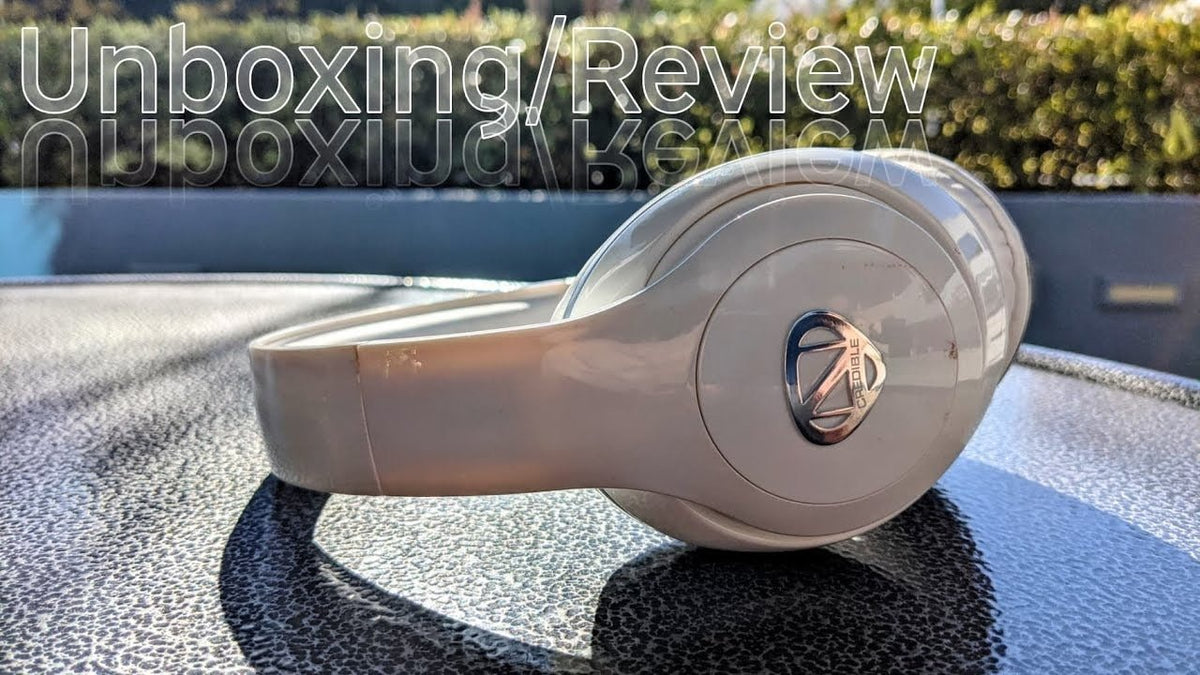
NCredible headphones are not one interchangeable model. NCredible One, NCredible2, and NCredible AX1 use different Bluetooth versions and pairing sequences, so the safest way to set up or troubleshoot a pair is to identify the exact model first.
Quick answer: check the model name on the headphones, packaging, or device label before following pairing instructions. The manuals for NCredible One, NCredible2, and AX1 do not support treating features such as ANC, touch controls, battery life, or button timing as universal across the brand.
Identify Your NCredible Headphones First
Nick Cannon's current official site still links to NCredible headphones, but model-specific setup details belong to the individual product manuals. Three documented over-ear models illustrate why the model name matters.
| Model | Bluetooth pairing | Documented hardware or connection details |
|---|---|---|
| NCredible One / NCredible1 | Power on for 5 seconds, then hold the pairing control for 1 second. Select “Ncredible One”. | Bluetooth 4.0, 3.5 mm wired mode, up to 15 hours of playback, and a 30 ft (9.14 m) stated Bluetooth range. |
| NCredible2 | With the headphones off, hold the power button for 6 seconds. Select “NCredible2”. | Bluetooth 5.0, 40 mm drivers, 3.5 mm aux input, and documented second-device pairing. |
| NCredible AX1 | With the headphones off, hold the power button for 8 seconds. Select “NCredible AX1”. | Bluetooth 4.0, 40 mm drivers, 3.5 mm aux input, and documented second-device pairing. |

How to Pair NCredible Headphones
Use the steps for the model name your phone or computer is expected to display. Button timing is not the same across the documented models.
NCredible One / NCredible1
- Hold the main power control for 5 seconds to turn the headphones on.
- Hold the pairing control for 1 second. The indicator flashes blue and red.
- Open Bluetooth settings on the source device and select Ncredible One.
- When pairing succeeds, the indicator flashes blue slowly.
The NCredible One user guide filed with the FCC also documents automatic reconnection to the most recently paired device and a separate procedure for clearing the stored pairing.
NCredible2
- Turn Bluetooth on at the phone, tablet, or computer.
- With the headphones off, hold the power button for 6 seconds until the indicator flashes red and blue.
- Select NCredible2 from the available-device list.
- A slowly flashing blue indicator confirms the connection.
The NCredible2 manual says to enter 0000 only if the source device asks for a pairing password.
NCredible AX1
- Turn Bluetooth on at the source device.
- With the headphones off, hold the power button for 8 seconds to enter pairing mode.
- Select NCredible AX1.
- The indicator changes to a slow blue flash after pairing.
The NCredible AX1 manual also documents the 0000 password fallback when a device requests one.
Pairing a Second Device
Second-device behavior is documented for NCredible2 and NCredible AX1. The process is not the same as assuming that every NCredible product supports simultaneous playback from two sources.
- NCredible2: pair the second device after re-entering pairing mode, then reconnect the first device from its Bluetooth list.
- NCredible AX1: turn Bluetooth off on the first device, re-enter pairing mode, pair the second device, then reconnect the first.
- Android: both manuals specifically tell Android users to confirm that Call Audio and Media Audio are enabled if the first device does not resume correctly.
These manuals describe switching and call behavior across two paired devices; they do not establish that two sources can play audio at the same time.
If Your NCredible Headphones Will Not Pair
- Confirm the exact model name. “Ncredible One,” “NCredible2,” and “NCredible AX1” are different Bluetooth device names.
- Use the correct button timing. The documented pairing hold varies from 1 second after power-on on NCredible One to 6 or 8 seconds from off on later models.
- Remove a stale Bluetooth entry. If the source device remembers an old connection, forget that entry and repeat the model-specific pairing sequence.
- Watch the indicator. Red-and-blue flashing is the documented pairing state for NCredible2 and AX1; their manuals use a slow blue flash after connection.
- Try wired mode where supported. NCredible One, NCredible2, and AX1 all document a 3.5 mm audio path, which can help separate a Bluetooth problem from a headphone-speaker problem.
Features That Depend on the Exact Model
Do not treat broad NCredible marketing language as a specification sheet for every model. The accessible manuals support different hardware and connection details:
- Bluetooth version: NCredible One and AX1 document Bluetooth 4.0; NCredible2 documents Bluetooth 5.0.
- Playback time: the NCredible One manual states up to 15 hours. The NCredible2 and AX1 documents used here list battery capacity rather than the same 15-hour claim.
- Wired listening: all three manuals document an aux or 3.5 mm connection.
- Controls: the manuals document physical controls for playback, volume, tracks, and calls. They do not support a universal claim that every NCredible headphone uses touch controls.
- ANC and auto-pause: the three manuals reviewed here do not establish these as shared features, so verify the exact product before relying on either one.
Buying or Replacing an Older NCredible Pair
NCredible One documentation dates to the RadioShack-era product line, while NCredible2 documentation carries a 2019 copyright notice. If you are shopping for one now, do not assume that a listing for one model matches another model's manual. Match the exact model name, confirm the charging connector and included cable, and verify the seller's condition and return terms.
If you are replacing an older over-ear pair rather than restoring it, compare cup depth, clamp, microphone needs, and connection type in our over-ear headset fit and buying guide.
NCredible Headphones FAQ
How do I put NCredible headphones in pairing mode?
Check the model first. NCredible One starts pairing after a 1-second pairing-button hold once powered on; NCredible2 uses a 6-second power-button hold from off; AX1 uses 8 seconds from off.
Why do my NCredible headphones show a different Bluetooth name?
Different models advertise different names. The documented device names include “Ncredible One,” “NCredible2,” and “NCredible AX1,” so the name itself can help identify which instructions apply.
Can NCredible headphones connect to two devices?
NCredible2 and AX1 manuals document second-device pairing and switching behavior. That is not the same as simultaneous audio playback, and the procedure differs by model.
Can I use NCredible headphones with a cable?
Yes for the three models covered here. NCredible One, NCredible2, and AX1 manuals each document a 3.5 mm or aux connection for wired listening.

