
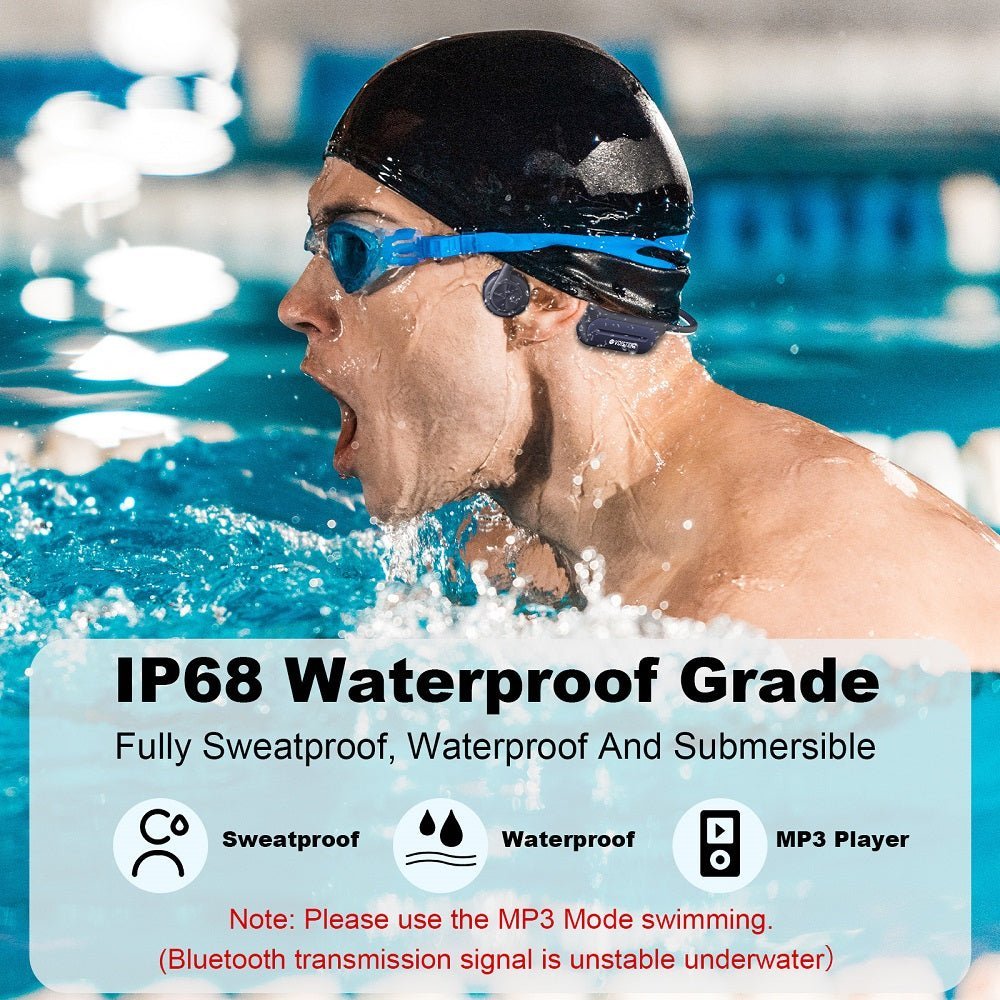
The reliable way to listen to music while swimming is to use a headphone or player designed for submersion with audio stored locally on the device. Normal phone-to-headphone Bluetooth is not a dependable underwater path because water disrupts the radio link.
Practical setup: choose a swim-rated device, load compatible local audio files before entering the pool, switch to MP3 or memory mode, and follow the manufacturer's depth, duration, cleaning and charging guidance.

Why Bluetooth Streaming Fails in the Pool
Bluetooth works well through air at short range, but water absorbs and disrupts the 2.4 GHz radio link used by standard Bluetooth audio. That is why swim-oriented devices often combine Bluetooth for dry-land use with onboard storage for underwater playback.
Shokz explicitly directs OpenSwim Pro users to MP3 Mode underwater, and Wantek gives the same practical guidance for BC3 Pro. Treat Bluetooth as an above-water feature unless the manufacturer documents another underwater transmission method.
Three Ways to Bring Audio Into the Water
| Method | Works while submerged? | Main consideration |
|---|---|---|
| Headphones with onboard MP3 storage | Yes, when the model is designed for swimming and used within its water limits | Load compatible local files before the session |
| Phone-to-headphone Bluetooth | Not reliably | Water disrupts the normal radio path |
| Poolside speaker | The speaker stays out of the water | Not private; audibility varies with pool noise and rules |
A waterproof MP3 player for swimming may be a separate swim-rated player paired with compatible waterproof headphones, or a player built into the headphones themselves. Both approaches need onboard playback rather than a live Bluetooth link to a phone underwater. Before buying, check the water-use instructions for each component, the audio formats and transfer method, and whether the complete setup fits with your goggles and swim cap.
Wantek BC3 Pro: Local Storage for Swim Playback
The current Wantek BC3 Pro page lists IP68 protection, 32GB onboard MP3 storage, Bluetooth 5.3, built-in microphone, 32 g weight and up to six hours of battery life. For swimming, load local files and use the headset's storage rather than depending on a phone connection.
Shokz OpenSwim Pro: Bluetooth on Land, MP3 Underwater
Shokz's current OpenSwim Pro combines Bluetooth for land use with 32GB of integrated storage and MP3 Mode for underwater listening. Shokz also publishes model-specific depth and care guidance, which should be followed rather than inferred from the IP rating alone.
How to Prepare a Swim Playlist
Check supported file formats
Use the model manual or product page. Streaming-app downloads are not automatically transferable local audio files.
Transfer music before the pool
For Wantek BC3 Pro, connect the included magnetic cable to a computer, open the headset's storage drive, copy MP3 files, then safely eject the drive. For other swim headphones, follow the model-specific transfer instructions.
Test local playback while dry
Switch to memory or MP3 mode and confirm the controls before entering the water.
Rinse and dry as directed
After chlorine or salt exposure, follow the manufacturer's cleaning instructions and make sure charging contacts are dry before charging.
Waterproof Ratings Need Product-Specific Context
An IP rating is a protection classification, not a universal permission slip for every pool, ocean or diving depth. Follow the stated immersion depth, duration and environment for the exact model. “Swimming” should not be extended to scuba or deep diving unless the manufacturer explicitly supports it.
Do not charge wet headphones. Dry the device and charging contacts according to the manufacturer's instructions before connecting power.
Volume and Awareness Still Matter
Open-ear or bone-conduction designs leave the ear canal physically open, but music can still reduce attention to instructions, other swimmers, lifeguards or surrounding activity. Keep playback at a level that does not interfere with pool rules or situational awareness.
For the underlying water/Bluetooth distinction, see Bone Conduction Headphones Underwater: Bluetooth vs. MP3.
Frequently Asked Questions
Can I stream Spotify while swimming?
Normal Bluetooth streaming is not dependable underwater. Use compatible local audio files stored on a swim-rated device that supports onboard playback.
Can I take my phone into the pool with a waterproof case and use Bluetooth?
A waterproof phone case does not solve underwater Bluetooth propagation. Keep the phone out of the water and use onboard playback when the headset supports it.
Are all IP68 headphones safe for swimming?
No. Check the manufacturer's exact water-use instructions, including depth, duration, environment and care. The same IP class can appear on products with different operating guidance.
Do I need bone conduction for swimming music?
No, but many current swim headphones use bone conduction because it avoids placing a conventional speaker in the ear canal. The device still needs suitable water protection and local playback.
Compare a Swimming-First Headset
Review BC3 Pro's current storage, water protection and battery information before deciding whether it fits your swim routine.


1 comment
I cannot adjust the volume on my headset to low. When I turn the volume down as low as it will go it turns off. I have paired the headset with my phone and the volume is off on my phone but the music is still too loud. Please advise.