
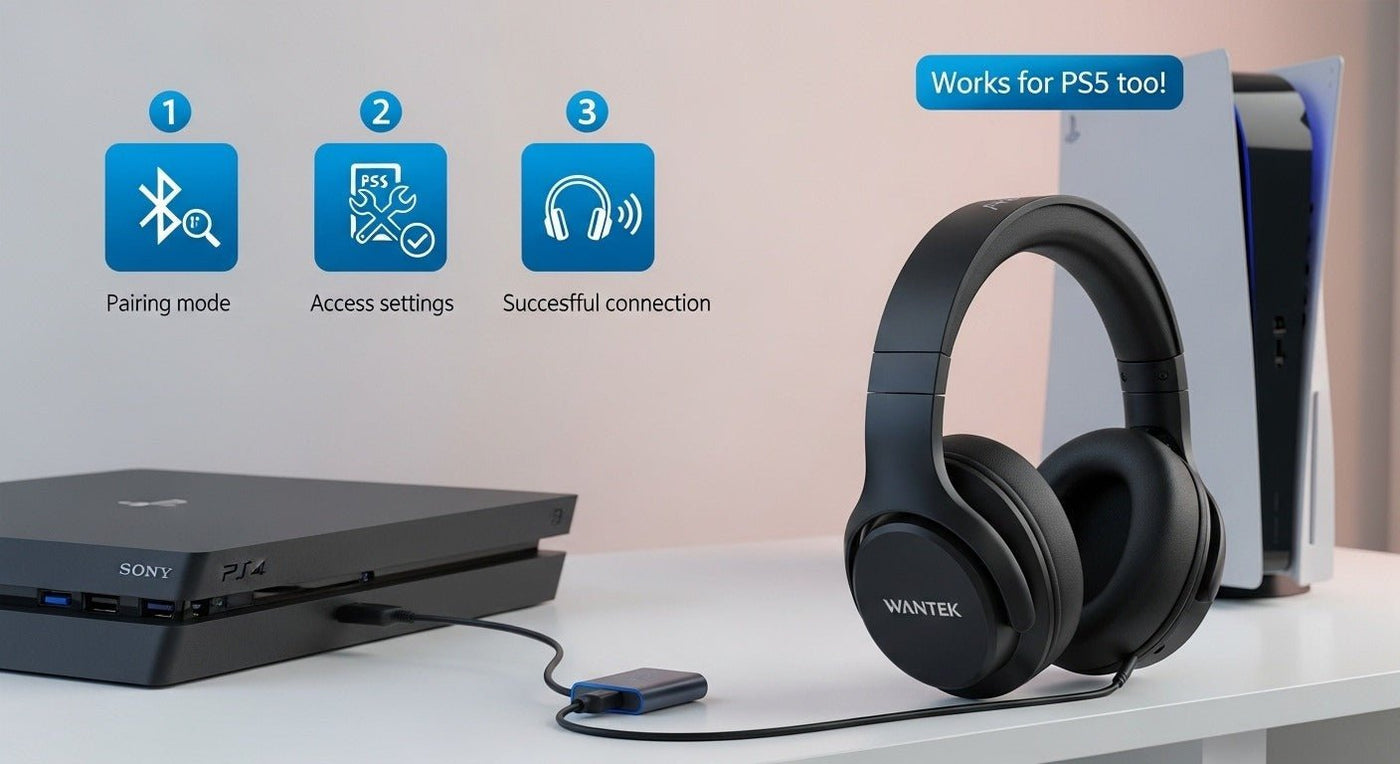
PlayStation’s official PS4 FAQ states that standard third-party Bluetooth headsets are not supported as PS4 headsets, so ordinary Bluetooth headphones usually cannot be used as a direct PS4 game-audio device. The reliable routes are a PS4-compatible wireless headset with its own USB transmitter, a wired headset through the DualShock 4 controller, or a Bluetooth transmitter connected to a supported audio output.
Do not buy a generic PC Bluetooth USB adapter for PS4 and assume it will work. Console audio compatibility depends on how the adapter presents itself to the PS4 and whether it supports both game audio and microphone chat.

Method 1: Use a PS4-Compatible USB Wireless Headset
Gaming headsets designed for PlayStation often use a dedicated USB wireless transmitter rather than ordinary Bluetooth audio. Plug the supported transmitter into the console, then select the headset in the PS4 audio-device settings if it is not chosen automatically.
Method 2: Connect a Wired Headset to DualShock 4
A compatible 3.5 mm TRRS headset can connect to the controller. This provides a simple path for game audio and microphone chat without Bluetooth pairing or a separate battery in the headset.
If you are choosing a headset rather than reusing one, Wantek’s PS4 headset guide explains how to compare controller, USB, and supported wireless connection paths before buying.
Method 3: Use an External Bluetooth Audio Transmitter
A transmitter connected to a compatible TV, optical/audio output or supported USB audio path can send listening audio to Bluetooth headphones. Microphone return is the main limitation: many transmitters are output-only.
| Path | Game audio | Chat mic |
|---|---|---|
| PS4-compatible USB wireless headset | Yes when explicitly supported | Usually yes when headset is designed for PS4 |
| DualShock 4 3.5 mm | Yes | Yes with compatible TRRS headset |
| TV/external Bluetooth transmitter | Often | Usually not through the same path |
| Generic PC Bluetooth dongle | Do not assume support | Do not assume support |
How to Check PS4 Audio Output
After connecting a supported headset, open the PS4 audio-device settings, select the intended input/output device and choose whether all audio or chat audio goes to the headphones. Menu wording can vary with system software and region.
Frequently Asked Questions
Can AirPods connect directly to PS4?
Standard AirPods Bluetooth audio is not a normal native PS4 headset path. Use a compatible transmitter or another supported connection.
Can I use any USB Bluetooth adapter on PS4?
No. A generic PC adapter is not enough; the device must present a PS4-compatible audio path.
Does a Bluetooth transmitter support party chat?
Many do not. Verify microphone return and PS4 support before buying.
What is the simplest PS4 headset connection?
A compatible wired TRRS headset through the DualShock 4 controller is usually the simplest.

