
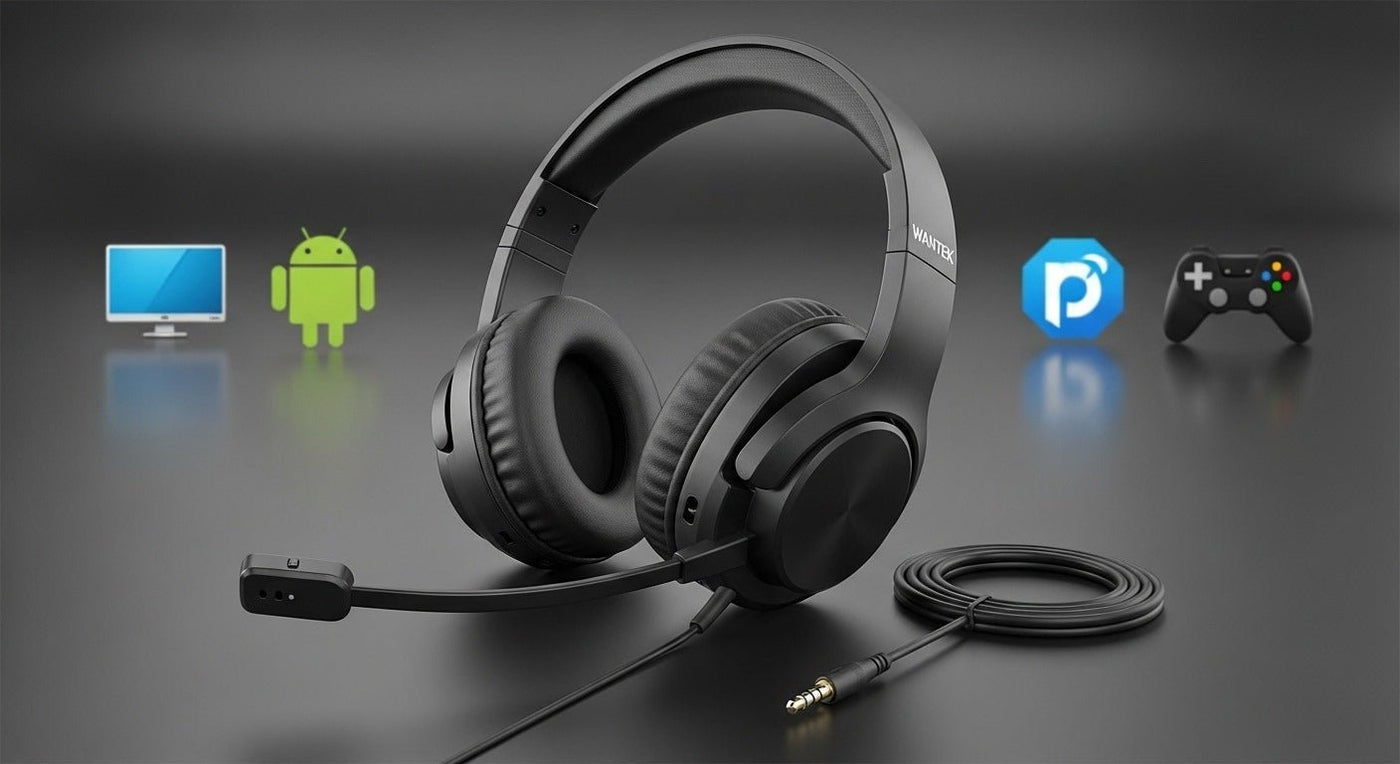
Wired headphones with microphones for PC and Android are mainly a connector problem. PCs may use USB or a 3.5 mm combo jack; modern Android phones commonly use USB-C and may need a digital-audio adapter for 3.5 mm headsets.
Choose the plug first: USB for computers, 3.5 mm TRRS for compatible combo jacks, or a multi-connector headset such as Wantek H602 3-in-1 when you need USB-C, USB-A and 3.5 mm from one wired headset.

| Connection | Typical device | Important check |
|---|---|---|
| USB-A | Desktop/laptop computers | USB audio support and available port |
| USB-C | New laptops and Android phones/tablets | Host supports USB audio and connector function |
| 3.5 mm TRRS | Combo headset jacks, controllers and some phones | TRRS wiring and microphone support |
Wantek H602 3-in-1 for Mixed Devices
The current Wantek H602 3-in-1 provides USB-C, USB-A and 3.5 mm connection options with a boom microphone. It is useful when the same wired work headset moves between computer and compatible mobile or audio-jack devices.
Wantek H600 for USB Computer Calls
The H600 is a single-ear wired USB headset with a boom mic and inline controls. It targets PC calling rather than Android phones that only expose USB-C.
3.5 mm Headsets Need TRRS Support for the Mic
A stereo TRS plug can provide headphone audio but not the same combined microphone connection as a four-contact TRRS headset plug. See Wantek's TRS vs. TRRS guide when the plug fits but the microphone does not work.
Android USB-C Adapters Are Not All the Same
Some Android devices require a USB-C adapter with digital audio conversion. Confirm the phone's audio-accessory requirements before buying a passive dongle.
PCs With Separate Mic and Headphone Jacks
Some desktops have separate 3.5 mm headphone and microphone ports. A single TRRS headset plug then needs a compatible splitter, while laptops commonly use one combo jack. Inspect the icons or PC manual instead of assuming the socket layout.
Frequently Asked Questions
Can I use the same wired headset on PC and Android?
Yes if the headset provides connection options supported by both devices. A 3-in-1 USB-C/USB-A/3.5 mm headset is designed for mixed-port use.
Why does my wired headset play audio but the mic does not work?
The jack may be headphone-only, the plug may be TRS instead of TRRS, or the device may use separate mic/headphone ports.
Do Android phones still have 3.5 mm jacks?
Some do, but many use USB-C. Check the exact phone rather than relying on Android version alone.
Is USB-C audio better than 3.5 mm?
Not automatically. Connector type does not determine microphone or sound quality by itself.
Need One Wired Headset for Multiple Ports?
Check H602 3-in-1 for USB-C, USB-A and 3.5 mm connection options.

