
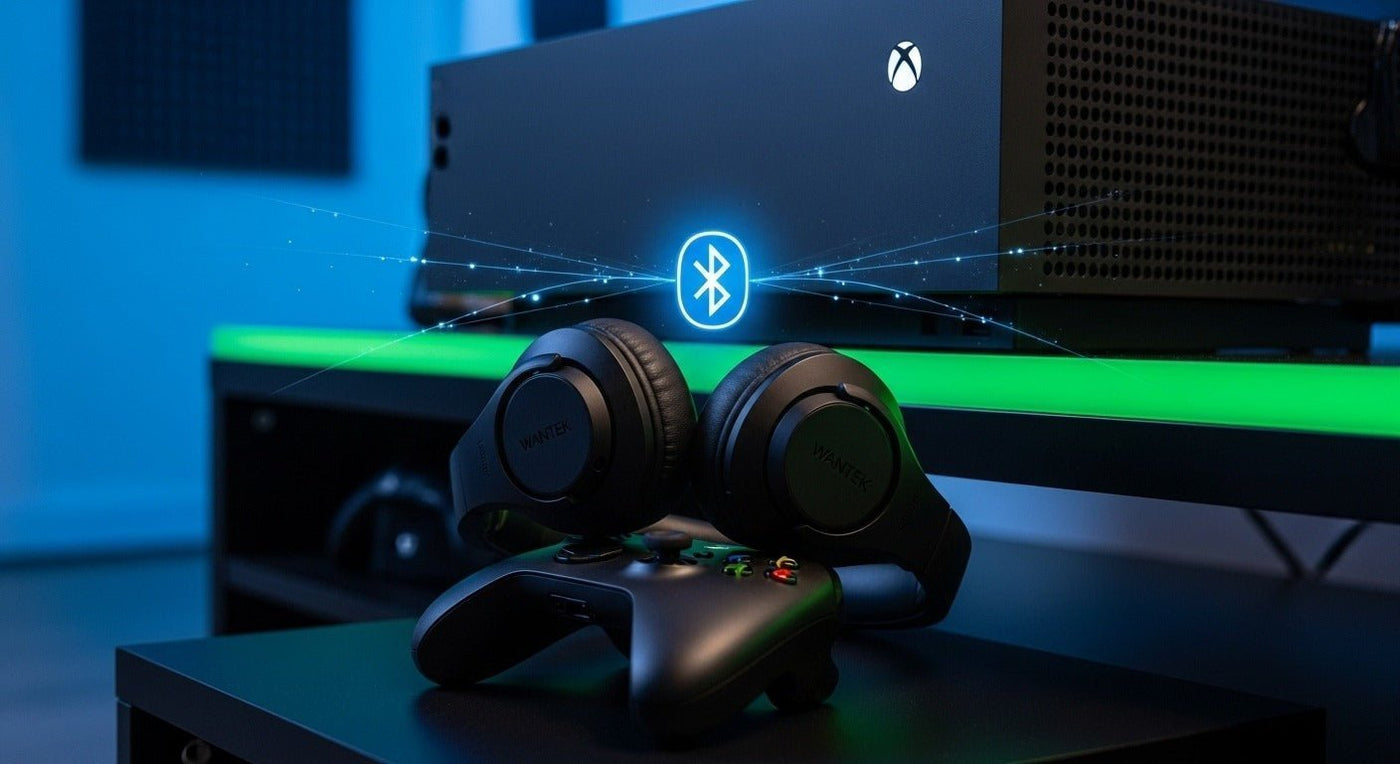
Standard Bluetooth headphones do not pair directly to Xbox One for console game audio. Xbox uses Xbox Wireless for compatible wireless gaming headsets, while a compatible 3.5 mm headset can connect through an Xbox controller. Bluetooth transmitters can provide other audio paths, but microphone and chat support depend on the specific hardware.
Best starting point: use an Xbox Wireless-compatible headset for wireless console audio and chat, or plug a compatible wired headset into the controller. Treat Bluetooth transmitter setups as accessory-specific workarounds.
Why ordinary Bluetooth headphones do not pair directly to Xbox One
Microsoft’s current Xbox Wireless Headset connects to Xbox One and Xbox Series X|S through Xbox Wireless. The same headset also supports Bluetooth for mobile devices and PCs, which is why “Bluetooth headset” and “Bluetooth connection to the console” are not the same thing.
Microsoft also documents the Xbox Wireless Controller as using Xbox Wireless with Xbox consoles while Bluetooth is used for compatible PCs, tablets, iOS, and Android devices.
Your practical Xbox One headset options
| Method | Audio / chat | What to check |
|---|---|---|
| Xbox Wireless headset | Designed for console audio and chat when the headset supports Xbox Wireless. | Explicit Xbox One compatibility. |
| 3.5 mm wired headset | Can provide game audio and chat through a compatible controller/headset combination. | Controller has a 3.5 mm jack; headset plug and mic wiring are compatible. |
| Bluetooth transmitter | Often useful for audio-only listening; chat support varies widely. | Where the transmitter connects, codec/latency, microphone path, and power. |
| TV Bluetooth output | May send game audio from the TV to Bluetooth headphones. | Your TV supports Bluetooth audio output; expect no direct Xbox chat path unless separately configured. |

Option 1: Use an Xbox Wireless-compatible headset
This is the cleanest wireless route when you want game audio and chat without adding a Bluetooth transmitter. The official Xbox Wireless Headset lists compatibility with Xbox One and Xbox Series X|S and can also pair to a phone or PC over Bluetooth.
Option 2: Plug a wired headset into the controller
For a simple, low-latency setup, connect a compatible 3.5 mm headset to a controller that has a stereo headset jack. Microsoft’s current controller documentation identifies the 3.5 mm jack as the wired-headset connection while Xbox Wireless handles the controller’s console connection.
Option 3: Use a Bluetooth transmitter carefully
A transmitter can be useful when you already own Bluetooth headphones, but it is not a universal substitute for an Xbox headset. Some transmitters carry only stereo audio. Others use the controller’s 3.5 mm jack and may have different microphone limitations. Verify game/chat support before buying.
If your main goal is broader Series X|S and Xbox One wireless setup guidance, see Wantek’s Xbox Bluetooth headset setup guide.
Prefer a direct wired gaming connection?
The Voistek V9 Pro is a 3.5 mm wired gaming headset listed for PC, PS5, and Xbox. Verify the controller/device connection you plan to use before ordering.
Frequently asked questions
Can I pair AirPods or other Bluetooth earbuds directly to Xbox One?
Not for standard native console Bluetooth audio. Use an Xbox-compatible headset, a compatible wired controller connection, TV Bluetooth output, or a transmitter whose limitations fit your setup.
Does the official Xbox Wireless Headset use Bluetooth with Xbox One?
It supports Bluetooth for compatible mobile and PC connections, but the console connection uses Xbox Wireless. Microsoft lists Xbox One as a supported console for the headset.
Will a Bluetooth transmitter support Xbox voice chat?
Not necessarily. Audio-only transmitters are common, and microphone routing varies by adapter. Confirm chat support for the exact transmitter and connection method before buying.

