
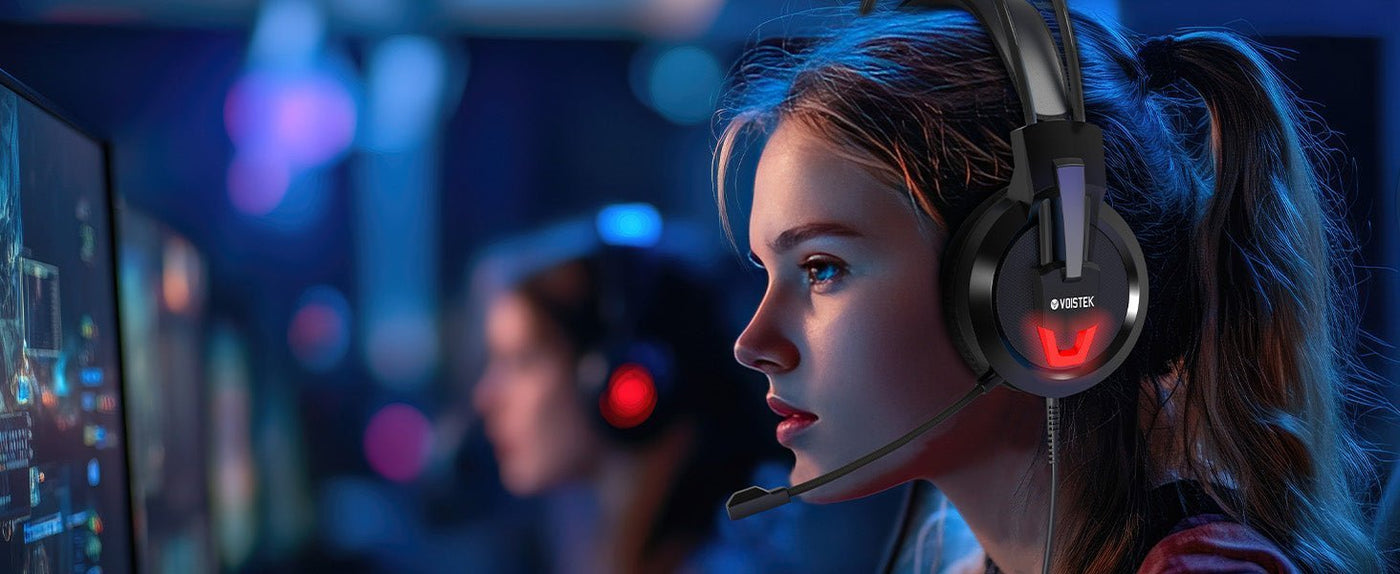
For an Xbox wireless headset, compatibility comes before sound features. A headset that uses Bluetooth with a phone or PC is not automatically a wireless Xbox console headset; the product must support an Xbox-compatible console connection.
Start with the connection path. Confirm Xbox Series X|S or Xbox One support for the exact model and version, then compare microphone controls, game/chat balance, battery life, fit, and cross-device features.

Xbox Wireless and Bluetooth Are Not the Same Connection
Microsoft’s current Xbox Wireless Headset connects directly to compatible Xbox consoles through Xbox Wireless. The same headset also includes Bluetooth for supported PC and mobile use. That combination is useful, but it does not mean every Bluetooth headset can pair to an Xbox console for game audio.
If you are trying to reuse ordinary Bluetooth headphones, the Xbox Series X Bluetooth connection guide explains the supported wireless, controller, and display-based paths before you buy an adapter or replacement headset.
Check the Exact Xbox Connection Before You Compare Features
| Claim or path | What it can mean | What to verify |
|---|---|---|
| Xbox Wireless | Direct console wireless on supported Xbox hardware | The exact headset model and version explicitly list your Xbox console. |
| Xbox-compatible wireless receiver | A headset may use its own supported console wireless path | The receiver and headset variant are specifically listed for Xbox, not only PC or PlayStation. |
| Bluetooth | Often used for phones, tablets, or PCs | Do not treat Bluetooth support by itself as proof of Xbox console game-audio compatibility. |
| Controller 3.5 mm | A wired fallback for compatible headsets | The plug and microphone wiring match the controller headset jack. |
A Current First-Party Reference: Xbox Wireless Headset
Microsoft’s current Xbox Wireless Headset provides a useful reference for what native Xbox wireless integration can include. Microsoft lists Xbox Series X|S and Xbox One support, Bluetooth 5.3 for supported PC/mobile use, a bendable boom microphone, mute control, game/chat balance and volume dials, and up to 20 hours of battery life per charge.
Microsoft also notes that battery life varies with distance from the console, accessories, usage, and other factors. Treat the published runtime as a tested maximum under stated conditions rather than a guaranteed session length.
Microphone Controls Matter More Than a “Noise-Canceling” Label
For party chat, verify the microphone type, mute control, monitoring options, and whether the headset lets you balance game and chat audio. Background-noise processing can help, but a marketing phrase such as “AI noise cancellation” does not tell you how the microphone behaves in your room or with Xbox voice chat.
When possible, run a private party-chat test at a normal speaking volume. Check whether mute status is obvious, whether your voice clips when you get louder, and whether room noise becomes distracting to other players.
Battery Life: Compare the Number You Will Actually Use
Ignore arbitrary “20-hour minimum” rules. A suitable runtime depends on your longest session, charging routine, and whether you can continue playing while charging. Compare the manufacturer’s stated conditions and quick-charge behavior instead of ranking headsets by the largest battery number alone.
Game/Chat Balance and On-Headset Controls
Useful Xbox controls reduce trips into menus. The first-party Xbox Wireless Headset uses separate earcup dials for volume and game/chat balance, along with dedicated pairing and mute controls. Third-party layouts differ, so verify what the Xbox version of the headset actually exposes.
A feature available on the PC version of a headset is not automatically available on the Xbox version. Platform-specific receivers, firmware, apps, and control support can differ even when the product name looks similar.
Cross-Device Support Needs Exact Wording
Some headsets can connect to Xbox and another device, but the method matters. Microsoft’s current headset can connect to Xbox through Xbox Wireless while also pairing with a phone through Bluetooth. Do not generalize that behavior to every “multi-platform” headset.
If PC, mobile, PlayStation, or Switch support matters, read the exact compatibility table for the model and variant. “Wireless gaming headset” is a category label, not a guarantee that one unit supports every console.
How to Pair a Compatible Xbox Wireless Headset
For Microsoft’s Xbox Wireless Headset, Xbox’s current instructions use the hardware Pair buttons rather than a generic Bluetooth settings screen: turn on the headset and console, place the headset into pairing mode, press the console’s Pair button, and wait for the connection indicators to stop flashing. Third-party Xbox-compatible headsets may use a different receiver or pairing procedure, so follow the manufacturer’s instructions for that exact model.
When a Wired Controller Headset Is the Simpler Choice
Wireless is not automatically better. If you do not mind a short cable to the controller, a compatible 3.5 mm headset avoids headset charging and wireless pairing. Microsoft’s Xbox controllers include a 3.5 mm stereo headset jack, and the current Xbox Stereo Headset connects through it.
That wired path can also be a useful fallback when an otherwise attractive Bluetooth gaming headset does not have an Xbox-compatible wireless connection.
Frequently Asked Questions
Can any Bluetooth gaming headset connect wirelessly to Xbox?
No. Bluetooth support for a phone or PC does not by itself prove Xbox console game-audio compatibility. Check for an explicitly supported Xbox connection on the exact model.
Does the Xbox Wireless Headset use Bluetooth with the console?
Microsoft lists Xbox Wireless for the console connection and Bluetooth for supported PC/mobile use. The headset can also pair with a phone while connected to Xbox.
What should I compare after Xbox compatibility?
Compare microphone controls, game/chat balance, fit, single-charge runtime, charging behavior, on-headset controls, and any cross-device features you actually need.
Is a wired Xbox headset still worth considering?
Yes. A compatible 3.5 mm controller headset can be simpler and does not need headset charging. Wireless is most useful when removing the controller cable matters to you.

