
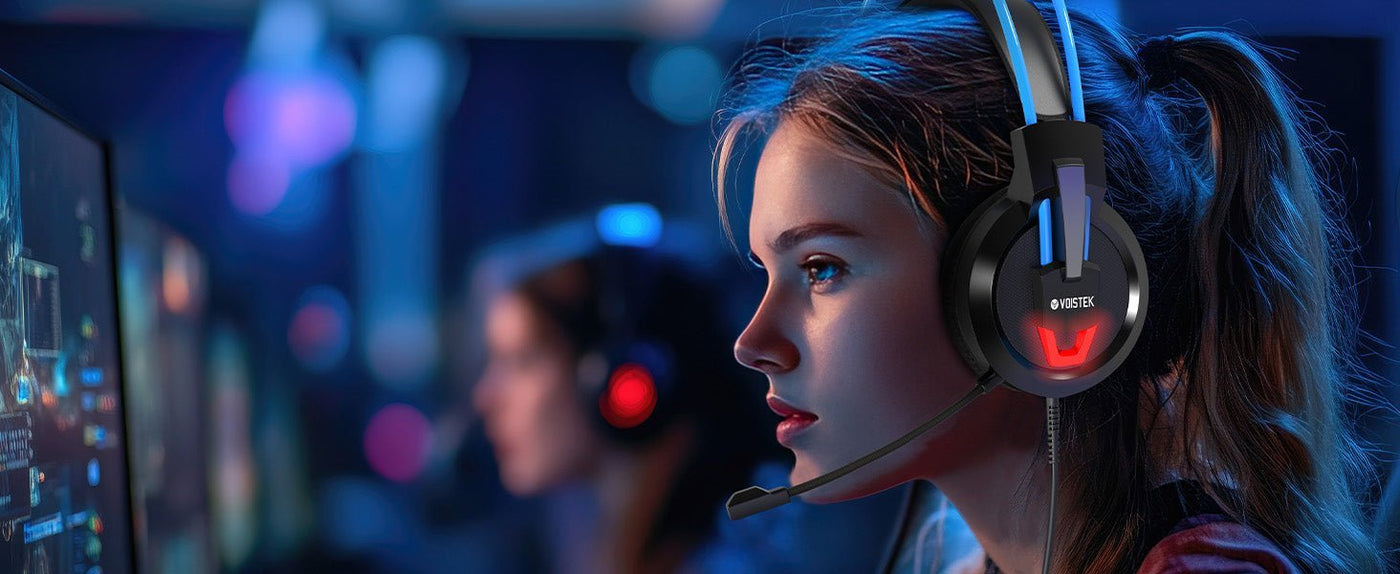
For streaming, the headset microphone is part of the production chain. A headset can sound excellent to you while sending a thin, noisy or heavily processed voice to viewers, so headphone sound and microphone performance should be evaluated separately.
Start with the platform and mic workflow. PC streamers have the widest USB and software options. Console streamers must match the headset to the console’s supported wired or wireless connection. If voice quality is the priority, compare a headset against a separate microphone setup.

| Priority | Why it matters | Check |
|---|---|---|
| Mic clarity | Viewers hear the mic, not your headphone drivers | Boom position, noise processing, sample recordings |
| Monitoring | Prevents shouting and clipping | Sidetone or interface monitoring |
| Connection | Determines platform compatibility | USB, 3.5 mm, dedicated wireless dongle |
| Comfort | Streams can run for hours | Clamp, heat, ear-pad space |
| Mute | Needs to be immediate and obvious | Flip-to-mute or hardware button state |
Headset Mic vs. Separate Mic
A headset microphone is convenient and keeps distance to the mouth consistent. A desktop or boom-arm microphone can offer more placement and processing options but adds desk space, room-noise sensitivity and setup complexity.

USB, 3.5 mm and Wireless
USB headsets can expose both playback and microphone devices directly to a PC. A 3.5 mm headset may connect through a combo jack or controller. Wireless gaming headsets typically use a dedicated USB transmitter rather than generic Bluetooth when low, predictable latency and chat are priorities.

Sidetone Helps Long Sessions
Sidetone feeds some of your own microphone signal back to the headset. That can make speech feel more natural and reduce the tendency to speak too loudly, especially with closed-back earcups.

Software Processing Is Not a Substitute for Mic Placement
Noise gates and suppression can reduce background noise, but aggressive settings can clip quiet syllables. Position the boom correctly and set input gain before stacking software effects.

Test the Full Stream Chain
Make a local recording through the same app, sample rate and noise-processing path used for streaming. Listen for keyboard noise, plosives, breathing and compression artifacts before going live.


Frequently Asked Questions
Do I need a separate microphone for streaming?
No. A good headset mic can be sufficient. A separate mic is useful when you want more control over placement, processing or voice quality.
Is Bluetooth good for gaming streams?
Generic Bluetooth can add latency and may change audio quality during two-way voice use. Dedicated gaming wireless or wired connections are usually more predictable.
What is sidetone?
It is a controlled feed of your own voice into the headset so you can hear yourself naturally while speaking.
Should I use noise suppression?
Use only as much as needed. First fix mic position and gain, then add suppression if room noise remains a problem.

