
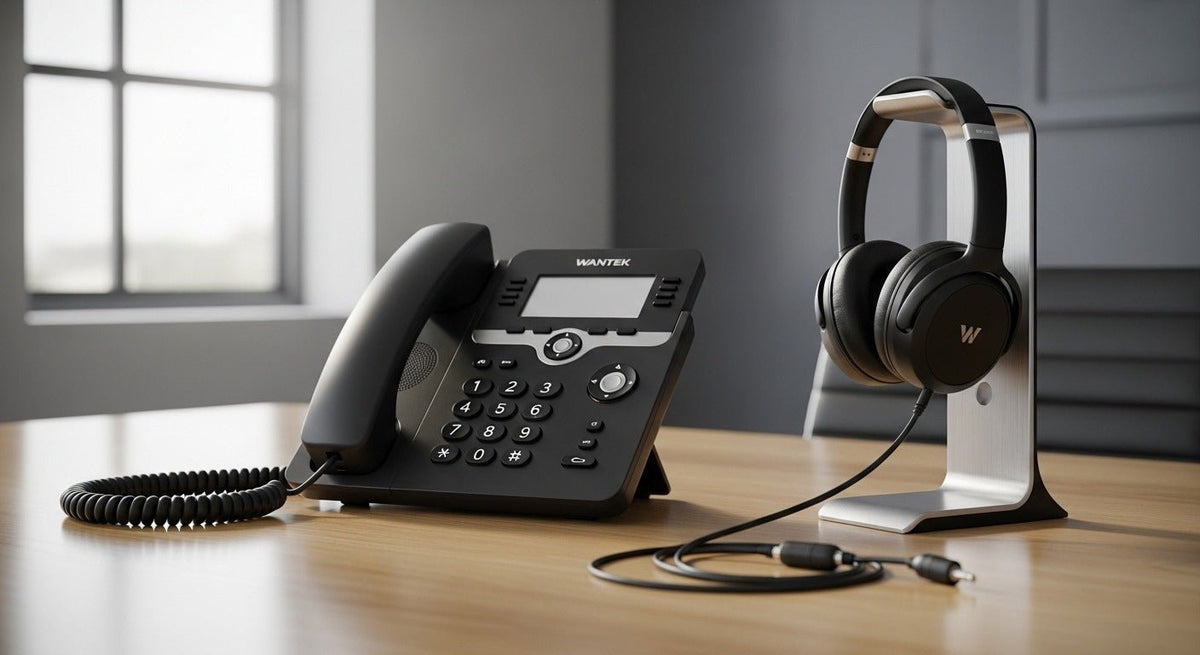
A landline telephone with a headset can be a wired desk phone, a cordless handset with a headset jack, or a phone system connected to a compatible wireless headset. The right setup depends on your exact phone model, the supported connection, and how you want to take calls.
Quick answer: Choose the phone and headset as one compatible system. Check the full phone model, headset port or pairing method, microphone support, and whether you need to answer calls from the headset. A phone with a headset jack does not necessarily include a headset.
Five Ways to Use a Headset with a Landline Telephone
These are connection setups, not a ranking of specific phone models. They cover different needs and are not interchangeable.

1. Desk phone with a dedicated RJ-style headset port
Many office desk phones have a modular headset port for a wired mono or dual-ear headset. This can be a practical fixed-desk choice because the headset does not need charging or wireless pairing.
Before ordering, match the complete phone model and the headset's wiring. RJ-style plugs can look alike while using different pin assignments. Wantek offers RJ1, RJ2, and RJ4 variants for different supported phones; the plug shape alone is not enough to choose among them. After confirming compatibility, compare Wantek RJ9 desk-phone headsets.
2. Corded landline phone with a 2.5 mm headset jack
If you're buying a corded telephone with a headset jack, check the manual for a port labeled HEADSET, the plug size, and microphone support. The AT&T ML17929 manual shows a 2.5 mm headset jack on the right side of the telephone base. It specifies a compatible corded telephone headset, sold separately.
Do not assume that any 2.5 mm headset will work, or that a generic RJ9-to-2.5 mm adapter will solve a mismatch. Verify the phone and headset combination before comparing 2.5 mm phone-headset options.
3. Cordless telephone handset with a headset jack
If you need to walk around during calls, look for a cordless handset with a jack on the handset itself. For example, the AT&T MS2025 handset manual shows a 2.5 mm headset jack on the side of the handset. The handset connects wirelessly to its base, and you carry it with you while the wired headset is plugged in.
Check the exact handset model, not just the base-station name. Jack availability, microphone compatibility, and call controls can differ within the same cordless-phone family.

4. Cordless phone system that supports a dedicated wireless headset
Some cordless telephone systems let a specific wireless headset register with a compatible base. That can provide a hands-free calling setup without keeping a handset in your pocket.
DECT is a wireless telephone technology, not a guarantee that any DECT headset will pair with any DECT phone. Confirm the headset models the phone manufacturer supports, whether the headset is sold separately, and whether answer, end, and mute controls work in that combination.
5. Office desk phone connected to a wireless headset base
A professional wireless headset may connect to its own base, which then connects to a compatible desk phone. The phone-to-base connection can require a specific cable or accessory. Remote answer and end controls may require a supported electronic hookswitch (EHS) cable or handset lifter.
This setup suits users who need to move away from the desk during calls, but it has more compatibility checks than a direct wired connection. Verify the phone, headset base, cable, and call-control functions as one system. For example, Cisco's 6800 Series accessory guide identifies which phone models support electronic hookswitch headsets.
How to Choose the Right Phone-and-Headset Combination
- Record the exact phone model. Include the handset model if you are using a cordless system.
- Identify the supported connection. Look for a documented headset port, compatible wireless pairing, or a manufacturer-supported base or adapter. A handset port is not automatically a headset port.
- Check audio and call controls separately. Confirm that you can hear and be heard, then verify mute, volume, and remote answer/end where needed.
- Choose your working style. A wired mono headset leaves one ear open; a dual-ear style provides call audio to both ears. A wireless headset adds movement but may need charging and extra accessories.
- Test before buying several units. Place an incoming and outgoing call on the exact phone-and-headset combination you plan to use.
If you already have a desk phone, start with Wantek's desk-phone headset compatibility guide rather than buying from the connector's appearance.
Common Compatibility Mistakes
- Confusing a phone-line jack or handset port with a dedicated headset port.
- Assuming all modular RJ-style plugs have matching wiring.
- Assuming a Bluetooth-enabled phone accepts any Bluetooth headset.
- Assuming a cordless DECT handset can register any third-party DECT headset.
- Assuming an audio connection guarantees headset-button call control.
- Buying a USB computer headset for a landline phone that has no documented USB-headset support.
Landline Telephone with Headset FAQ
Does a landline telephone with a headset jack include a headset?
Not necessarily. A headset-ready phone may be sold without a headset, cable, or wireless base. Check what is included and verify compatibility before ordering accessories.
Can I use a Bluetooth headset with my landline phone?
Only if the phone or a compatible accessory supports the required Bluetooth headset connection. Bluetooth availability on its own does not establish headset pairing or call-control support.
Can I connect a USB headset to a landline telephone?
Only on a phone that explicitly supports USB audio headsets. A USB port for power, service, or other accessories is not sufficient evidence of compatibility.
Is an RJ9 headset compatible with a 2.5 mm headset jack?
Not by default. These are different connections, and an adapter only helps when the phone, headset, wiring, and adapter are specifically compatible.
Can I answer a call remotely from a wireless headset?
That depends on the phone and headset system. Some combinations support native remote call control; others need an approved EHS cable or handset lifter.
Check Your Phone Before Choosing a Headset
Find the exact phone model and supported connection first, then choose a compatible wired or wireless setup.

