
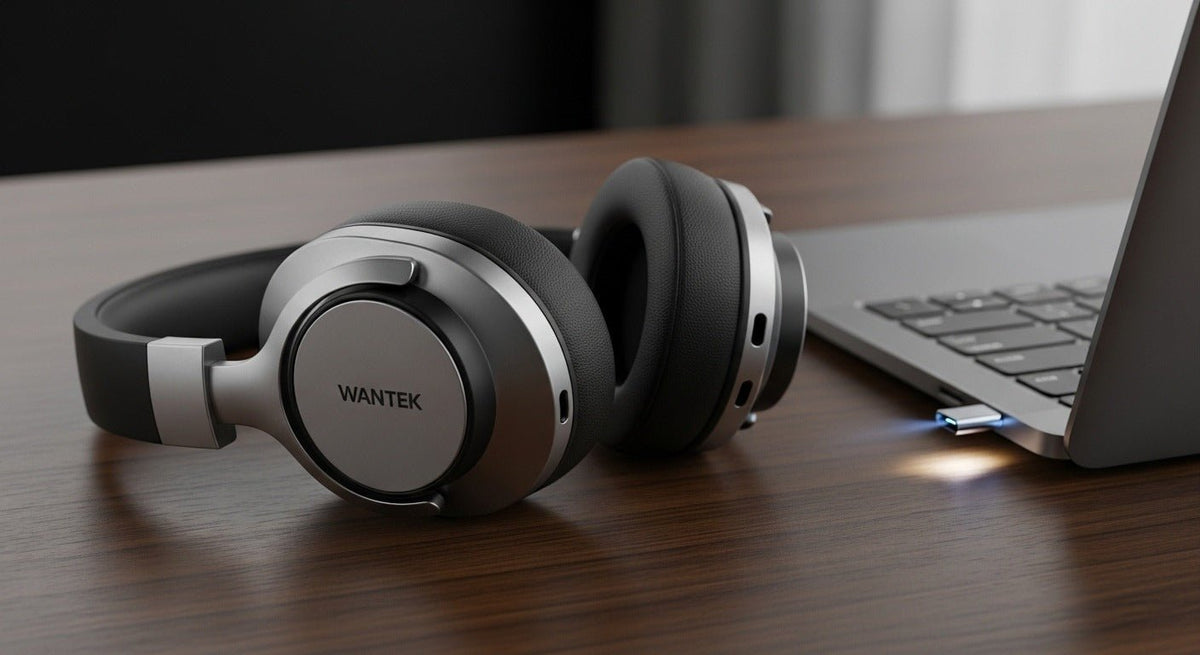
Most wireless headphones work by receiving digital audio over a short-range radio connection, usually Bluetooth. A phone, computer, or other source sends the audio data; electronics inside the headphones decode it and drive the speakers. A built-in battery powers the process, so no audio cable is needed between the two devices.
How wireless headphones turn a signal into sound
With a typical Bluetooth connection, the path from a song or video to your ears has five parts:
- Pairing establishes the connection. You put the headphones in pairing mode, select them in your phone or computer's Bluetooth settings, and the devices exchange the information needed to connect. On later uses, they can often reconnect automatically.
- The source prepares the audio. Your device processes the digital audio and encodes it with a supported audio codec. The source and headphones must agree on a compatible codec; a format supported by only one side cannot be used for that connection.
- A radio link carries the data. The source transmits packets over Bluetooth's short-range radio connection. The headphones receive the packets and assemble the audio stream. Walls, distance, interference, and the devices' radio designs can affect stability.
- The headphones produce sound. Their electronics decode the stream, convert the digital samples into an electrical audio signal, and amplify it. The headphone drivers move air to create the sound you hear.
- A microphone can send audio back. During calls, a headset microphone captures your voice and sends encoded audio to the connected device. Calling and music playback can use different Bluetooth audio profiles, which helps explain why sound quality or behavior sometimes changes when the microphone becomes active.
For traditional Bluetooth audio, the Advanced Audio Distribution Profile (A2DP) handles music streaming while hands-free profiles support calling. These are distinct functions rather than a guarantee that every headset will offer identical call and music performance.

Do all wireless headphones use Bluetooth?
No. Wireless describes the absence of an audio cable to the source; Bluetooth is one way to transmit the audio.
- Bluetooth headphones connect to a compatible phone, tablet, computer, or transmitter without requiring a dedicated receiver in many common setups.
- Headphones with a USB wireless receiver may use a dedicated 2.4 GHz radio connection instead of Bluetooth. These are common in PC and gaming setups. Other USB adapters are simply Bluetooth transmitters, so check the product's specified connection type.
- Specialized wireless headsets may use other systems, such as DECT in some office-phone installations. The headset and its base or receiver must be compatible.
If you are connecting headphones to a laptop or desktop, our wireless headphones for PC guide compares Bluetooth, USB receivers, and the practical tradeoffs for calls and gaming.
Do wireless headphones need Wi-Fi or internet?
A normal Bluetooth headphone connection does not need Wi-Fi or internet access. If you play audio already stored on your phone, Bluetooth carries it directly to the headphones. If you stream music from an online service, the phone needs a network connection to fetch the music, but the final link from phone to headphones can still be Bluetooth.
Some home-audio products use Wi-Fi for streaming, but that is a different connection design. The radio used by the headphones and the internet connection used by an app are separate questions.
What are Bluetooth Classic Audio and LE Audio?
Many wireless headphones use Bluetooth Classic Audio for music and calls. Bluetooth LE Audio is a newer audio architecture built on Bluetooth Low Energy. LE Audio uses the LC3 codec and supports features such as more flexible audio streams and, on supported products, broadcast audio.
LE Audio is not an automatic benefit of every product advertised with Bluetooth 5.2 or a later Bluetooth version. The source, headphones, and relevant software must support the required LE Audio features. The Bluetooth SIG's LE Audio specifications describe the underlying architecture and profiles.
Why can wireless audio lag, cut out, or change during calls?
Wireless playback takes time to encode, transmit, buffer, decode, and play. That delay is called latency. Its size depends on the devices, codec, connection design, and software; a newer Bluetooth version alone does not prove a specific low-latency result.
Dropouts have different causes. A weak battery, greater distance, obstructions, crowded radio conditions, or a competing connection can interrupt reception. If audio changes when you join a meeting, the headset may be switching from a music-streaming mode to a call mode that handles microphone audio as well.
Start troubleshooting by checking battery charge, staying near the source, and confirming which input and output devices your calling app uses. If the connection keeps failing, follow the pairing or reset instructions for that exact headphone model rather than assuming all brands use the same button sequence.
What should you check before choosing a wireless connection?
Match the connection to your source and activity before comparing advertised features. For phone listening, Bluetooth support on both devices is usually the starting point. For PC gaming, examine receiver requirements and measured latency under the intended setup. For work calls, confirm microphone behavior, compatibility with the calling app, and whether you need to switch between a laptop and phone.
Pairing with multiple devices is not the same as multipoint, which allows a supported headset to maintain connections to more than one source. Neither feature necessarily means audio from two sources can play at once.
Comparing wireless headsets for work calls?
Start with the connection your phone or computer supports, then check the microphone and switching requirements for your setup.
Frequently asked questions
Are wireless headphones and Bluetooth headphones the same?
Not always. Bluetooth headphones are wireless, but some wireless headphones use a dedicated USB receiver or another radio system. Check the model's connection specification before pairing or buying an adapter.
Can wireless headphones connect to two devices at once?
Some Bluetooth headsets support multipoint connections. Others remember several paired devices but actively connect to only one at a time. Simultaneous audio mixing is a separate capability and should not be assumed.
Do wireless headphones work without a phone?
They need a compatible audio source, but it does not have to be a phone. A computer, TV transmitter, or supported USB receiver can send audio. The required source depends on the headset's wireless technology.

