
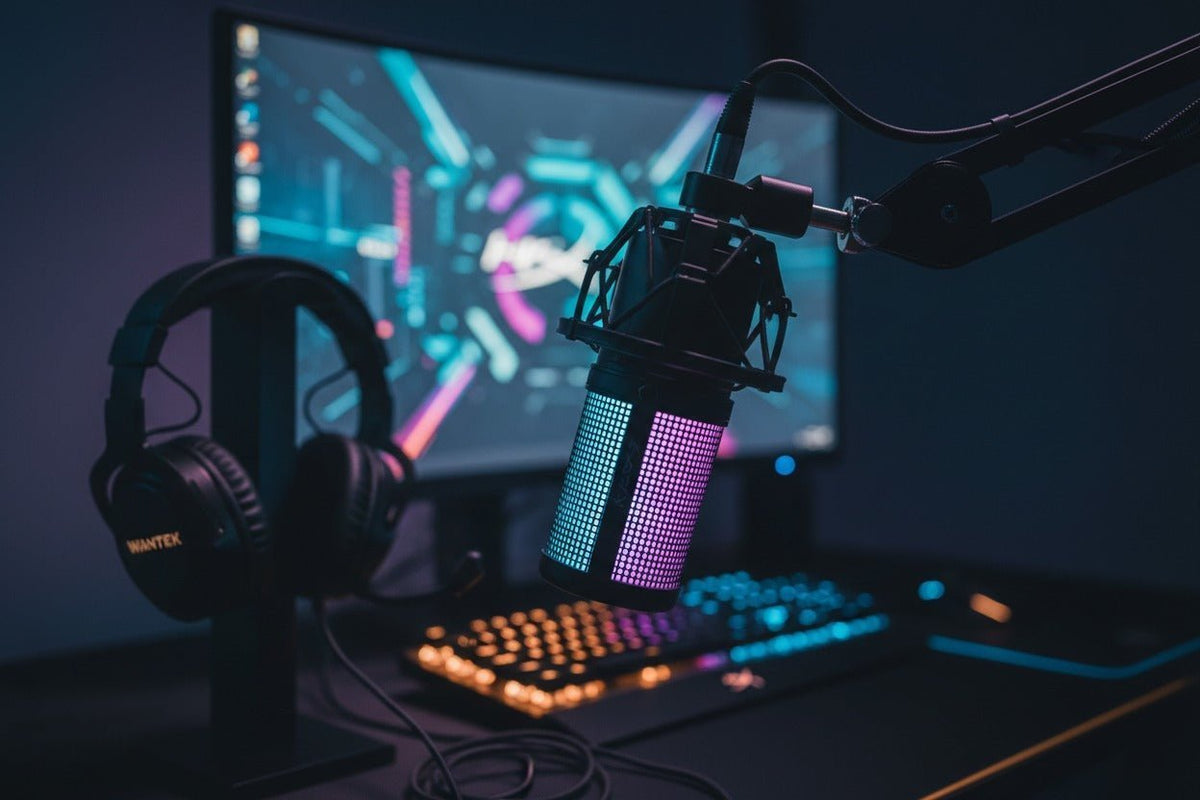
The best PC microphone is the one that fits your actual workflow. A gamer who wants simple USB setup, a streamer who needs direct monitoring, and a podcaster planning an XLR upgrade do not need the same microphone. Start with connection type, pickup pattern, room conditions, monitoring, and controls before comparing extra features.
How this guide is built: This is a specification-based buying guide, not a hands-on microphone ranking. The models below were compared using current manufacturer documentation checked in September 2026.
Fast rule: USB is the simpler starting point when direct PC use is the priority. Hybrid USB/XLR microphones make more sense when you want direct PC use now and the option to add an audio interface or mixer later.

Quick Comparison: Five Current PC Microphones
These five models cover distinct PC-audio workflows rather than pretending there is one universal winner. Prices and availability can change, so the comparison focuses on connection, microphone design, monitoring, controls, and upgrade path.
| Microphone | Consider it for | Key workflow details |
|---|---|---|
| Shure MV6 | USB-first gaming, streaming, and voice chat | Dynamic capsule; USB-C; 3.5 mm monitoring; tap-to-mute; onboard DSP features |
| HyperX QuadCast 2 S | Multi-pattern recording and RGB-focused desktop setups | Condenser; USB-C; 3.5 mm output; cardioid, omni, bidirectional, and stereo patterns |
| Razer Seiren V3 Mini | Compact PC gaming, chat, and simple streaming setups | 14 mm condenser capsule; USB-C; supercardioid pattern; tap-to-mute |
| Shure MV7+ | Creators who want USB now and an XLR path later | Dynamic; USB-C and XLR; 3.5 mm monitoring; DSP and touch-panel controls |
| RØDE PodMic USB | Speech-focused streaming or podcasting with a hybrid signal path | Dynamic; USB-C and XLR; onboard DSP; headphone output with zero-latency monitoring |
What Matters More Than a “Best” Label
USB vs. XLR: choose the workflow first
A USB microphone contains the digital connection needed to send audio directly to a computer, which keeps the setup compact. An XLR-only microphone normally needs an audio interface or mixer between the mic and PC. Hybrid models provide both paths. RØDE’s USB-versus-XLR overview describes the same basic trade-off: USB prioritizes simplicity, while XLR is useful when you want a more modular signal chain or multiple inputs.
Do not treat XLR as an automatic sound-quality upgrade. The result also depends on the microphone, placement, room, interface or preamp, gain, processing, and the application receiving the signal. For a single voice at a PC, a well-matched USB microphone can be the more practical system.
Dynamic vs. condenser: room and placement still matter
Dynamic and condenser microphones use different transducer designs, but the category alone does not tell you which model will sound better in your room. Directionality, speaking distance, gain, desk reflections, keyboard placement, and software processing can change the result substantially.
A dynamic microphone is often attractive for close speech because many models are designed to be used near the voice. A condenser can be useful when you want a more sensitive capture system or multiple polar patterns. Treat those as workflow tendencies, not universal performance rules.
Polar pattern controls where the microphone is most sensitive
Cardioid microphones emphasize sound arriving from the front and reduce pickup from other directions. Supercardioid is narrower at the front but also has some rear sensitivity, so placement matters. Omnidirectional picks up around the microphone, while bidirectional focuses on the front and rear. Shure’s polar-pattern guide is a useful reference when positioning a microphone around a monitor, keyboard, speakers, or another person.

Monitoring, mute controls, and software affect daily usability
A headphone output can let you monitor through the microphone rather than routing everything back through the PC. A physical or touch mute control can be valuable during calls and streams. Software may add gain control, mixing, EQ, denoising, compression, lighting, or firmware settings, but those features vary by model and operating system.
If you would rather combine headphones and voice capture in one device, a standalone desktop microphone may be unnecessary. Wantek’s PC gaming headset guide with integrated microphones covers that alternative workflow and the headset-mic features worth checking.
Five PC Microphones to Compare
Shure MV6: USB-first controls for gaming and streaming
The Shure MV6 is a dynamic USB gaming microphone with USB-C output, a 3.5 mm headphone output for real-time monitoring, and tap-to-mute. Shure also lists Auto Level Mode, Digital Popper Stopper, and a real-time denoiser in its MOTIV Mix software workflow.
Consider it when: you want a current USB microphone built around close voice capture and software-assisted control without planning an XLR signal chain. Its main boundary is equally clear: the MV6 is a USB-first model, so choose a hybrid option if XLR is part of your upgrade plan.
HyperX QuadCast 2 S: four polar patterns in one USB microphone
The HyperX QuadCast 2 S uses three condenser capsules and provides four selectable patterns: cardioid, omnidirectional, bidirectional, and stereo. HyperX lists USB-C connectivity, a 3.5 mm headphone output, tap-to-mute, an included shock mount and stand, and NGENUITY software support.
Consider it when: one microphone may need to cover solo voice, a two-sided conversation, room pickup, or stereo recording. If you only need close solo speech, the extra patterns and lighting may add features you do not actually use.
Razer Seiren V3 Mini: compact supercardioid USB capture
The Razer Seiren V3 Mini is an ultra-compact USB microphone with a 14 mm condenser capsule, supercardioid pickup, a tap-to-mute sensor, built-in shock absorption, and a tiltable desktop stand. Razer’s support documentation lists USB-C as the device connection.
Consider it when: desk space and a simple gaming, chat, or streaming workflow matter more than a long feature list. Its focused pickup still depends on correct aim and placement; a directional pattern is not a substitute for positioning the mic relative to your mouth, keyboard, speakers, and room noise.
Shure MV7+: hybrid USB-C and XLR for a staged upgrade path
The Shure MV7+ is a dynamic microphone with both USB-C and XLR outputs. Shure lists a 3.5 mm headphone jack, touch-panel mute control, Auto Level Mode, real-time denoising, Digital Popper Stopper, and settings through MOTIV Mix.
Consider it when: you want to connect directly to a PC now but may later move the same microphone into an interface or mixer. If you know you will remain USB-only, compare whether the hybrid connection and deeper software features justify the extra complexity for your use.
RØDE PodMic USB: hybrid dynamic speech mic with direct monitoring
The RØDE PodMic USB combines analog XLR and digital USB-C connectivity in a dynamic microphone. RØDE lists onboard APHEX processing, a headphone output with level control and zero-latency monitoring, an internal pop filter and shock mount, and an included external pop filter.
Consider it when: your PC use centers on spoken content and you want both direct USB operation and an XLR route for a future interface or mixer. Plan the mounting position as part of the purchase, because a speech microphone is most useful when you can keep it in a consistent position without blocking your screen or controls.
Set Up a PC Microphone Without Guesswork

There is no single gain number or mouth-to-microphone distance that works for every model, voice, room, and app. Use the microphone manufacturer’s positioning guidance, then verify the result on your own PC.
Connect the microphone and select it as the input
For USB, connect the mic directly to a compatible PC port or required adapter. For XLR-only microphones, connect through a compatible audio interface or mixer before the PC.
Run the Windows microphone test
Microsoft’s microphone setup instructions use Settings > System > Sound > Input. Select the mic, start a test, speak normally, play the sample back, and adjust input volume if needed.
Aim the correct side of the microphone at your voice
Identify the model’s pickup direction and place the mic according to its manual. Move it closer or farther while listening to the recorded result instead of applying one universal distance to every microphone.
Check mute, monitoring, and optional processing
Confirm what the hardware mute control actually mutes, whether the microphone offers direct headphone monitoring, and which settings require companion software. Add denoising or other processing only after the basic input and placement are working.
Test inside the application you actually use
Record a short sample in your streaming, game-chat, meeting, or recording app. Listen for plosives, clipping, keyboard noise, fan noise, room reflections, and level changes, then adjust placement and gain before adding more processing.
Frequently Asked Questions
Is USB or XLR better for a PC microphone?
Neither connection is automatically better. USB is simpler for direct PC use; XLR is useful for modular interfaces, mixers, or multi-input systems. Hybrid microphones support both workflows.
Is a dynamic microphone always better in a noisy room?
No. Dynamic design can suit close speech, but room noise also depends on pickup pattern, distance, gain, placement, reflections, and processing. Compare the complete setup, not the transducer label alone.
Do I need 24-bit/96 kHz or 32-bit/192 kHz for gaming?
Not necessarily. Higher capture specifications do not guarantee clearer game chat or streams. Microphone placement, gain, room conditions, processing, and the voice application still affect the transmitted result.
Can I plug an XLR microphone directly into a PC?
An XLR-only microphone normally needs an audio interface or mixer that converts its analog signal for the computer. A hybrid USB/XLR microphone can connect by USB when supported.
Should I buy a standalone microphone or a headset with a mic?
A standalone mic gives you more freedom to position or upgrade voice capture. A headset combines playback and microphone functions in one wearable device, which can simplify calls and gaming.
Prefer a Headset with a Built-In Microphone?
A separate desktop microphone is not the simplest fit for every PC setup. If you want headphones and a boom mic in one device, compare Wantek PC headsets by connector, wearing style, controls, and current model specifications.

