
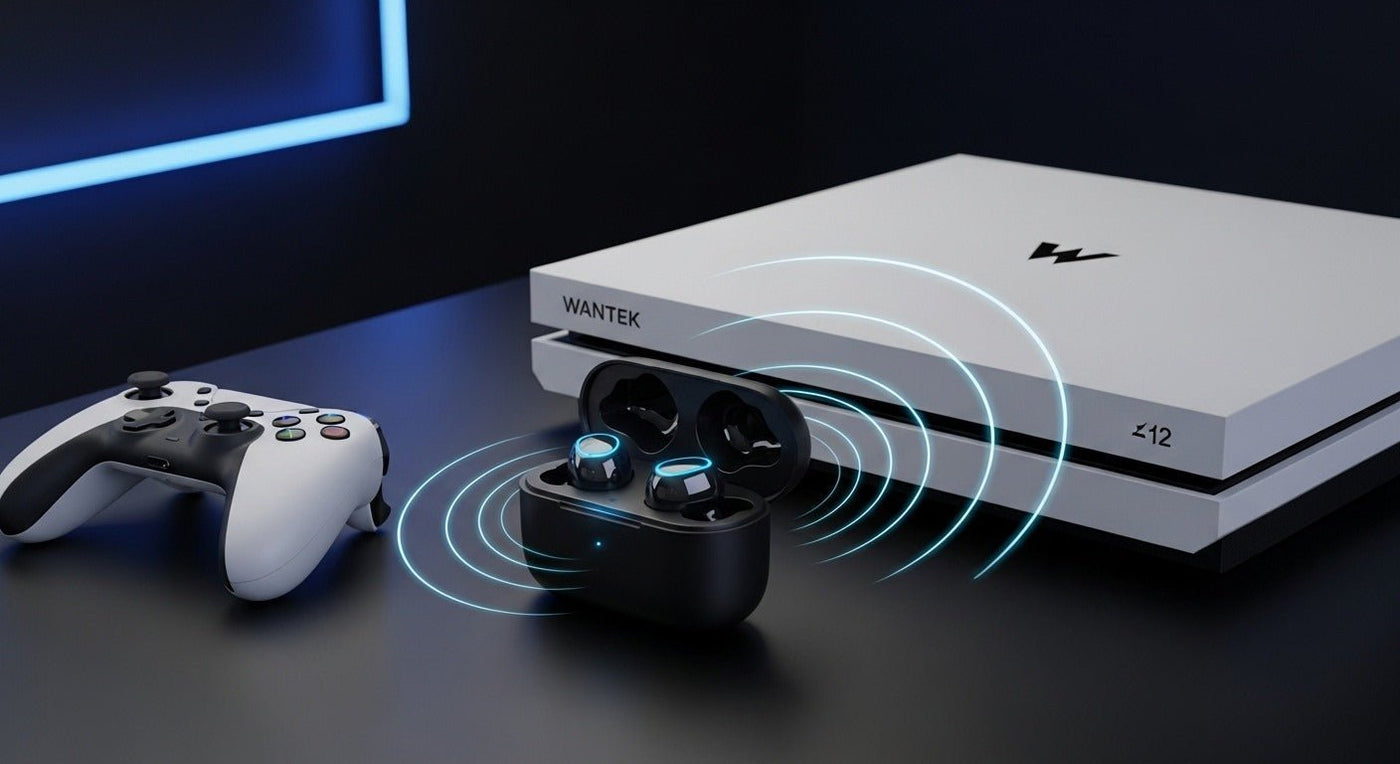
The PS5 does not treat ordinary Bluetooth earbuds like a phone does. For Sony’s own PULSE Explore earbuds, PS5 console audio uses the included PlayStation Link USB adapter, while Bluetooth is used for compatible mobile devices.
For PS5: prioritize a console-supported USB or PlayStation Link connection. Do not buy earbuds only because they say “Bluetooth.”

Why Bluetooth alone is not the compatibility test
PlayStation’s support instructions tell PULSE Explore users to connect to PS5 through the PlayStation Link USB adapter. The earbuds can separately pair to a mobile device over Bluetooth.
See PlayStation’s accessory setup documentation for current connection steps.
Three ways to use earbuds with PS5
| Method | Use | Check |
|---|---|---|
| PlayStation Link | Supported Sony gaming audio devices. | Required USB adapter and model support. |
| USB wireless adapter | Third-party gaming earbuds/headsets. | Explicit PS5 compatibility and chat support. |
| TV Bluetooth | Audio-only route through a compatible TV. | Latency and no direct PS5 chat path. |

Latency and microphone support
Gaming audio and voice chat need more than stereo playback. Verify the adapter/headset supports PS5 microphone input and not just audio output.
For more detail on console audio workarounds, see Wantek’s AirPods-to-PS5 guide.
Start With the PS5 Connection Method
Do not assume that ordinary Bluetooth earbuds will provide the same experience as a headset or earbuds designed around a supported USB wireless path. Check how the exact product connects to PS5, whether microphone input is supported, and whether any transmitter or receiver is required.
Separate game audio from chat
A setup can deliver game sound while microphone or party-chat behavior remains limited. Test both output and input, then check latency during gameplay.
PS5 Earbud Checklist
- Connection method
- Microphone support
- Chat and game mix controls
- Latency
- Battery runtime
- Charging while using the console
Frequently asked questions
Can AirPods pair directly to PS5?
Not as a normal native PS5 Bluetooth-audio device. A supported USB adapter, TV audio route, or other workaround is needed.

