
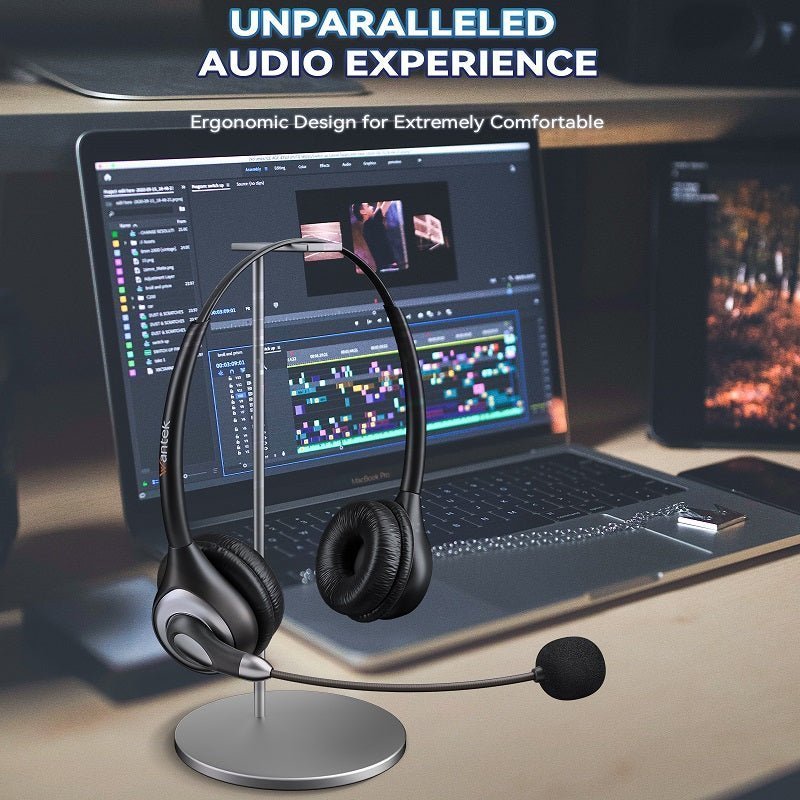
Plug-in headphones avoid wireless pairing and batteries, but they do not all use the same signal path. A 3.5 mm headset, USB-C headphone and USB office headset can behave very differently even though all are wired.
Quick take: Plug-in headphones can use analog 3.5 mm, digital USB-C or USB computer audio. Match the connection before comparing sound or price.

| Connection | Typical use | Check |
|---|---|---|
| 3.5 mm TRS | Music | Headphone output |
| 3.5 mm TRRS | Calls/gaming | Mic wiring |
| USB-C | Phones/laptops | Digital audio support |
| USB-A | PC/office | OS and app support |
Wired Does Not Mean Universal
Connector shape and signal type both matter. A plug can fit while microphone support still fails. If you are choosing between digital USB and an analog jack, compare the USB and 3.5 mm headset guide.

Microphone Controls Need Compatibility
Inline mute and volume behavior can vary across phones, laptops and controllers.

Adapters Add Another Layer
USB-C and Lightning dongles may include DAC and microphone conversion; match them to the source.

Cable Design Matters
Length, strain relief and replaceable cables affect daily reliability more than marketing labels.


Frequently Asked Questions
Are wired headphones lower latency?
They avoid Bluetooth transmission latency, though device processing can still add delay.
Can a 3.5 mm headset mic work on a laptop?
Yes when the laptop has a compatible TRRS combo jack.
Does USB-C guarantee audio?
No. Both device and accessory must support compatible USB-C audio.
Match the Headset to Your Device
Not sure whether your setup needs 3.5 mm, USB-C or USB-A? Start with the device and connection you actually use.

