
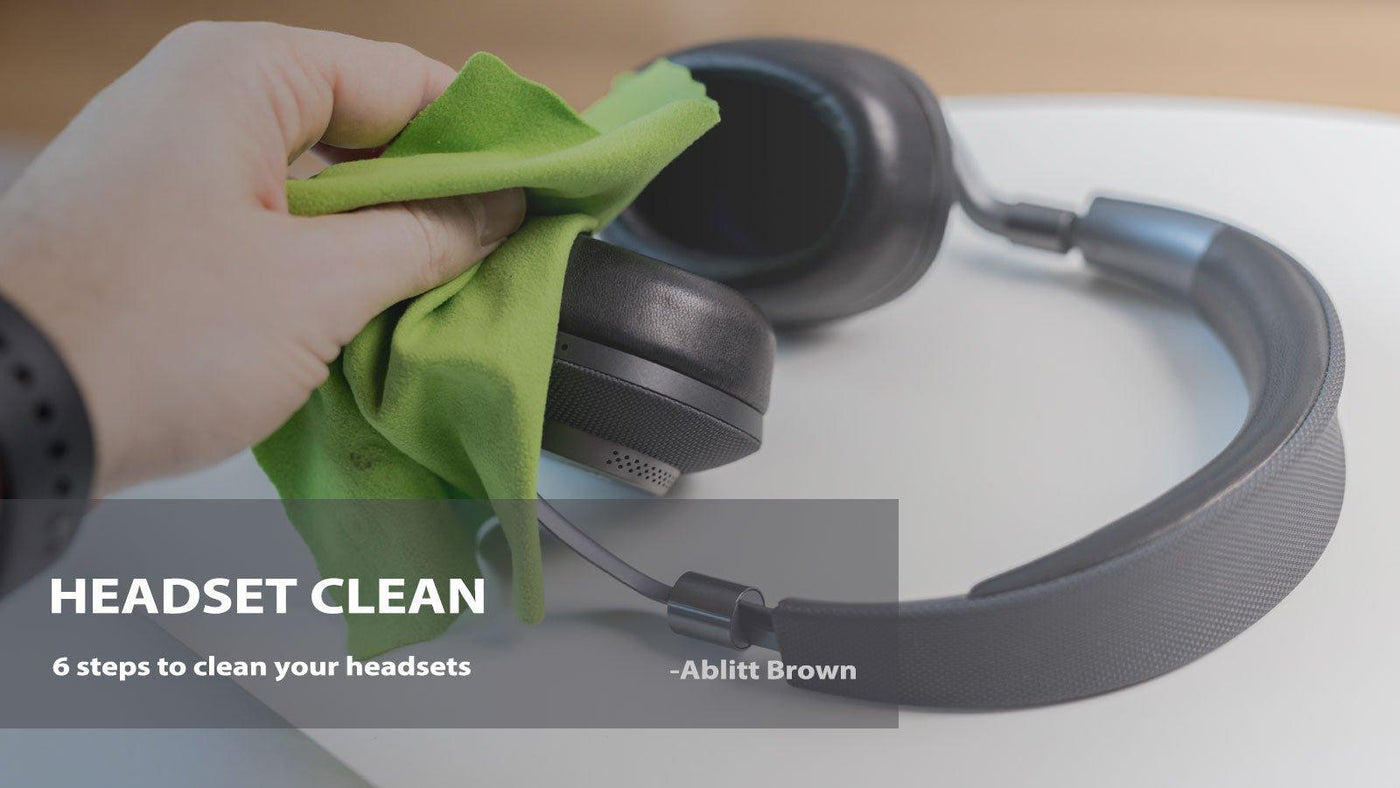
Regular headset cleaning removes skin oils, dust, and visible debris, but electronics need a different approach from washable household items. Use as little moisture as practical and keep liquid away from openings, connectors, controls, and charging contacts.
Quick answer: Disconnect or power off the headset, remove only parts designed to be removable, wipe surfaces gently, keep openings dry, and let every part dry fully before reassembly or charging.
Before You Clean the Headset
- Disconnect a wired headset or power off a wireless model.
- Remove detachable cushions or ear tips only if the design allows it.
- Check the manufacturer's care instructions when the material or water-resistance limits are unclear.
- Keep liquids away from microphone holes, speaker openings, switches, USB ports, charging contacts, and plugs.
Clean Each Part Differently
| Part | Practical approach | Avoid |
|---|---|---|
| Headband and outer shell | Use a soft cloth that is dry or only lightly damp, then dry the surface. | Excess liquid around seams or controls. |
| Removable cushions | Follow the care instructions for the cushion material and let it dry before reinstalling. | Reattaching a damp cushion. |
| Microphone housing | Use a dry soft brush or cloth around the housing. | Pushing moisture or debris into the microphone opening. |
| Charging contacts and plugs | Keep dry and remove visible debris gently. | Charging or reconnecting while moisture remains. |
Step 1: Wipe the Headband and Ear Cups
Start with the surfaces that touch the head and hands. A soft cloth is usually enough for dust and light residue. Avoid soaking seams, buttons, hinges, or any opening into the ear cup.
Step 2: Clean or Replace the Ear Cushions
If the cushions are removable, take them off only according to the attachment method used by the headset. Do not pull on thin mounting lips or clips without understanding how they release. Clean the cushion material according to its care instructions and let it dry completely.
If the covering is cracked, flattened, peeling, or no longer stays attached, replacement may be more useful than repeated cleaning. The Wantek ear-cushion replacement guide explains the basic replacement process.
Step 3: Clean the Microphone and Controls
Wipe the boom and control housing without pushing material into the microphone opening. For inline controls, clean around the buttons and cable entry points rather than saturating the housing.
Step 4: Check Cables, Plugs, and Charging Contacts
Use a dry cloth on cables and plugs. If debris is visible around charging contacts, remove it gently without scraping coatings or forcing objects into the connector. Do not reconnect power until the area is dry.
Step 5: Let Everything Dry Before Use
Reinstall removable parts only when they are dry. For wireless headsets, make sure charging contacts and ports are dry before placing the headset on a dock or connecting a cable.
What to Avoid
- Do not submerge a headset unless the manufacturer specifically supports that use.
- Do not spray cleaner directly into ear cups, microphone holes, ports, or controls.
- Do not use sharp objects to dig into speaker or microphone openings.
- Do not assume an IP rating makes every cleaning method safe.
- Do not reinstall or charge parts while moisture remains.
Headset Cleaning FAQ
Can I wash headset ear cushions?
It depends on the cushion material and manufacturer instructions. If washing is not specified, use a conservative surface-cleaning method or replace worn cushions.
Can I use alcohol on a headset?
Only if the manufacturer allows it for that material and surface. Some finishes, pads, coatings, and adhesives can be damaged by cleaning chemicals.
When should I replace ear cushions?
Consider replacement when cushions are cracked, flattened, peeling, no longer secure, or difficult to clean. Match the replacement to the exact headset model.
Find Replacement Headset Parts
Match cushions and accessories to the exact headset model before ordering.
