
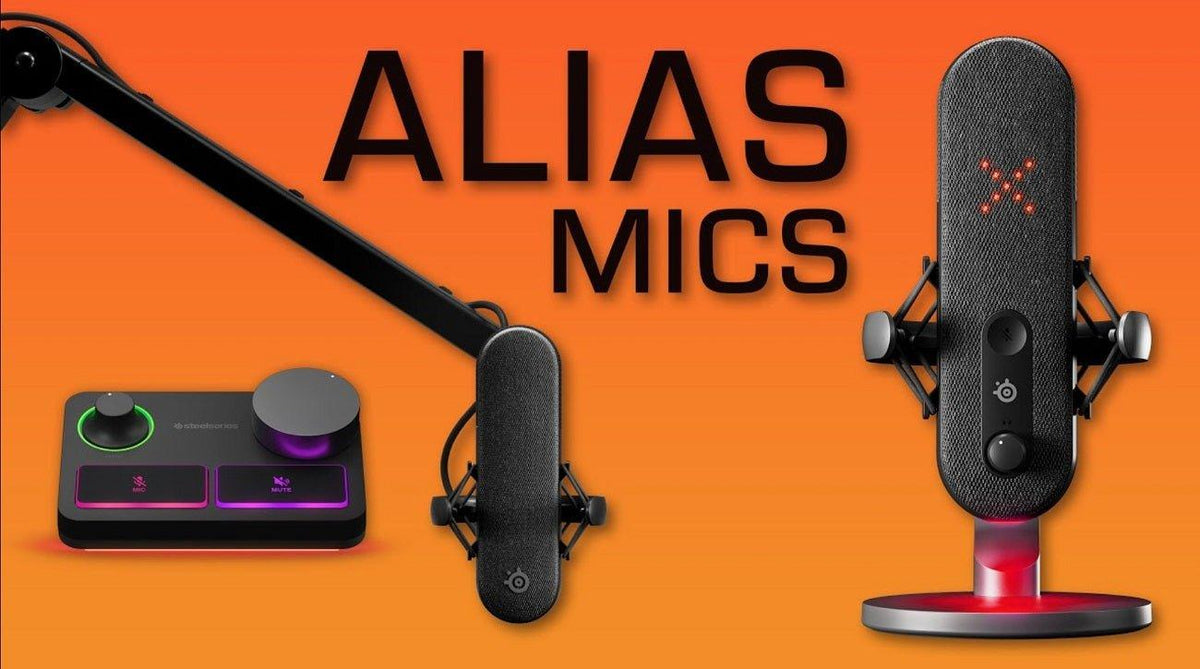
SteelSeries microphone problems are often routing or positioning problems before they are hardware problems. Confirm the physical mic position, Windows input device and SteelSeries GG/Sonar routing before adding aggressive noise reduction.
SteelSeries' own guidance: on directional ClearCast boom mics, aim the flat side toward your face and position the mic near the corner of your mouth. Then set the correct input device and adjust level.
1. Position the Boom Correctly
SteelSeries support recommends placing compatible ClearCast mics near the corner of the mouth, with the correct side facing the user. Poor orientation can make the mic sound unexpectedly quiet.
2. Confirm Windows Is Using the Headset Mic
In Windows sound settings, select the intended headset or SteelSeries virtual microphone as the input device. Then make a short recording before changing any processing.
3. Check SteelSeries GG / Sonar Routing
SteelSeries Sonar provides separate virtual channels. Make sure the physical microphone is selected as the input feeding the Sonar Microphone channel.
4. Set Gain Before Noise Reduction
Raise microphone level enough for clear speech without clipping. Excessive gain can make keyboard, fan and room noise more obvious.
5. Add Processing Conservatively
SteelSeries' Sonar settings guide documents ClearCast AI Noise Cancellation, noise reduction, noise gate and compressor controls. Use the minimum processing that solves the problem.
| Problem | First check | Then adjust |
|---|---|---|
| Very quiet voice | Mic orientation and Windows input | Mic level/gain |
| Keyboard noise | Mic position | Noise reduction / gate |
| Voice cuts in and out | Noise gate too aggressive | Lower gate threshold or disable it |
If the microphone is missing or silent at the Windows input level before Sonar processing is involved, use Wantek's PC headset microphone troubleshooting guide first.
Frequently Asked Questions
Should I max out ClearCast AI noise cancellation?
No. Strong processing can alter voice quality. Start low and increase only as needed for your room.
Why is my SteelSeries mic quiet?
Check boom orientation, Windows input selection and SteelSeries mic level before assuming the microphone is defective.
Can Sonar use the wrong physical microphone?
Yes. Verify the selected input device in the Sonar Microphone channel.
Original Article Media


If the microphone still fails at the Windows input level, use the PC headset microphone troubleshooting guide.

