
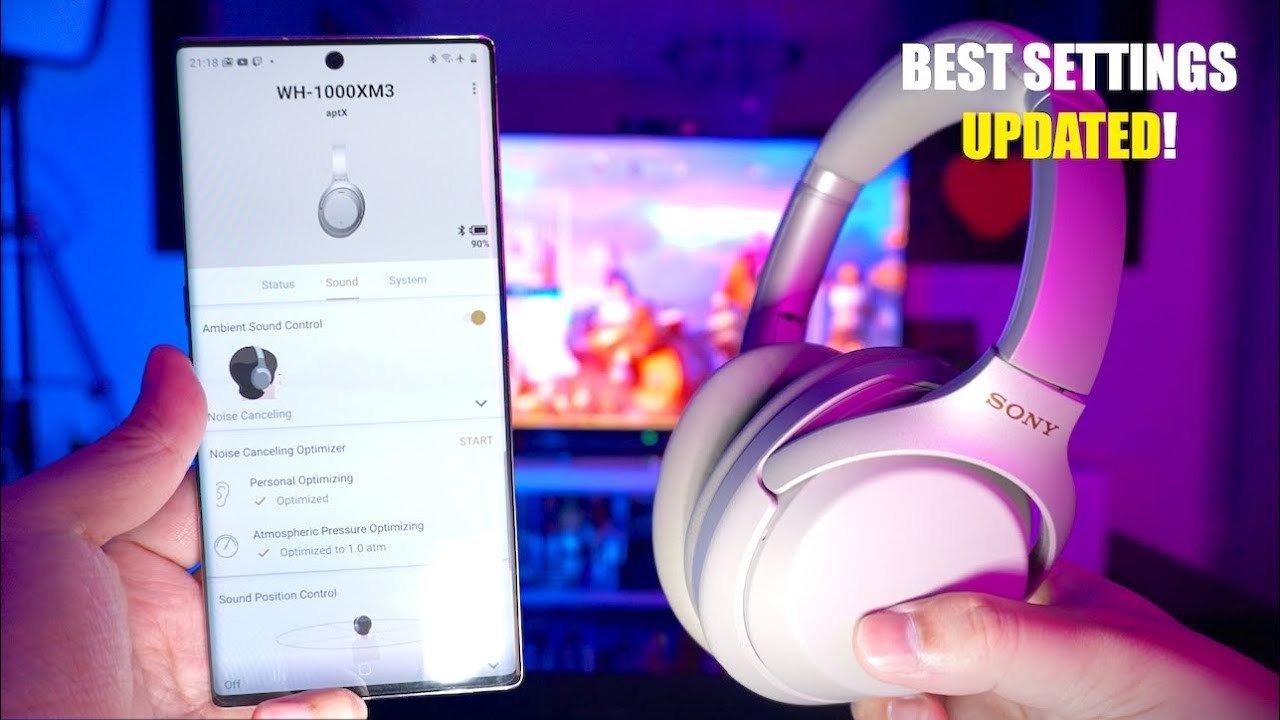
Sony still lists WH-1000XM3 as compatible with Sony | Sound Connect in September 2026. The useful XM3 controls are model-specific: Noise Canceling and Ambient Sound, EQ, Bluetooth connection quality, the noise-cancelling optimizer, supported codecs, and firmware. Do not assume features introduced for newer WH-1000X generations are available on XM3.
Current naming: Sony's headphone app is now called Sony | Sound Connect. Some screens and features have changed since older WH-1000XM3 tutorials were written, and newer-model features should not be assumed to exist on XM3.
1. Update the App and Check Firmware Support
Use Sony's current WH-1000XM3 software support page for the applicable app and firmware information.
2. Use Noise Cancelling for Steady Background Noise
ANC is useful for aircraft, HVAC and transport rumble. Ambient Sound is more appropriate when you need to hear more of the surroundings.
3. Treat EQ as Personal Preference
Start from the default EQ, change one band at a time, and compare at matched volume. There is no universal “best” XM3 EQ because fit, music, listening level, and personal preference all change the result.
4. Choose Bluetooth Quality for Your Situation
Higher-quality codec modes can be useful with compatible sources, while a stability-focused connection can help in congested wireless environments. The actual options depend on device and firmware. If Bluetooth itself is the problem, Wantek's guide to using compatible Sony wireless headphones in wired mode explains the cable path and its limits.
5. Re-run Noise-Cancelling Optimization When Needed
Older XM3 documentation includes an optimizer function. Follow the model's manual rather than tutorials written for newer WH-1000X generations.
Frequently Asked Questions
Does WH-1000XM3 still work with Sony's app?
Sony continues to provide WH-1000XM3 software/support information. The current app branding is Sony | Sound Connect.
What is the best XM3 EQ?
There is no universal best setting. Start from default and adjust to your music, fit and listening level.
Should I copy WH-1000XM5 settings to XM3?
No. Different generations have different tuning, features and app behavior.
Original Article Media


