
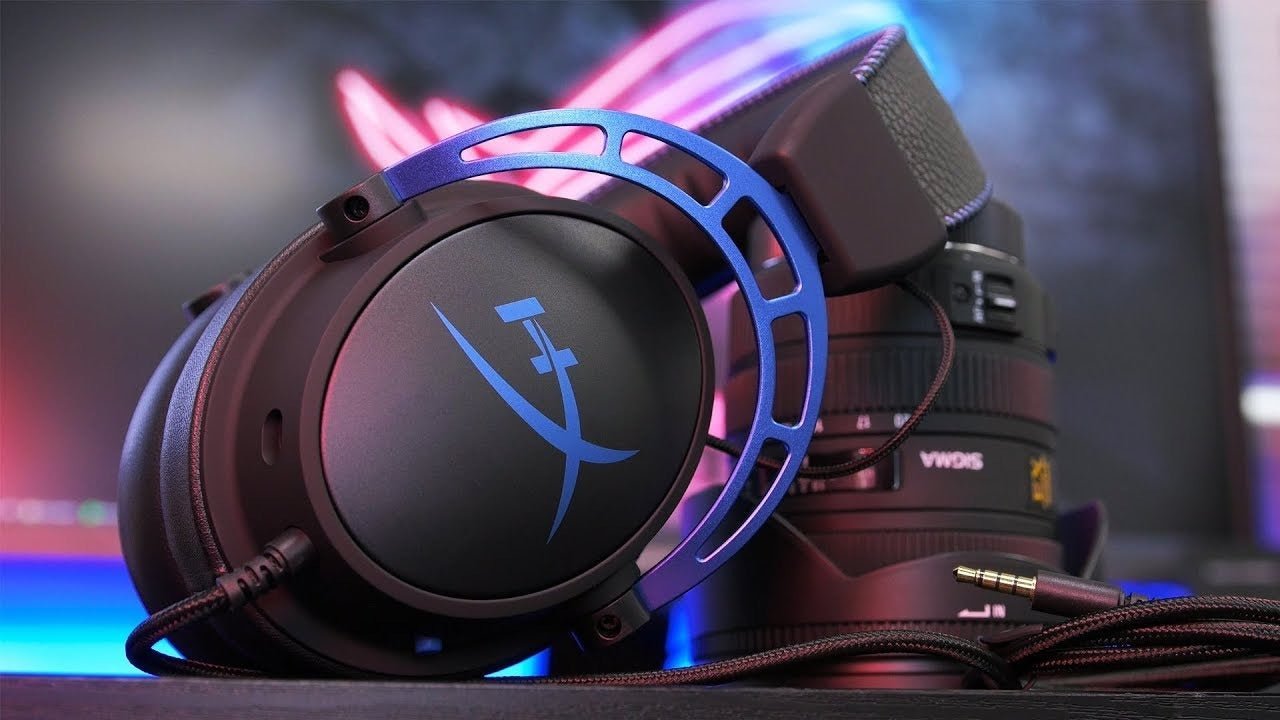
The HyperX Cloud Alpha Wireless is easier to evaluate when you separate verified hardware from subjective “best gaming headset” claims. Its connection method, supported platforms, microphone, fit, and battery workflow matter more than a generic ranking.
Quick answer: Buy it only if its dedicated wireless connection and supported platforms fit your setup. Do not assume that “wireless” means Bluetooth or universal console compatibility.

Connection Method Comes First
HyperX’s official Cloud Alpha Wireless specifications describe a closed-back over-ear headset built around a dedicated wireless gaming connection. Check the current product page for supported platforms and dongle requirements.
For a broader comparison of current HyperX wireless options by platform and connection type, see Wantek's HyperX wireless headset guide.
The Battery Claim Is an Upper-Bound Figure
HyperX markets up to 300 hours of battery life under stated conditions. Treat “up to” as a maximum, not a promise for every volume level or usage pattern.
Microphone and Sidetone Matter for Multiplayer
For voice chat, check boom positioning, mute control, monitoring/sidetone options, and how the headset appears in the game or voice application.
Fit Is a Long-Session Requirement
Closed-back gaming headsets can build heat and clamp differently across head shapes. If sessions run for hours, pad contact and headband pressure are purchase criteria, not cosmetic details.
FAQ
Does Cloud Alpha Wireless use Bluetooth?
Do not assume it does. Verify the current connection specification and included wireless adapter for the exact SKU.
Is the 300-hour figure guaranteed?
No. It is an up-to battery claim under test conditions; real runtime varies with use.
Is it compatible with every console?
No headset should be treated as universally compatible. Check HyperX’s current platform list for the exact product and connection path.

