
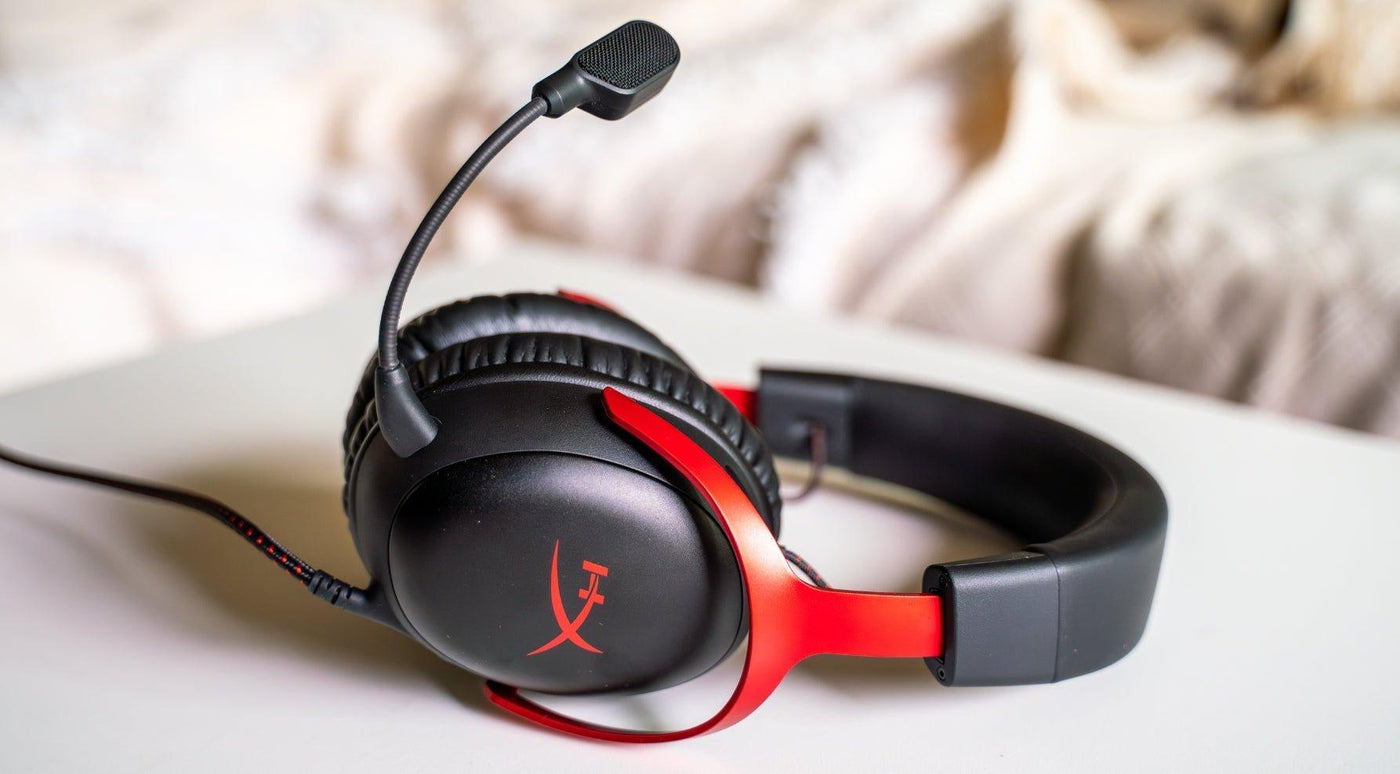
HyperX makes several gaming headsets, but the first decision is platform and wireless path. A headset that works perfectly on PC may use a different USB adapter or feature set on Xbox, PlayStation, Switch or mobile.
Current example: HyperX Cloud III S Wireless supports 2.4 GHz wireless plus Bluetooth, with PC, Mac, PS5, mobile and Switch listed by HyperX. Xbox buyers should choose a model explicitly licensed for Xbox rather than assuming USB compatibility carries across platforms.
Start With Platform Compatibility
Gaming headsets use more than one kind of wireless connection. Bluetooth is convenient for phones and general devices, while dedicated 2.4 GHz USB wireless is commonly used for lower-latency game audio and headset microphone support. Console rules differ, especially on Xbox.
Cloud III S Wireless: A Current Reference Point
HyperX lists the Cloud III S Wireless with 2.4 GHz wireless, Bluetooth, 53 mm angled drivers, a detachable boom microphone plus internal microphones, and up to 120 hours of battery life in 2.4 GHz mode under HyperX's stated conditions. HyperX lists PC, Mac, PS5, mobile and Switch compatibility.
| Need | Prioritize | Check before buying |
|---|---|---|
| PC gaming | USB wireless, software support, boom mic | Windows feature support and USB port type |
| PlayStation | Explicit PS5 compatibility | Chat, USB adapter and console controls |
| Xbox | Xbox-licensed model | Do not assume ordinary USB audio support |
| Mobile/Switch | Bluetooth or compatible USB-C path | Mic behavior, codec and handheld mode |
Battery Claims Need Mode Labels
If one headset supports both Bluetooth and 2.4 GHz, the two modes can have different battery figures. Compare the runtime for the connection you actually plan to use.
For cheaper alternatives across brands, see the budget gaming headset guide.
Frequently Asked Questions
Does every HyperX wireless headset work on Xbox?
No. Check for explicit Xbox compatibility or licensing. Console USB-audio support is not interchangeable.
Is Bluetooth better than 2.4 GHz for gaming?
Not automatically. Dedicated 2.4 GHz links are often designed for game audio and chat, while Bluetooth is convenient for phones and secondary devices.
Does Cloud III S Wireless support Bluetooth?
Yes. HyperX lists both 2.4 GHz wireless and Bluetooth connectivity for Cloud III S Wireless.
Images Preserved From the Original Article


