
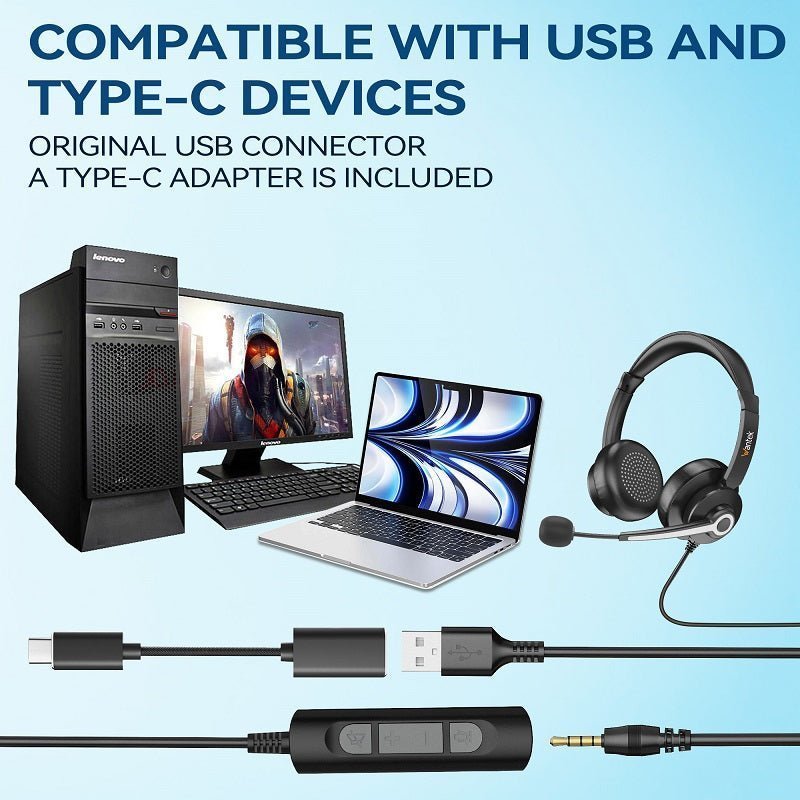
A “headphone jack to USB” adapter is not just a shape changer. A working headset adapter contains an audio interface that presents itself to the computer or phone as a USB playback device and, when supported, a USB recording device.
Match microphone support before buying. If your headset has a four-contact TRRS plug, use an adapter with a combo headset jack. Separate headphone and microphone jacks require a different splitter or adapter layout.

| Headset | USB adapter needed | Check |
|---|---|---|
| 3.5 mm stereo headphones | USB audio output adapter | Headphone output only is sufficient |
| 3.5 mm TRRS headset | USB adapter with headset combo jack | Mic input + CTIA wiring |
| Two-plug PC headset | USB adapter with separate mic/headphone jacks | Correct input/output labels |
| USB-C phone + analog headset | USB-C audio adapter | Digital audio/DAC and mic support |
Plug the Adapter Into the Host First
On computers, the USB audio adapter should appear as a new playback and, when applicable, recording device. Select it in the operating system before troubleshooting the headset.
Then Connect the Headset
Insert the plug fully. A partially seated TRRS connector can produce one-sided audio, missing bass or no microphone.
Select the Recording Device
Meeting and recording apps can keep using the laptop’s internal microphone even after playback switches to the headset. Select the USB adapter explicitly in the app.
Watch the TRS/TRRS Difference
Stereo headphones commonly use TRS; phone-style headsets use TRRS. A combo adapter designed for TRRS is different from a headphone-only output.
Avoid Reversing the Signal Direction
A USB sound adapter that provides a 3.5 mm output does not necessarily digitize arbitrary line-level audio into USB. Check whether the product is an output, input or two-way headset interface.
Frequently Asked Questions
Can I connect any 3.5 mm headphones to USB?
Usually with a compatible USB audio adapter. Microphone headsets need an adapter that also supports mic input.
Why is my laptop still using its built-in mic?
Choose the USB adapter as the recording device in both system settings and the calling app.
Do I need drivers?
Many simple USB audio adapters use standard USB audio support, but some products may require vendor software.
Will a USB-C phone work the same way?
Only with an adapter compatible with the phone’s USB-C digital audio requirements.

