
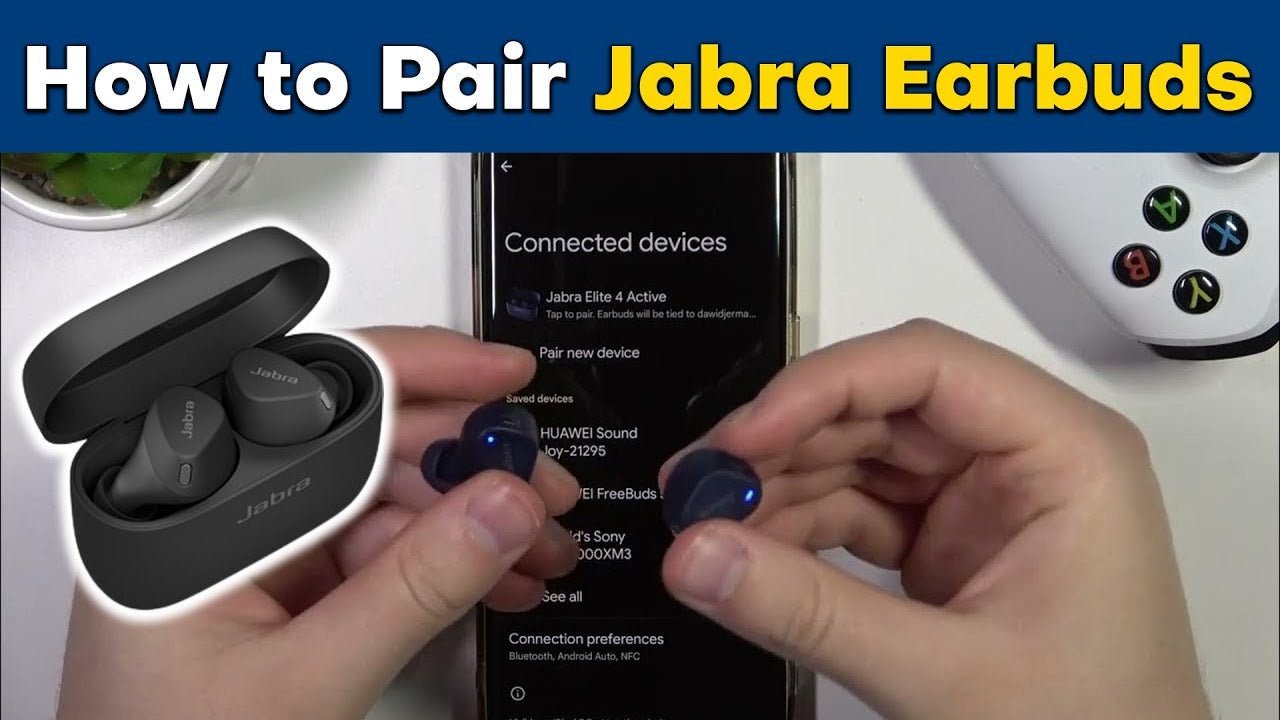
Jabra Elite 65t and Elite 75t are older true-wireless generations with similar names but different reset procedures. Use the instructions for the exact model instead of combining button sequences from both.
Quick answer: Put the earbuds into pairing mode, open the phone's Bluetooth menu and select the Jabra model. If a stored pairing is corrupted, forget the old Bluetooth entry first, then use the model-specific reset only if normal re-pairing fails.

Pair Elite 65t
- Make sure the right earbud is powered on.
- Hold the right earbud's Multi-function button until the status LED indicates pairing mode.
- Open Bluetooth settings on the phone.
- Select Jabra Elite 65t and complete the pairing prompt.
Pair Elite 75t
- Remove the earbuds from the charging case and make sure they are powered on.
- Use the model's pairing control until the right earbud indicates Bluetooth pairing mode.
- Open the phone's Bluetooth settings.
- Select Jabra Elite 75t.
Reset Only When Re-Pairing Is Not Enough
For Elite 65t, Jabra's manual says holding the right earbud Multi-function button for about 10 seconds until the LED flashes purple clears paired devices and settings. For Elite 75t, Jabra's current support instructions use both earbud buttons together for about 10 seconds until the LEDs briefly flash purple.
After a reset, remove the old Jabra entry from the phone's Bluetooth list before pairing again. See the official Elite 75t support page.
Common Pairing Problems
| Problem | Check | Next step |
|---|---|---|
| Earbuds do not appear | Pairing mode and battery state | Re-enter pairing mode near the phone |
| Old entry will not reconnect | Stale phone pairing | Forget the old entry and pair again |
| One earbud has lost sync | Model-specific support procedure | Use Jabra's soft-reset or reset instructions for that model |
Jabra 65t / 75t Pairing FAQ
Can I use the Elite 65t reset procedure on Elite 75t?
No. The models use different controls for a factory reset. Follow the support instructions for the exact model.
Does resetting delete my Bluetooth pairings?
Yes. Jabra states that reset procedures clear stored pairings and settings, so the earbuds must be paired with the phone again.

