
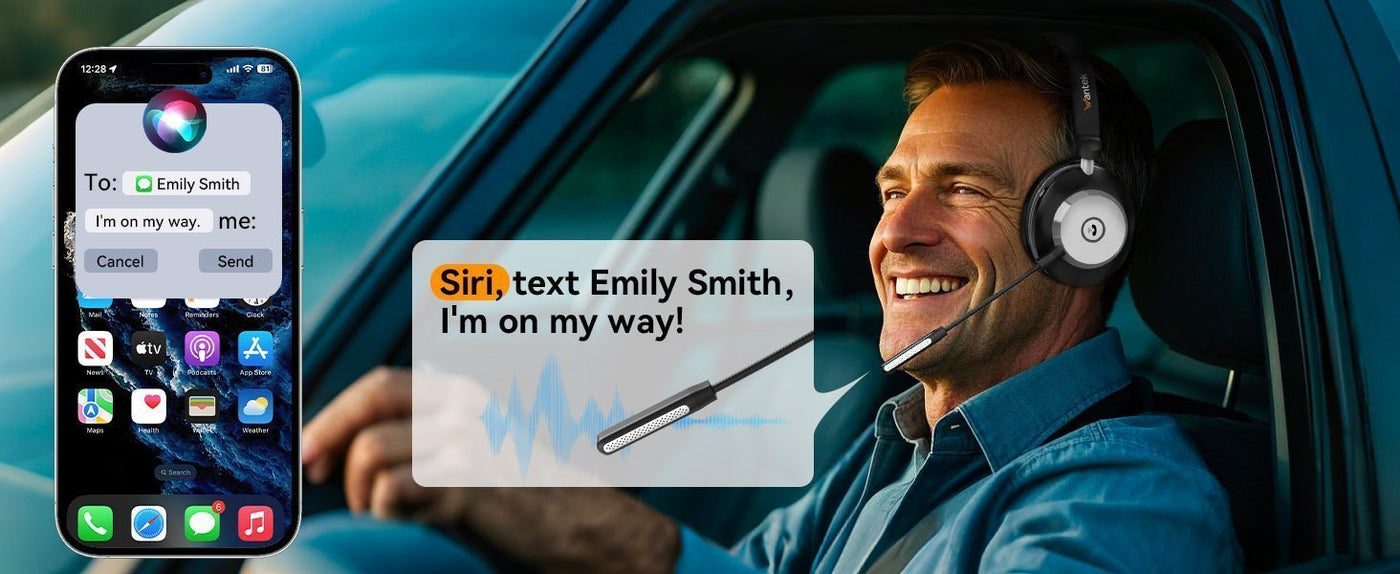
The best Bluetooth headphones for an iPhone are the pair that fits your listening environment and device habits. Bluetooth compatibility is usually straightforward; the meaningful differences are comfort, microphone behavior, noise control, battery life, controls and how smoothly the headphones move between your Apple devices.
Start with use case, not codec marketing. For commuting, ANC and transparency matter. For calls, microphone pickup and wind handling matter. For multiple devices, check the exact switching or multipoint behavior. If you also use a wired connection, confirm whether the model supports USB-C audio or only charging.

| Priority | Why it matters | What to verify |
|---|---|---|
| Commuting | ANC can reduce steady environmental noise | ANC modes, transparency, comfort and battery with ANC on |
| Calls | Mic performance varies far more than Bluetooth version numbers imply | Voice pickup, wind noise, mute controls and app settings |
| Multi-device use | Phone, Mac and iPad workflows differ by model | Automatic switching or Bluetooth multipoint behavior |
| Wired backup | Some wireless headphones charge over USB-C but do not accept USB-C audio | 3.5 mm or USB-C audio support, if needed |
iPhone Compatibility Is the Easy Part
Most current Bluetooth headphones can pair with an iPhone through Settings > Bluetooth after the accessory is put in pairing mode. The more important question is which features remain available after pairing. Manufacturer apps may add EQ, firmware updates, ANC controls or device-management features, while some ecosystem features are limited to particular product families.

Do Not Buy on Bluetooth Version Alone
A newer Bluetooth version does not automatically mean better sound or lower latency. Headphone tuning, microphones, ANC processing, software, radio implementation and the complete codec path all affect the experience. Treat the Bluetooth version as one specification, not a quality score.

Choose by Environment
For flights and public transit, prioritize ANC, comfortable ear pads and long battery life. For an office, prioritize microphone clarity, sidetone or transparency options and reliable switching between phone and computer. For workouts, prioritize secure fit and a water-resistance rating that matches the activity.

Check Controls Before You Buy
Physical buttons, touch panels and wear sensors feel very different in daily use. Check how the model handles volume, calls, track controls, voice assistant access and ANC mode changes. If gloves, rain or frequent phone calls are part of your routine, control design can matter more than a small difference in published battery life.

Wired Use Is a Separate Feature
USB-C charging does not prove that a headphone accepts USB-C audio. Likewise, a supplied 3.5 mm cable may support listening without supporting the headset microphone. Verify the exact wired mode if you plan to use the headphones on flights, game controllers or computers. If you use an iPhone 15 or later USB-C model, the iPhone 15 wired and wireless headphone guide explains the direct USB-C, adapter and Bluetooth paths separately.

Frequently Asked Questions
Will any Bluetooth headphones work with iPhone?
Most standard Bluetooth headphones can pair with iPhone, but app features, switching behavior and advanced controls vary by model.
Do I need AirPods for an iPhone?
No. AirPods add Apple-specific integration, but many third-party Bluetooth headphones provide standard audio, calls, ANC and app-based controls.
Does Bluetooth 5.x guarantee lower latency?
No. End-to-end latency depends on the full implementation, including the phone, codec path, buffering, firmware and headphones.
Can USB-C headphones work with newer iPhones?
They can when the iPhone and headphones support compatible USB-C digital audio. A USB-C connector used only for charging is not enough.

