
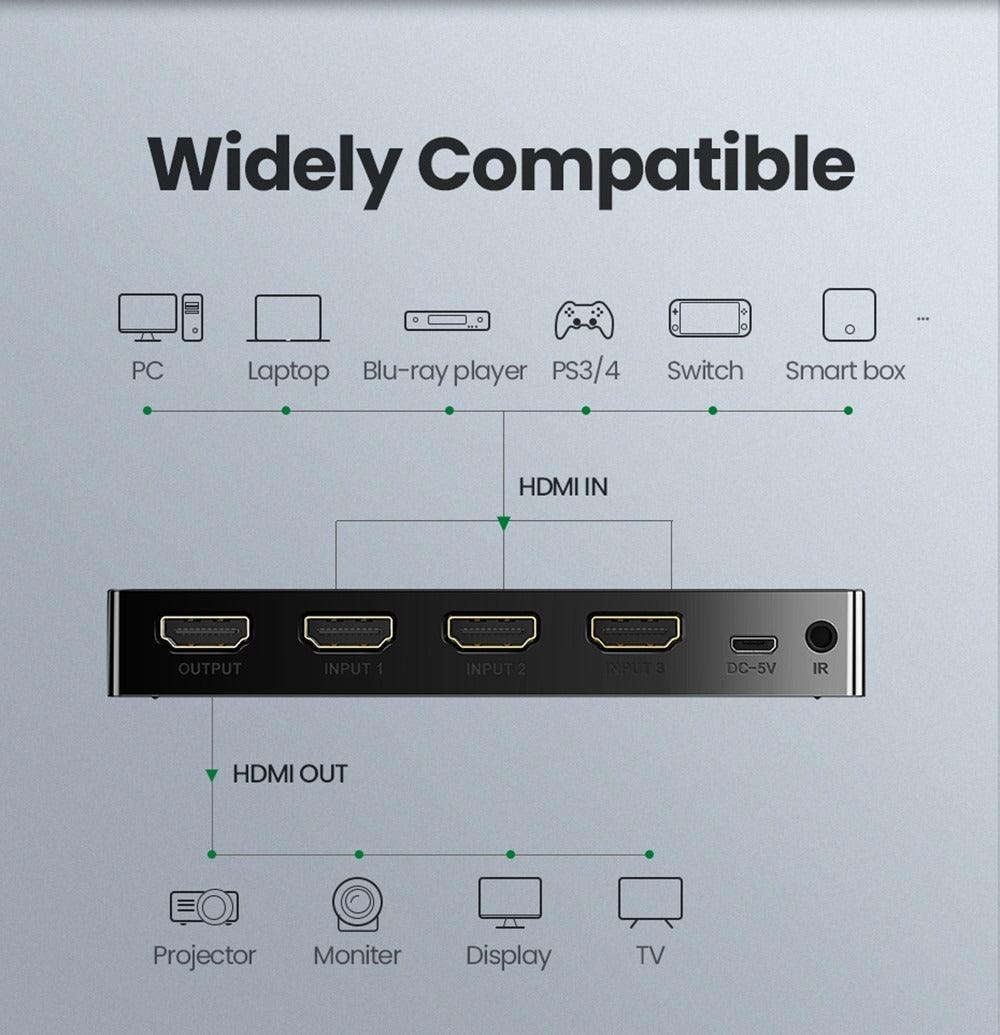
An HDMI switch lets several source devices share one TV or monitor input. The difficult part is bandwidth and feature compatibility: every device, switch and cable in the chain must support the resolution, frame rate and signaling features you want.
| Feature | Why it matters | Verify |
|---|---|---|
| 4K/120 | High-refresh gaming | Explicit input/output support at required chroma/HDR mode |
| VRR | Variable-refresh gaming | Pass-through on exact ports |
| HDR | Dynamic range/color metadata | Formats used by source/display |
| HDCP | Protected streaming content | Compatible version across the chain |
| EDID | Tells source what display supports | Stable handshakes and correct audio/video capabilities |
Do Not Shop by “HDMI 2.1” Text Alone
Look for the exact combinations you need—such as 4K at 120 Hz plus VRR and HDR—because implementation varies by device and port.
Powered vs Passive Switches
A powered switch is generally more appropriate when multiple active inputs, longer cable runs or stable switching behavior are required. Follow the switch maker's cable-length guidance.
FAQ
Does an HDMI switch add latency?
A correctly functioning digital switch should not add meaningful frame processing unless it also scales or processes video. Verify gaming-mode behavior for the exact device.
Why does my screen go black when switching?
HDMI handshaking, EDID, HDCP or format changes can cause a resync. Check firmware, cables and supported modes.
Original Article Media


