
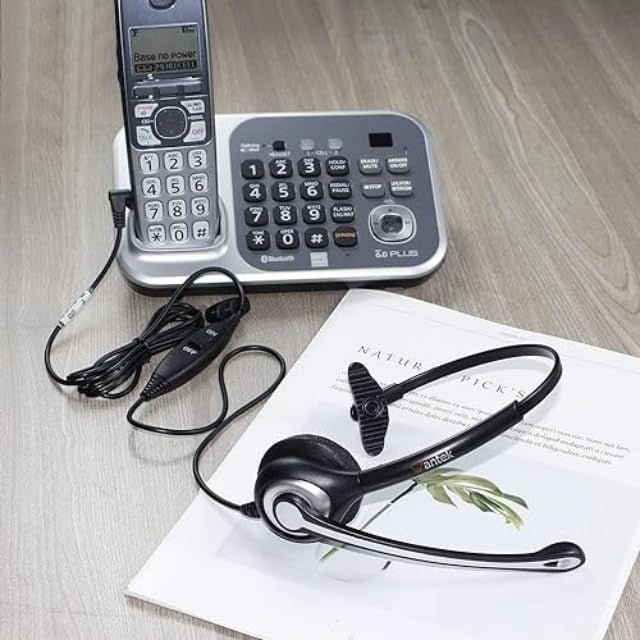
Shared Call Appearance is a business-telephony feature that can let more than one phone or endpoint represent, monitor, or handle the same line or calling identity. The exact behavior depends on the phone system and service provider.
Quick answer: Use Shared Call Appearance when a business line needs to ring or be visible on multiple supported endpoints. Confirm the provider's rules for simultaneous calls, hold, pickup, privacy, voicemail, and remote users before deployment.

What Shared Call Appearance Does
A shared appearance associates one business line or call identity with multiple supported devices or user locations. Depending on the platform, several people may see an incoming call, answer it, place calls using the shared identity, or observe line state.
Shared Appearance Is Not One Universal Feature Set
| Behavior | Why it matters | What to confirm |
|---|---|---|
| Incoming ringing | Determines which users or phones can answer. | All endpoints, selected endpoints, schedules. |
| Outbound identity | Controls what number or line the callee sees. | Shared line versus individual identity. |
| Hold / resume | Affects handoff between endpoints. | Whether another user can see and resume the call. |
| Simultaneous calls | Determines line capacity. | Provider and licensing limits. |
Common Business Use Cases
- Reception or front-desk coverage
- Small teams sharing a published business number
- Executive/assistant call handling
- Multiple phones for one role or location
- Hybrid workers who need supported access to the same line identity
Setup Questions to Ask the Provider
Ask how the service handles busy state, call waiting, voicemail, call pickup, privacy, forwarding, emergency calling, mobile or softphone endpoints, and user licensing. The same “shared line” label can behave differently across platforms.
Headsets Do Not Create Shared Call Appearance
The phone service or PBX provides the shared-line logic. A headset simply carries audio and microphone signals for a supported phone or computer. If a desk phone is used, headset compatibility remains a separate device-level check.
Use Wantek's desk-phone compatibility checker if the shared-line endpoints need headsets.
Test the Call Flow Before Rollout
- Call the shared number from outside.
- Confirm which endpoints ring.
- Answer from each supported endpoint.
- Test hold, resume, transfer, and voicemail.
- Place an outbound call and confirm the intended caller identity.
- Test remote or softphone endpoints if they are part of the design.
Shared Call Appearance FAQ
Is Shared Call Appearance the same on every phone system?
No. Providers and PBX platforms can implement shared-line behavior differently. Confirm the exact feature set and limits.
Can remote workers use a shared line?
Potentially, when the platform supports the required softphone or remote endpoint. Test the exact deployment.
Does a headset need special support for Shared Call Appearance?
The headset needs to work with the phone or app. Shared-line logic comes from the telephony platform, not the headset itself.
Check Headset Compatibility for Shared Desk Phones
Once the shared-line platform is configured, verify the exact phone model before choosing a headset or adapter.

