
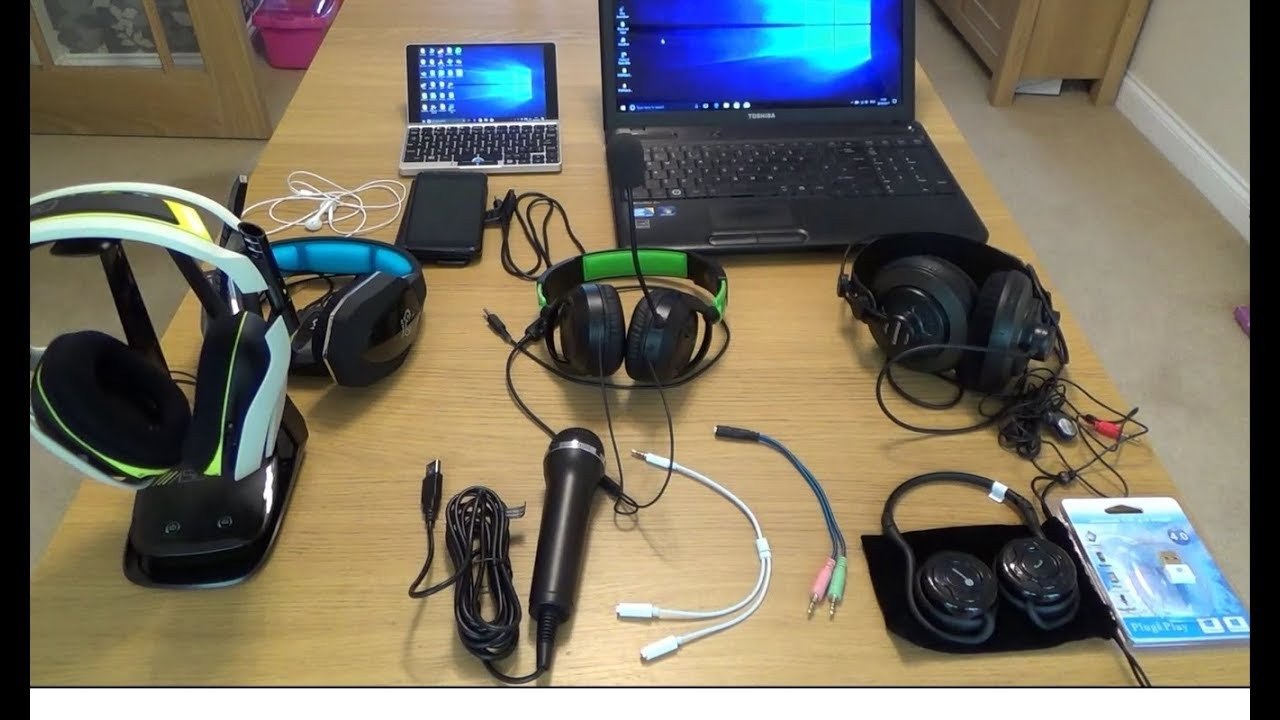
Wired and wireless earphones with microphones solve the same basic job through different connection paths. Wired models avoid charging and radio pairing; wireless models remove the cable and can make movement easier. Neither format guarantees better sound or microphone quality.
Quick answer: Choose wired when a direct connection and no charging matter most. Choose wireless when mobility and device switching matter more. Then compare microphone position, controls, fit, and the exact device.

Wired vs. Wireless at a Glance
| Factor | Wired | Wireless |
|---|---|---|
| Power | Passive analog models need no earphone battery. | Requires charging. |
| Connection | 3.5 mm, USB-C, USB-A, or another cable path. | Bluetooth or a supported wireless receiver. |
| Movement | Cable can limit or snag. | No source-to-ear cable. |
| Latency | Analog wired paths avoid Bluetooth radio latency. | Depends on codec, device, and wireless implementation. |
| Device switching | Usually move the plug or adapter. | Some models support multipoint or saved-device switching. |
Wired Earphones: What to Check
Confirm the connector and microphone wiring. A 3.5 mm TRRS plug can carry headphone audio and microphone on compatible combo jacks, while desktop PCs with separate sockets may need a splitter. USB-C behavior depends on the device and earphone electronics.
Wireless Earphones: What to Check
Battery life, charging case, microphone behavior, Bluetooth connection, and controls become part of the decision. If two-device use matters, verify multipoint explicitly instead of assuming it from the Bluetooth version.
Microphone Quality Is Model-Specific
Wireless or wired does not tell you what callers will hear. Inline wired microphones move with the cable; wireless earbuds often place microphones farther from the mouth. Test speech in the actual room and app.
Gaming and Video Calls
For gaming, confirm latency and platform support. For work calls, check microphone, mute, comfort, and application routing. A connection that works for music can still have different microphone behavior.
Music and Recording
Do not assume wired automatically sounds better or wireless automatically sounds worse. The transducers, tuning, fit, electronics, codec or source, and recording quality all affect the result.
For a broader wired decision, see the wired headphone buying guide.
Wired vs. Wireless Earphones FAQ
Do wired earphones always sound better?
No. Connection type alone does not determine sound quality. Compare the complete product, fit, source, and listening conditions.
Do wireless earphones always have more latency?
Bluetooth adds a wireless processing path, but perceived latency varies by device, codec, app, and earphone implementation.
Which is better for calls?
The better option is the one with the microphone, fit, controls, and device compatibility that match your calling workflow.
Compare USB Headsets for Work Calls
If your priority is a computer-call headset rather than compact earphones, compare current USB models by microphone and wearing style.

