
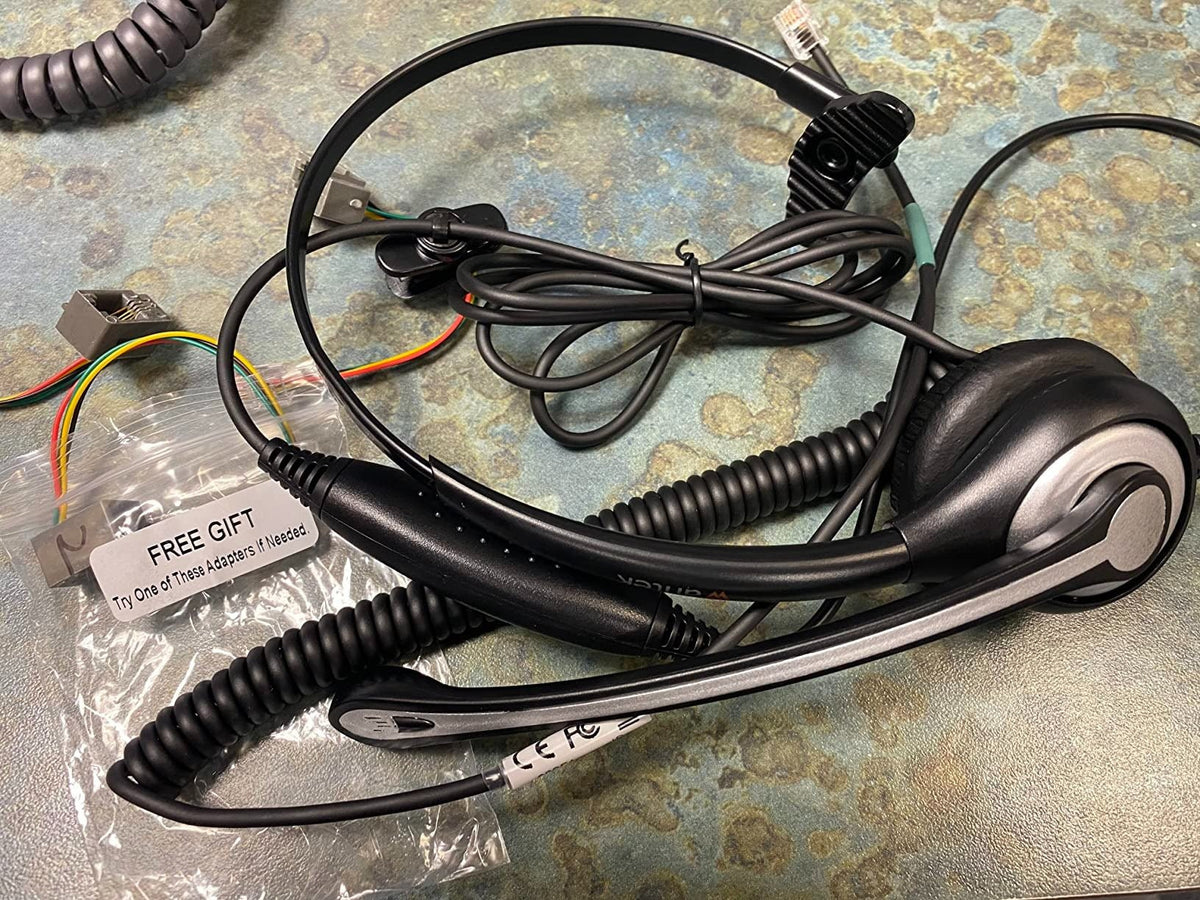
“Phone headset” can mean a headset for a mobile phone, cordless handset, desk phone, or a computer softphone. Those devices use different connections, so the exact call device should be identified before you compare microphones or comfort.
Quick answer: Match the headset to the phone first. Then choose microphone position, wired or wireless connection, single- or dual-ear fit, mute and call controls, and battery if the headset is wireless.

Identify the Phone Type
| Call device | Possible headset path | Main check |
|---|---|---|
| Mobile phone | Bluetooth or supported USB-C/adapter path. | Mic, controls, port and OS support. |
| Cordless handset | 2.5 mm on some models or Bluetooth through supported bases. | Exact handset/base model and wiring. |
| Office desk phone | RJ-style headset port, USB, Bluetooth, or wireless base. | Phone model, cable/base, EHS or lifter. |
| Computer softphone | USB, 3.5 mm, Bluetooth, or USB receiver. | Input/output selection and app controls. |
Use a Boom Mic for Predictable Positioning
A boom microphone can stay near the mouth while the user turns their head. That can make positioning more repeatable for frequent calls. It does not automatically prove superior noise cancellation; check the exact microphone and processing separately.
Wired vs. Wireless
Wired headsets avoid charging and pairing. Wireless headsets add movement but require a supported radio/base path and battery routine. Choose based on how far users need to move from the call device.
Call Controls Are Model-Specific
Mute, volume, answer/end, and call-status indicators can behave differently across phones and apps. Test the complete workflow. Passing audio is not the same as supporting remote call control.
Comfort Depends on Wearing Style
Single-ear headsets leave one ear open to the room. Dual-ear headsets provide call audio to both ears. Check headband pressure, cushions, heat, glasses, and stability for the expected call length.
For office-phone calls, use the desk-phone compatibility checker before choosing a cable or base.
Buying Checklist
- Exact phone or computer model
- Wired, Bluetooth, USB, RJ, or base connection
- Boom microphone position
- Mute and answer/end requirements
- Single-ear or dual-ear fit
- Battery and charging for wireless models
- Replacement cushions, cables, and adapters
Phone Headset FAQ
Can one headset work with every phone?
No. Phone and computer interfaces vary. Verify the exact device and connection path before buying.
Is Bluetooth necessary for a phone headset?
No. Wired and wireless paths can both work. Choose based on device support and mobility needs.
Does a noise-canceling headset improve what callers hear?
Only if the microphone system includes relevant noise handling. Listener-side ANC and outgoing microphone processing are separate features.
Compare RJ9 Headsets for Compatible Desk Phones
If your phone uses a verified RJ9 headset path, compare current wired options by wearing style and microphone.

