
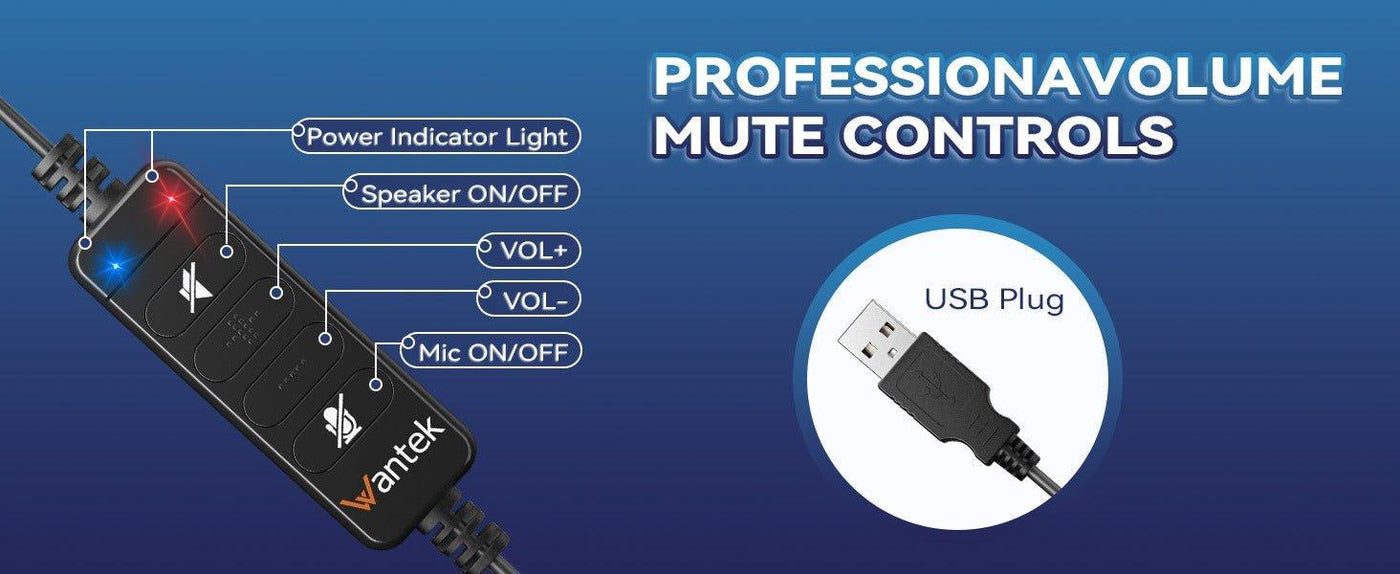
USB-C headphones use a familiar connector, but the audio path can still differ by device and accessory. A native digital USB-C headset and a 3.5 mm headset connected through a USB-C audio adapter solve the problem in different ways.
Quick answer: Before buying USB-C headphones, verify digital USB audio support, microphone and button behavior, operating-system compatibility, and whether you need a native USB-C headset or a USB-C-to-3.5 mm adapter for an existing analog headset.

Native USB-C Headsets Use Digital USB Audio
Android's USB headset accessory specification requires compliant USB headsets to use a digital USB audio interface. The specification covers stereo output, an optional but recommended microphone, and defined control functions. See the Android USB headset accessory specification.
| Decision area | What to check | Why it matters |
|---|---|---|
| Native USB-C headset | Digital USB audio, mic support, controls, operating-system and device compatibility | The headset itself is a USB audio accessory and does not rely on a 3.5 mm analog jack. |
| USB-C to 3.5 mm adapter | Adapter DAC/ADC, headset mic detection, button translation, and analog headset wiring | The adapter converts between digital USB-C and the existing analog headset path. |
| Device behavior | USB host support, selected input/output, call controls, and app behavior | A matching connector does not guarantee that every optional control works on every device or app. |
A USB-C-to-3.5 mm Adapter Contains the Conversion Path
Android's adapter specification describes a digital-to-analog USB-C adapter that can support stereo analog headsets with or without microphones, detect the headset microphone, and translate button events. See the USB-C-to-analog audio adapter specification.
Check Microphone and Buttons Separately From Playback
Hearing stereo audio proves the output path works; it does not by itself prove microphone input, volume buttons, call controls, or mute behavior. Test the features you need on the actual phone, tablet, laptop, or application.
USB-C Does Not Mean One Universal Feature Set
The connector can also carry charging, data, displays, and other functions. For headphones, the useful question is whether the source device supports the required USB audio path and whether the headset or adapter implements the needed microphone and controls.
Choose an Adapter When You Already Own a Good 3.5 mm Headset
If your existing analog headset fits and works well, a compatible USB-C audio adapter can be simpler than replacing it. For the analog side of that path, see the plug-in headset compatibility guide.
Frequently Asked Questions
Do all USB-C headphones work with every USB-C phone?
No. Verify that the device supports the required USB audio path and that the headset's microphone and controls are compatible with the operating system and app.
Can I use a 3.5 mm headset with a USB-C phone?
Often, with a compatible USB-C-to-3.5 mm audio adapter. The adapter must support the functions you need, including microphone input if you use a headset mic.
Why does USB-C audio work but the buttons do not?
Playback, microphone input, and control events are separate functions. The headset, adapter, operating system, and application all affect which controls are recognized.

