
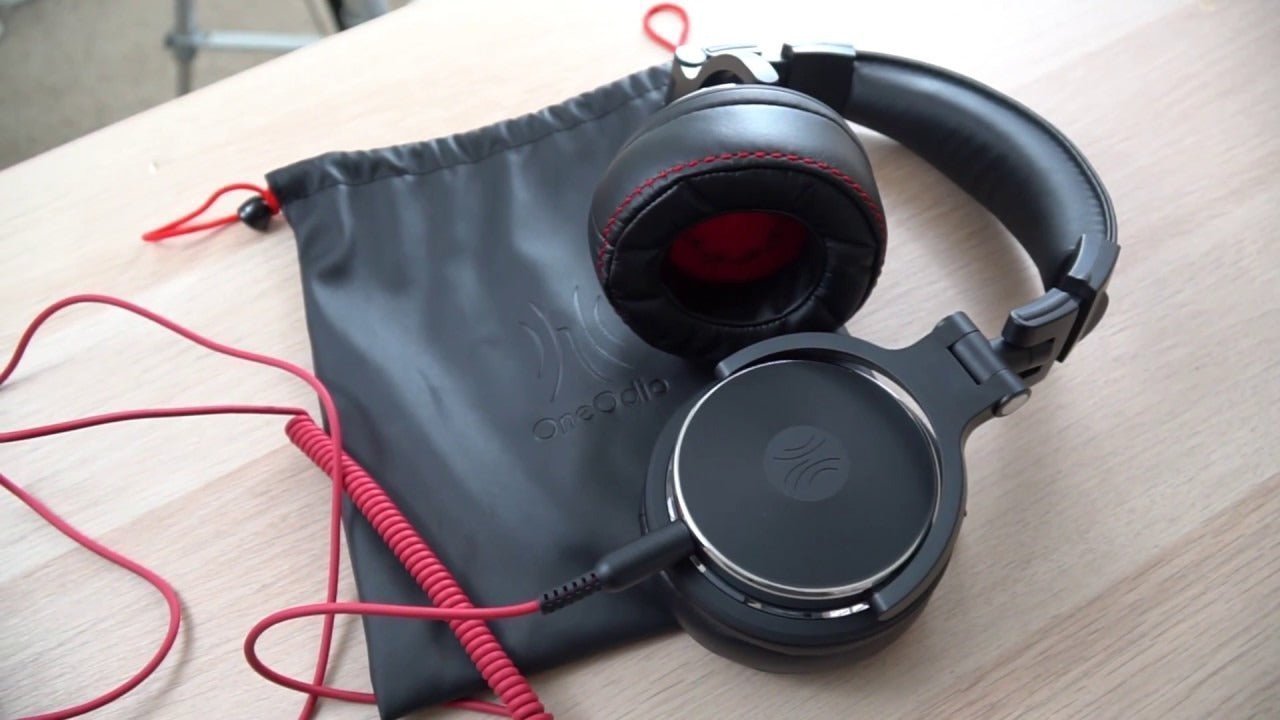
DJ headphones are monitoring tools first. The useful differences are not a yearly “best” ranking; they are how well a model supports cueing, isolation, one-ear monitoring, long sessions, repeated transport, and the connection on your mixer or controller.
Choose around the booth. Start with isolation and monitoring style, then check comfort, swivel movement, cable design, replaceable parts, and the output your DJ equipment provides.

What Matters Most in DJ Headphones?
| Priority | Why it matters | What to check |
|---|---|---|
| Cueing and isolation | You need to hear the cue signal against room and booth noise. | Closed or on-ear design, seal, usable monitoring level, and your normal venue environment |
| One-ear monitoring | Many DJs alternate between the booth monitor and one headphone cup. | Swivel or rotating cup behavior, grip, hinge range, and whether the position stays comfortable |
| Durability | Headphones are repeatedly folded, stretched, packed, and handled around equipment. | Hinges, yokes, headband, cable entry, detachable cable, and availability of replacement pads |
| Comfort | Pressure and heat become more noticeable during long sets. | Clamp force, pad material, weight distribution, earcup size, and headband adjustment |
| Connection | Your mixer, controller, or interface determines the practical signal path. | Plug size, included adapter, cable length, cable shape, and secure connection |
Cueing Is Different From Casual Listening
DJ monitoring often happens in a much louder environment than home listening. Isolation, a secure fit, and clear cue information can matter more than extra consumer features. Pioneer DJ describes its headphone range specifically around accurately cueing tracks in loud clubs, and its DJ models commonly use swivel mechanisms for flexible monitoring.
The manufacturer’s DJ headphone range is one useful example of how professional models are organized around monitoring use rather than a generic lifestyle feature list.
Swivel and One-Ear Monitoring Need to Feel Natural
A swivel cup is useful only when the hinge range and clamp work with the way you monitor. Some DJs keep one cup on an ear while the other sits behind or beside the head; others move the headphones between both ears and the neck. Try the actual motion you use instead of treating “swivel” as a checkbox.
Moving parts are also wear points. Inspect the yokes, hinges, sliders, and cable attachment, especially if the headphones will be transported frequently.
Wired Monitoring Is Usually the Simpler DJ Path
A direct wired connection avoids charging and removes a consumer Bluetooth link from the cue path. That makes the signal route easier to verify on mixers, controllers, and interfaces. Check whether your equipment expects a 3.5 mm or 6.35 mm connection and whether the headphone includes the adapter you need.
Wireless listening can still be useful away from the booth, but do not assume a Bluetooth mode is the same as a low-latency wired monitoring path. Some DJ-oriented Bluetooth models explicitly switch to cable use for DJ performance.
DJ Headphones and Studio Headphones Solve Different Tasks
Studio work often prioritizes repeatable tonal judgment in a controlled environment. DJ cueing places more emphasis on isolation, rapid handling, one-ear monitoring, and durability around performance equipment. A model can work in both contexts, but the priorities are not identical.
If your main task is recording or mix evaluation rather than live cueing, use the studio headphones for recording and mixing guide as the next comparison.
A Practical DJ Headphone Buying Checklist
- Confirm the headphone output and adapter requirements on your mixer or controller.
- Decide whether you need over-ear or on-ear isolation and fit.
- Try your normal one-ear monitoring position and swivel movement.
- Check clamp, heat, headband pressure, and pad comfort over a realistic session.
- Inspect the hinge, yoke, slider, and cable attachment for repeated use.
- Prefer serviceable pads or cables when long-term use matters.
- Compare sound only after the physical monitoring workflow works for you.
DJ Headphone FAQ
Do DJ headphones need to be wireless?
No. A wired connection is a straightforward monitoring path and avoids battery or Bluetooth latency concerns. Wireless listening can be useful outside the booth.
Why do DJ headphones swivel?
A swivel or rotating earcup can make one-ear cueing easier. The useful range and comfort depend on the hinge design, clamp, and how you monitor.
Are studio headphones the same as DJ headphones?
Not necessarily. Studio monitoring and DJ cueing overlap, but isolation, one-ear handling, durability, and performance-environment needs can lead to different priorities.
What should I check for durability?
Inspect the headband, hinges, yokes, sliders, cable entry, and replacement-part availability. A strong material label alone does not prove the complete headphone will last.

