
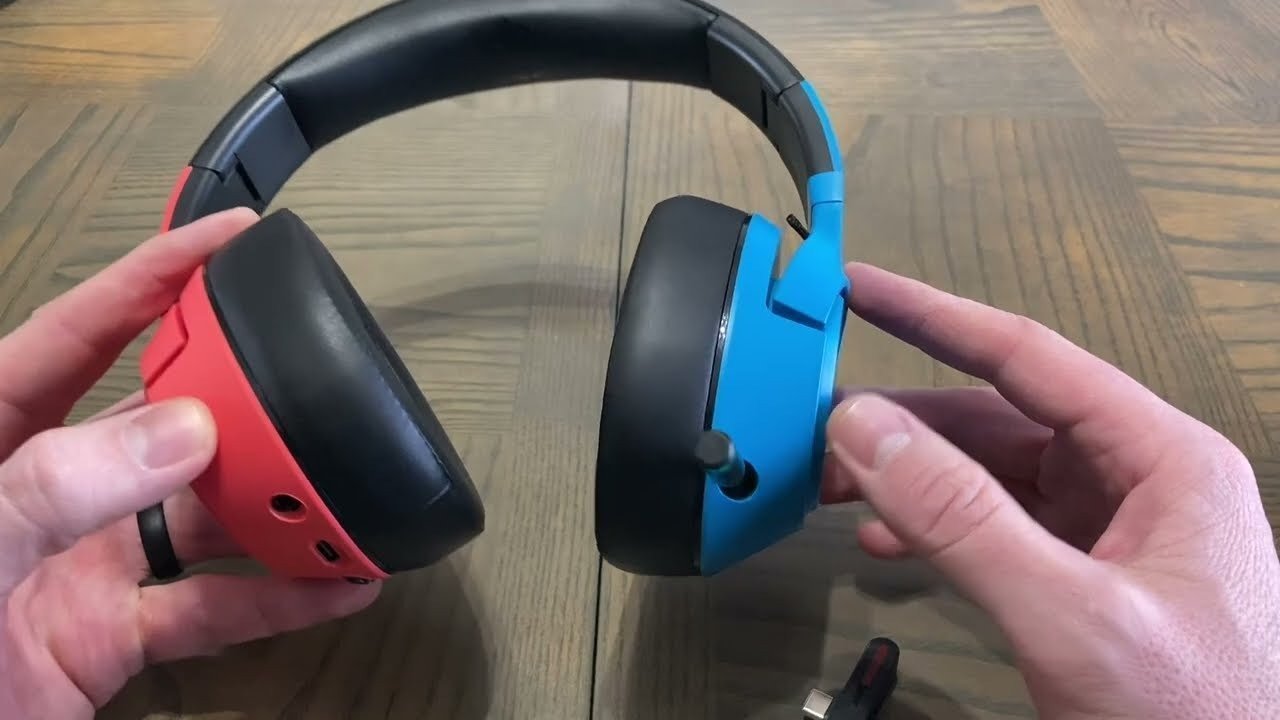
A Nintendo Switch headset should be chosen by connection path first. A wired 3.5 mm headset, a Bluetooth audio device, and a headset with a dedicated USB wireless receiver can behave differently for game audio, microphone input, latency, and portable use.
Start with the connection. Nintendo Switch supports Bluetooth audio, but Nintendo states that Bluetooth microphones cannot be used. If voice chat matters, verify the microphone path for the exact game, headset, and connection before buying.

Nintendo Switch Headset Connections at a Glance
| Connection | Useful starting point | Verify before buying |
|---|---|---|
| 3.5 mm wired | Simple direct audio path for portable play | Headset wiring, microphone support, cable length, and the voice-chat method used by the game |
| Bluetooth audio | Wireless listening without a separate receiver | Bluetooth microphone input is not supported; latency can occur; controller and local-communication limits apply |
| USB wireless receiver | Potential low-latency wireless path when the headset explicitly supports Switch | Exact receiver, USB port or adapter, handheld versus docked use, and microphone support |
Bluetooth Audio Works, but the Microphone Limitation Matters
Nintendo’s current support documentation says Nintendo Switch can pair with Bluetooth audio devices, but Bluetooth microphones cannot be used. Nintendo also notes that audio latency may occur, only one Bluetooth audio device can be connected at a time, and no more than two wireless controllers can be connected while Bluetooth audio is in use.
Bluetooth audio is also disconnected during local wireless communication. Check Nintendo’s Bluetooth audio support instructions before treating a Bluetooth headset as a complete game-audio-and-chat solution.
For Voice Chat, Verify the Entire Microphone Path
A headset having a microphone does not prove that the microphone will work through every Switch connection. Bluetooth audio on the console does not carry Bluetooth microphone input. Wired or USB-based microphone support depends on the headset, connection, game, and the way that game handles voice communication.
If multiplayer chat matters, verify both sides of the path: how you will hear game audio and how your voice will reach the game or chat service. Do not buy from a generic “Switch compatible” label without confirming those two functions.
Portable and Docked Play Create Different Requirements
For handheld play, cable length, connector placement, weight, and portability can matter more than desktop-style features. A 3.5 mm wired headset avoids charging and pairing, while a compatible USB-C receiver can provide a dedicated wireless path without relying on standard Bluetooth audio.
For docked play, confirm where the receiver connects and whether the headset’s microphone and controls remain available in that mode. Manufacturer support for the exact headset is more useful than assuming every USB or wireless model behaves the same way.
What to Compare After Compatibility
- Microphone path: confirm that the game or chat method can actually use it.
- Latency: important for timing-sensitive games; connection type matters more than a general wireless label.
- Comfort: consider headband pressure, pad heat, ear space, and total weight for longer sessions.
- Controls: check whether mute and volume controls work through the connection you plan to use.
- Portability: consider folding, cable management, receiver storage, and whether you play mostly handheld or docked.
For broader cross-platform buying criteria, see the gaming headset buying guide. It separates platform support, connection, microphone design, latency, and comfort instead of treating every gaming headset as interchangeable.
Nintendo Switch Headset FAQ
Can Nintendo Switch use Bluetooth headphones?
Yes. Nintendo Switch supports Bluetooth audio devices on current system software. Nintendo notes that latency may occur and Bluetooth audio has controller and local-communication limits.
Can I use a Bluetooth headset microphone on Nintendo Switch?
No. Nintendo’s support documentation states that Bluetooth microphones cannot be used with Nintendo Switch Bluetooth audio.
Is a wired headset easier for portable Switch gaming?
It can be. A compatible 3.5 mm wired headset avoids charging and wireless pairing, but microphone support still needs to be verified for the headset and game.
Will any USB wireless gaming headset work with Switch?
No. USB wireless support is model-specific. Confirm the manufacturer’s Switch support, receiver type, handheld or docked connection, and microphone behavior for the exact model.
Compare Gaming Headsets by Connection
Wantek’s gaming collection includes wired and wireless-focused options. Verify the exact Nintendo Switch audio and microphone path before ordering.

