
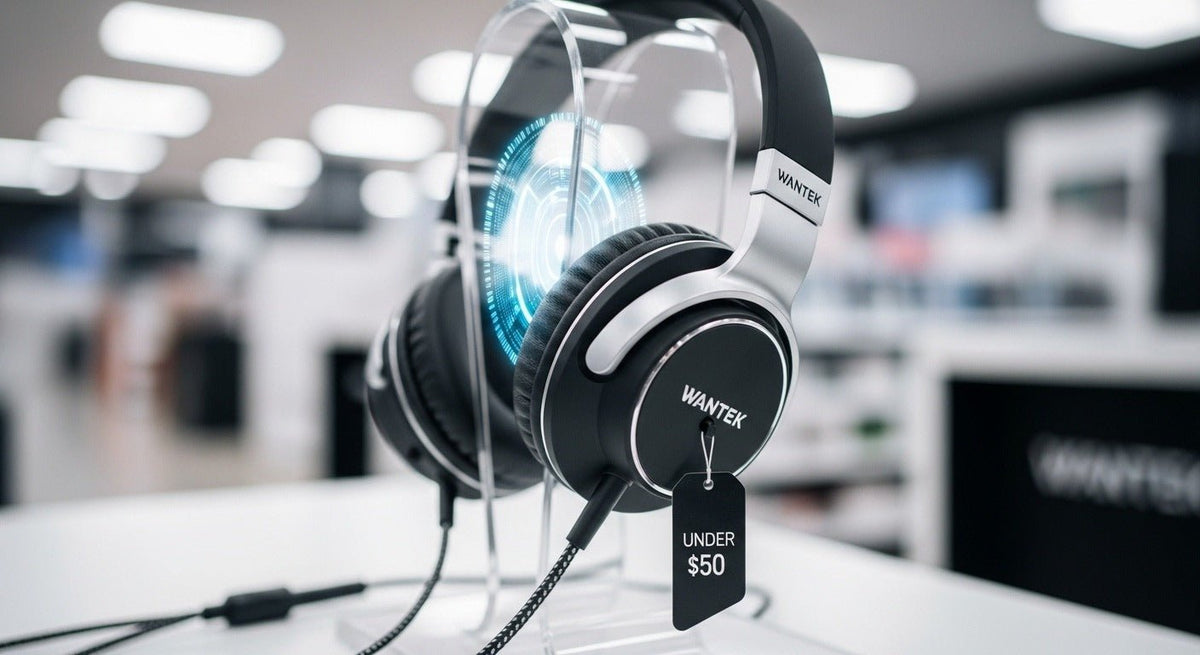
Budget wired headphones can offer strong value because they avoid batteries and wireless pairing, but “wired” does not mean universal. The connector, microphone wiring, comfort, cable quality, and source device still determine whether a model is a good fit.

Quick answer: spend first on fit, the correct connection, and a cable that suits your setup. Add a microphone only if you need calls or chat. Do not pay extra for a feature list before confirming that the headphones work with your actual phone, PC, controller, interface, or other source.
Choose the connection before the headphones
| Connection | Common use | What to check |
|---|---|---|
| 3.5 mm TRS | Stereo headphone output. | Usually audio only; microphone support requires a different wiring path. |
| 3.5 mm TRRS | Headset audio plus microphone on compatible combo jacks. | Device wiring and whether the port supports headset input. |
| Dual 3.5 mm | Separate headphone and microphone jacks on some desktop PCs. | Whether a splitter or adapter is required. |
| USB-A / USB-C | Digital computer or device audio. | Operating-system support, available port, controls, and microphone behavior. |
Where to spend a limited budget
1. Comfort and fit
Long sessions make clamp pressure, pad shape, cup depth, headband adjustment, and total weight more important than decorative finishes. A low-cost headphone that fits well can be more useful than a more expensive model that creates pressure points.
2. Cable and strain relief
Look at how the cable exits the ear cup or inline control and whether the length matches your desk, controller, phone, or audio interface. A cable that is too short or constantly pulled at an angle can turn a low purchase price into poor long-term value.
3. Microphone only when needed
For music-only listening, an integrated microphone may add no value. For work, school, gaming chat, or customer calls, microphone placement and mute access can matter as much as headphone sound.
Do not assume every 3.5 mm plug works the same way
A plug can fit physically while the microphone or controls still fail. Stereo headphones, headset microphones, older wiring conventions, console controllers, and desktop PCs can use different input arrangements. Confirm the source device before buying an adapter or splitter.
For PC-specific setups, see Wantek’s wired PC headphone guide.
Budget wired headphones by use case
- Music at a desk: prioritize comfort, cup design, and the correct source output.
- Gaming: confirm controller or PC connection, microphone support, and cable length.
- Work calls: prioritize a positioned microphone, mute access, and USB or headset-jack compatibility.
- School or shared devices: prioritize durable construction, simple controls, and easy-clean surfaces where appropriate.
- Audio production: start with the monitoring requirement and source rather than a consumer feature list.
When a more expensive wired model is worth it
Paying more can make sense when it gets you a better fit, replaceable wear parts, a more suitable connector, stronger cable construction, or a design that better matches the listening task. Price alone does not guarantee those benefits, so compare the exact model rather than the price tier.
Final buying checklist
- Identify the exact device and port.
- Decide whether you need a microphone.
- Check fit and wearing style.
- Confirm cable length and routing.
- Check whether pads, cable, or accessories can be replaced.
- Review warranty and return terms before treating a low price as a bargain.
Budget for the Whole Signal Path
A low-cost headphone can still require a splitter, USB adapter, extension cable, or replacement pads. Add those needs before comparing total cost. If a laptop or phone lacks the required analog jack, a cheap 3.5 mm model may not be the cheapest complete setup.
Check the Return Policy for Fit
Budget models often provide fewer adjustment details in product listings. A return policy gives you a practical way to test headband range, cup pressure, glasses comfort, and cable placement without treating online dimensions as a guaranteed fit.
When to Spend More
Paying more can make sense when the higher-priced model solves a real requirement such as replaceable parts, a detachable cable, better device compatibility, or a microphone and controls that fit the workflow. Do not upgrade only because a specification list is longer.
Frequently asked questions
Are wired headphones always compatible with a laptop?
No. Some laptops use a combo 3.5 mm headset jack, some rely on USB or USB-C, and microphone support can vary. Check the laptop’s actual port and audio support.
Do budget wired headphones need an amplifier?
Most everyday models are designed for ordinary consumer sources, but requirements vary. Check the headphone specifications and the source output rather than assuming an amplifier is required.
Is USB better than 3.5 mm?
Neither connection is automatically better. USB can add digital audio and controls, while 3.5 mm can be simple and broadly useful on compatible analog sources.
Compare Budget-Friendly 3.5 mm Headsets
If microphone use is part of the requirement, compare current 3.5 mm headset options and verify the full audio-and-mic path.

