
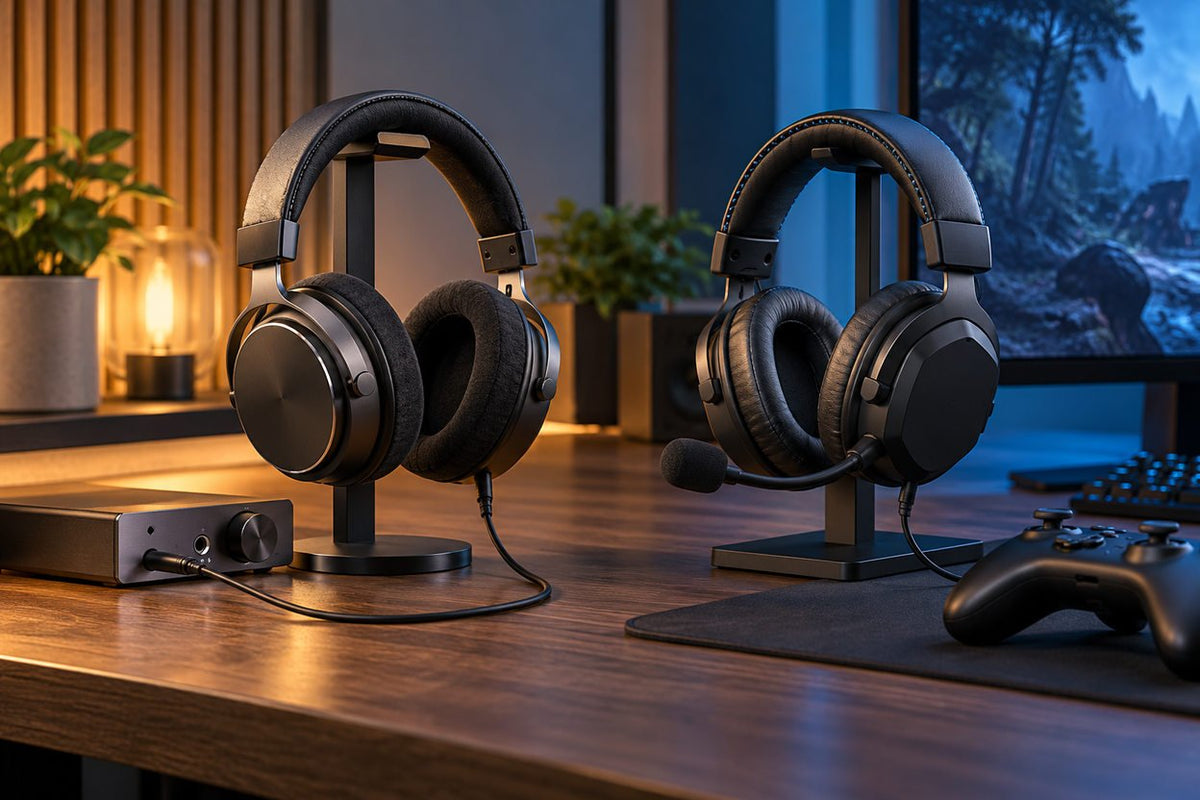
To find good headphones for gaming and music, compare sound tuning, dialogue and directional cues, microphone needs, and a connection your PC or console supports. Your room and platform matter more than a brand ranking.
Quick answer: A wired open-back headphone can be a strong fit for music and PC gaming in a quiet room when you use a separate microphone. A closed-back gaming headset is easier when you need isolation and an integrated mic. Wireless is convenient, but verify latency, dongle compatibility and battery workflow.
Start With the Use Case, Not a Brand Ranking
| Setup | Strength | Tradeoff |
|---|---|---|
| Open-back wired headphone + separate mic | Useful for quiet-room listening and gaming | Leaks sound and requires a separate microphone path |
| Closed-back wired headset | Simple microphone integration and isolation | Cable and headset tuning may be less flexible |
| 2.4 GHz wireless gaming headset | Low-cable clutter and integrated controls | Battery and receiver compatibility |
| Bluetooth headphone | Good mobility for music and general use | Gaming microphone/latency behavior can vary by platform |
If you spend more time listening to albums than chatting, start with a comfortable music headphone and add a microphone only if needed. If you play multiplayer games with friends every day, an integrated boom mic and easy mute control may be more practical. A dedicated wireless gaming headset makes more sense when you want freedom from the cable and its receiver supports your gaming system.
Open-Back vs. Closed-Back

Open-back designs allow more acoustic exchange with the room and provide little isolation. Closed-back designs reduce leakage and outside sound more effectively. Neither architecture guarantees better detail, imaging or bass; those depend on the actual headphone design and fit.
For music, compare vocal clarity, bass control and treble that stays comfortable over a full album. For games, check whether dialogue and directional effects remain easy to distinguish in familiar scenes. Driver size, a “surround” label or a bass-heavy preset cannot establish either result on its own.
Gaming Adds a Microphone and Platform Problem
A music headphone does not need a microphone, but multiplayer chat does. Decide whether you want an integrated boom, a detachable mic, a separate USB/XLR microphone, or no voice chat. On consoles, verify the exact 3.5 mm, USB or wireless-dongle path instead of assuming PC support transfers.
For PlayStation specifically, see the PS5 headset compatibility guide. For desktop setups, compare the connector and mic options in our wired PC headphone guide.
As one wired, boom-mic example, the Voistek V9 Pro gaming headset uses 3.5 mm for game audio and USB for RGB-lighting power. Its listed connection and controls make it worth comparing for supported PC and console setups, but they do not establish a music-sound-quality ranking.
Wireless Is Not One Thing
Bluetooth and dedicated 2.4 GHz gaming links have different implementations. A dedicated receiver can provide a predictable gaming path on supported platforms, while Bluetooth is convenient for phones and many computers. Multipoint, simultaneous mixing and microphone quality must be verified separately.
Voice chat is an additional Bluetooth check. On Windows PCs without the necessary LE Audio support, using a Bluetooth headset microphone can reduce playback to mono. Some supported Windows 11 systems and LE Audio headsets can keep stereo playback while the mic is active; Microsoft explains the hardware and driver requirements. Also verify whether a wireless model can play audio through a cable or USB when its battery runs low; that fallback is not universal.
Comfort Can Override Small Sound Differences
For long sessions, clamp, pad depth, heat, glasses pressure and total weight can matter more than a minor feature advantage. Test the headset for the duration of your normal gaming or listening session when possible.
A useful comparison is to play a familiar song and a familiar game at comfortable, similar listening levels, then test the microphone and mute control in the exact voice-chat app you use. Recheck ear pressure and heat after a longer session rather than deciding from the first minute.
If a wired boom-mic headset fits your setup, compare the Voistek V9 Pro's 3.5 mm audio connection and inline controls.
Music and Gaming Headphone FAQ
Do I need a gaming headset for gaming?
No. Standard headphones can work well if the platform supports them and you have a separate microphone when voice chat is needed.
Are open-back headphones better for footsteps?
Not automatically. Imaging, tuning, game mix and fit matter. Open-back design mainly changes isolation and acoustic leakage.
Is Bluetooth too slow for gaming?
Latency varies by device, codec and implementation. For timing-sensitive games, verify the exact measured or manufacturer-supported connection rather than relying on Bluetooth version alone.

