
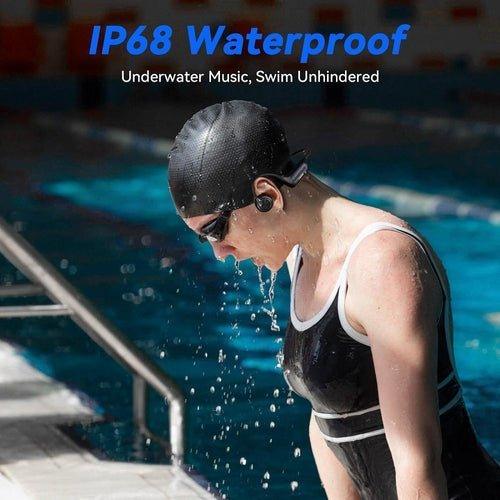
A “2.4 GHz” label does not solve underwater wireless transmission. Bluetooth also operates in the 2.4 GHz band, and radio energy at these frequencies is strongly attenuated by water. That is why swimming headphones commonly rely on onboard music storage.
For lap swimming: prioritize waterproof-use instructions, secure fit and local playback. Treat any live wireless claim as model-specific and verify exactly where the transmitter must be placed.
2.4 GHz vs Bluetooth Underwater
Bluetooth is one family of protocols that uses 2.4 GHz radio. A proprietary 2.4 GHz link can change protocol, latency or transmitter design, but it does not change the basic fact that water strongly weakens high-frequency radio signals.
| Playback path | Underwater reliability | What to verify |
|---|---|---|
| Bluetooth from phone | Poor when submerged | Use above water; do not plan on pool streaming |
| Proprietary 2.4 GHz | Highly model/setup dependent | Transmitter position and published water-use range |
| Onboard MP3/storage | Does not need a radio link | Storage, file formats and controls |
Why Local Storage Is Simpler
With onboard storage, the audio file is inside the headset. That removes the phone-to-headset radio link from the underwater path. Shokz gives the same guidance for current swim models: OpenSwim uses internal storage because Bluetooth is lost once submerged.
For a concrete swimming comparison, see Wantek's underwater bone-conduction and MP3 guide.
Frequently Asked Questions
Is 2.4 GHz better than Bluetooth underwater?
Do not assume so. Both use radio in a frequency range strongly attenuated by water; proprietary systems need model-specific evidence.
What works most predictably for swimming music?
Onboard local storage avoids dependence on an underwater wireless link.
Does bone conduction improve radio transmission?
No. Bone conduction changes how sound reaches the inner ear; it does not change how radio waves propagate through water.
Original Article Media


