
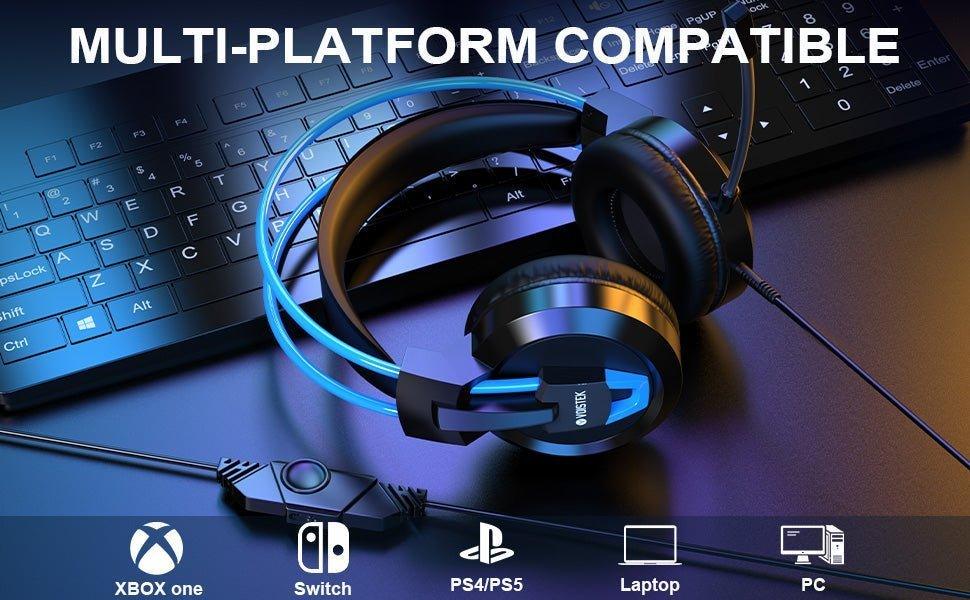
A longer headset cable can help a teacher move around a desk or lectern, but extra cable also creates snag and trip risk. Choose the shortest length that reaches the required position comfortably, then manage the slack.
Start with the computer connection: USB-A, USB-C and 3.5 mm headsets are not interchangeable without the right port or adapter. Then compare boom-mic placement, mute control and cable durability.
How Much Cable Do You Need?
Measure from the computer or docking station to the farthest normal speaking position, add modest slack for head movement, and avoid routing the cable across a walking path.
USB vs 3.5 mm
USB headsets include their own digital audio interface and can simplify microphone detection. A 3.5 mm headset may use TRRS or separate headphone/mic plugs depending on the computer.
| Feature | Why it matters in class | Check |
|---|---|---|
| Cable length | Reach around desk/lectern | Measure actual workstation |
| Boom mic | Consistent voice level | Adjustable placement |
| Inline mute | Quick privacy/control | Physical or software mute behavior |
| Strain relief | Frequent movement stresses cable ends | Reinforced connector transitions |
For general wired-workheadset selection, see Wantek's wired headset guide.
Frequently Asked Questions
Is the longest cable always best?
No. Excess slack can snag or create a trip hazard. Use the length needed for the workstation and manage extra cable.
Is USB easier for classroom computers?
Often, because USB presents a dedicated audio device, but compatibility still depends on the computer's ports and policies.
Should a teaching headset have a boom mic?
A boom mic can keep mouth-to-mic distance more consistent than an earcup microphone, which is useful for calls, lessons and recording.
Original Article Media


