
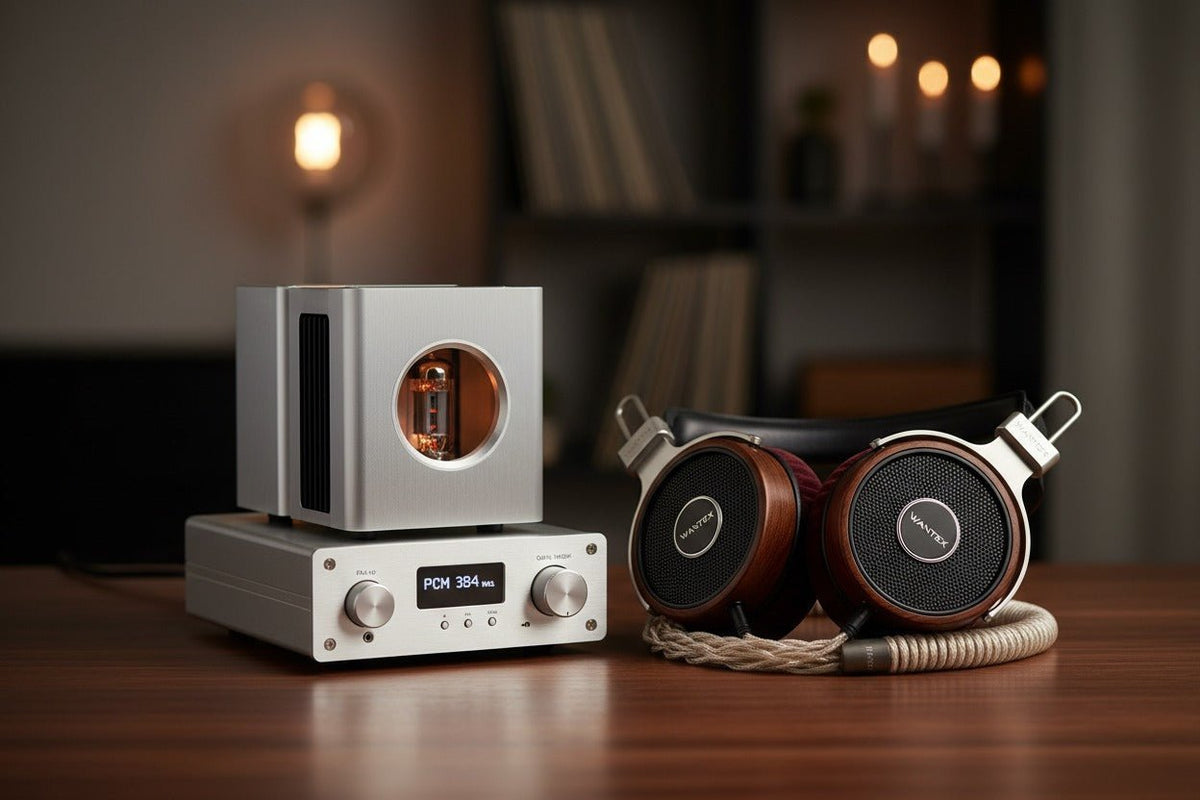
If your headphones sound thin, boomy, harsh, quiet, or less detailed than expected, do not start by buying a DAC or replacing the cable. Start with fit and seal, remove unintended processing, compare at matched volume, and use small EQ changes. Only then troubleshoot the source, Bluetooth connection, or amplifier.
Fast answer: the biggest improvements usually come from fixing the physical fit, using a sensible EQ, choosing the correct connection and audio settings, and listening in a quieter environment. Lossless files and external hardware can matter, but only when the rest of the playback chain can benefit.
How to make headphones sound better: use this order
Fix the fit and seal.
Reseat in-ear tips, adjust the headband, move glasses or hair away from the pad seal, and inspect worn cushions. A poor seal can reduce bass and isolation before any software setting enters the picture.
Compare at similar volume.
A slightly louder signal can seem clearer or more exciting. Keep comparisons close in loudness so you are judging tonal balance and distortion rather than volume alone.
Reset processing you did not intend to use.
Temporarily turn off system enhancements, spatial effects, normalization, or app EQ when diagnosing a problem. Then add back only the processing you actually prefer.
Use EQ for the problem you can hear.
Cut excessive bass, reduce a sharp treble region, or add a small amount of presence instead of applying large boosts across many bands.
Check the source and connection.
Use a high-quality stream or file, confirm the intended Bluetooth codec or wired output is active, and make sure the app is not silently using a low-quality mode.
Add a DAC or amplifier only when there is a reason.
External hardware is useful when the current output is noisy, distorted, too quiet, incompatible, or unable to drive the headphones cleanly. It is not an automatic sound-quality upgrade.

1. Fix fit and seal before changing electronics
Fit changes acoustics. With in-ear headphones, the ear tip must seal consistently; if the tip is too small, too shallow, or poorly shaped for your ear, bass can drop sharply and outside noise can mask detail. With over-ear headphones, gaps from glasses, hair, pad wear, or an uneven cup position can also weaken low-frequency response. RTINGS documents the same effect in its explanation of headphone seal and bass consistency.
Try the free fixes first: reseat the headphones, test another included ear-tip size, center the driver over the ear, and check whether the pads have flattened or cracked. If changing position produces a large tonal change, the problem is probably mechanical rather than digital.
Do not assume replacement pads are acoustically identical to the originals. Pad depth, foam density, covering material, and seal can change the sound. If you replace them, start with manufacturer-specified parts when maintaining the original tuning is the goal.
2. Use EQ as a correction tool, not a loudness contest
Equalization is often the most direct way to change a headphone's tonal balance because it targets the frequencies that sound wrong to you. Start with small adjustments. If bass is muddy, try a modest cut rather than boosting the treble. If vocals feel recessed, a small midrange adjustment may be more useful than raising the whole volume.
Large boosts reduce headroom and can make clipping or distortion more likely. If your EQ app provides a preamp or overall gain control, lowering it can create room for positive boosts. When possible, compare the EQ on and off at similar perceived volume.

Useful baseline: if you do not know what the current software is doing, temporarily return EQ, spatial audio, normalization, and sound-enhancement controls to a neutral state. Diagnose from there, then re-enable the features that genuinely improve your listening.
3. Improve the source without overestimating high-resolution audio
A bad master, low-bitrate stream, or aggressive compression cannot be repaired by expensive headphones. Use the highest practical quality setting in your music service and compare the same recording when testing changes. Lossless playback removes lossy file compression from the chain, but it does not guarantee an audible upgrade in every setup.
Apple's current lossless audio guidance notes that higher-resolution files use more data and storage, and that an external DAC is required on iPhone or iPad for sample rates above 48 kHz. That is a compatibility requirement for those higher sample rates, not evidence that every headphone needs an external DAC to sound good.
4. Make headphones sound better on Windows 11
If Windows audio sounds distorted, thin, unusually quiet, or different from the same headphones on another device, test the signal path instead of automatically selecting the highest sample rate.
- Open Settings > System > Sound and confirm the correct output device.
- Check the app and system levels in Volume Mixer.
- If the sound is distorted or otherwise wrong, test with Audio enhancements turned off. Microsoft specifically recommends this as a troubleshooting step for some audio problems in its Windows audio guidance.
- If a format setting causes crackling, low volume, or compatibility problems, try another supported default format rather than assuming the numerically highest option is best.
- Update or reinstall the device driver if the problem appears only on that Windows system.
Spatial audio can be useful for games and films that are designed for it, but it also changes the presentation. For stereo music, compare it on and off and keep whichever version better matches your goal.
5. Make headphones sound better on iPhone
On iPhone, first separate three different controls: the Music app's EQ, Headphone Accommodations, and the connection itself. They solve different problems.
- Music EQ: use it only if the preset improves the tonal balance for your headphones and music.
- Headphone Accommodations: do not automatically disable it. Apple designed the feature to adjust soft sounds and selected frequency regions on supported Apple and Beats headphones. If you want a neutral troubleshooting baseline, compare your setup with the feature reset or off, then restore it if it helps. See Apple's Headphone Accommodations instructions.
- Lossless Audio: in current iOS versions, Apple places the control under Settings > Apps > Music > Audio Quality. Lossless playback uses more bandwidth and storage.
Do not assume that enabling a higher-quality file setting changes the wireless transmission path. The file format, Bluetooth link, headphone DSP, and final driver tuning are separate parts of the chain.
6. For Bluetooth headphones, verify the actual connection
Bluetooth codec labels can be useful, but a codec name on the box does not tell you what the current connection is using. The source and headphones must support a compatible codec, and device makers can decide which codecs are enabled or prioritized. Android's own documentation describes codec negotiation and support for SBC plus optional codecs including AAC, aptX, aptX HD, and LDAC on supported implementations. See the Android Bluetooth audio documentation.
If your wireless headphones sound unexpectedly poor, check these before changing hardware:
- Make sure the headphones are in their normal music playback mode rather than a low-bandwidth call profile.
- Check the manufacturer's app for EQ, ANC, transparency, or sound-mode settings.
- Update the headphone firmware when the manufacturer documents a relevant fix.
- On Android, confirm the available HD-audio or codec setting for the connected device if your phone exposes it.
- Move away from heavy wireless interference if you are hearing dropouts or instability.
If you are deciding whether the connection itself is the limitation, Wantek's wired vs. wireless headphones for music guide separates connection trade-offs from tuning, fit, and acoustic design.
7. Know when a DAC or headphone amplifier can actually help
A DAC converts digital audio into an analog signal. An amplifier provides the voltage and current needed to drive the headphone. If your phone, laptop, interface, dongle, or wireless headphone already produces clean output at the volume you need, replacing that electronics stage may produce little or no practical improvement.
External hardware becomes more relevant when you have a specific problem: insufficient volume, audible hiss or noise, clipping or distortion from the source, an incompatible connector, or headphones whose impedance and sensitivity demand more output than the current device can provide. Sennheiser's impedance guidance likewise emphasizes checking the exact headphone and source rather than treating impedance as a universal quality score.
Do not diagnose amplifier need from the volume-slider percentage alone. Different devices map their volume controls differently. The better test is whether the system reaches your required listening level cleanly, without obvious distortion or noise, while remaining within a sensible listening level.
8. Do cables make headphones sound better?
Replace a cable when it is damaged, intermittent, noisy when moved, the wrong length, or the wrong connector for your equipment. A competent cable that maintains a reliable electrical connection is usually the goal.
A balanced headphone connection can provide more output on an amplifier designed to deliver more power from its balanced jack, but the connector itself is not a universal sound-quality upgrade. The result depends on the amplifier design, headphone load, and output level.
9. Clean and maintain the parts that affect sound
Debris can partially block an earbud or IEM nozzle, and worn pads can change both comfort and seal. Follow the headphone manufacturer's cleaning instructions, keep liquid away from drivers and electronics, and replace damaged tips or pads when they no longer fit or seal correctly.
If one side suddenly sounds quieter, compare channels with another source before assuming the driver has failed. Check balance settings, connectors, detachable cables, ear tips, and nozzle blockage first.
10. Improve detail by reducing background noise, not by chasing volume
Ambient noise masks quiet musical detail. Better passive isolation, a good in-ear seal, or effective ANC can make the same recording easier to hear without increasing playback level. This is especially important on planes, trains, and busy streets.
The World Health Organization's safe-listening guidance explains that risk depends on both sound level and exposure time. Its examples include up to 40 hours per week at an average 80 dB and only four hours per week at 90 dB. The practical lesson is simple: if a noisy environment makes you keep raising the volume, solve the noise problem first.
When better settings are not enough
EQ and setup changes cannot turn every headphone into a different design. If the fit is uncomfortable, the driver distorts at the level you need, the enclosure is wrong for your environment, or the tuning remains far from your preference after reasonable adjustment, a different headphone may be the better solution.
Before replacing the pair, use Wantek's headphone buying framework to compare form factor, comfort, connection, sound signature, isolation, and the actual device you will use.
Frequently asked questions
What is the fastest way to make headphones sound better?
Start with fit and seal, then reset unintended sound processing and make small EQ adjustments. These steps are free, reversible, and more likely to solve obvious tonal problems than buying new electronics first.
Does a DAC always improve headphone sound?
No. A separate DAC is useful when you need a different connection, higher supported sample rate, cleaner output, or better integration with an amplifier. If the current output is already clean and adequate, the difference may be small.
Can EQ damage headphones?
Normal EQ use does not inherently damage headphones, but large boosts can increase output demand and clipping risk. Keep adjustments moderate, preserve headroom, and avoid using EQ as a reason to listen at excessive levels.
Why do my headphones have weak bass?
First check the seal. In-ear tips that do not fit and over-ear pads with gaps can reduce bass substantially. Also check EQ, left-right balance, pad wear, source settings, and whether the recording itself is bass-light.
Should I use the highest sample rate in Windows?
Not automatically. Use a supported format that works reliably with your device and applications. If you hear distortion, crackling, or low volume, Microsoft recommends testing audio enhancements and alternate formats as part of troubleshooting.
Do expensive headphone cables improve sound quality?
A cable should provide a reliable connection without faults or noise. Replacing a damaged cable can fix real problems, but price alone does not prove an audible improvement over a properly functioning compatible cable.

