Connection first
Choose by Connection First
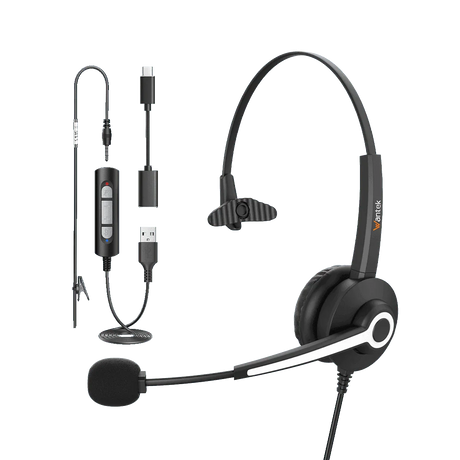
For a computer-based call center, begin with a compatible USB or USB-C headset. For calls handled on a physical desk phone, verify the exact phone model and RJ wiring or required adapter first. Only then compare wearing style, microphone needs, controls, and mobility.
1
Computer or Softphone
For softphone or browser-based calls, a wired USB headset is a practical starting point when the computer has a compatible USB-A or USB-C port.
Check that the computer and calling app recognize both the headset speaker and microphone. Audio working does not by itself guarantee that the headset buttons will answer calls, end calls, or synchronize mute status with the app.
Best starting point: wired computer and softphone workstations.
2
Desk Phone
An RJ9 headset plugs into a compatible desk-phone connection. QD (quick disconnect) is a detachable connection in the headset cable; a QD headset still needs the correct lower cable or adapter for the phone. A plug that fits is not proof of compatible wiring.
Check the complete phone brand and model, headset port, and required wiring before selecting a Wantek RJ1, RJ2, or RJ4 variant.
Check Desk-Phone Compatibility →
3
3.5 mm or 2.5 mm
Use a 3.5 mm or 2.5 mm headset only when the device supports microphone input through that connection. A matching plug diameter alone does not establish the correct contact wiring or microphone support.
For computers with separate headphone and microphone jacks, check whether a suitable adapter is required; verify the headset and device wiring rather than assuming any adapter will work.
4
Wireless
Choose wireless when agents need to move beyond the reach of a headset cable. First identify whether calls run on a Bluetooth-capable computer or on a desk phone that requires its own supported wireless base or adapter.
Check the actual device and calling-app support, call-control behavior, usable range in the workspace, and charging routine. Bluetooth pairing alone does not confirm every call-control function.