
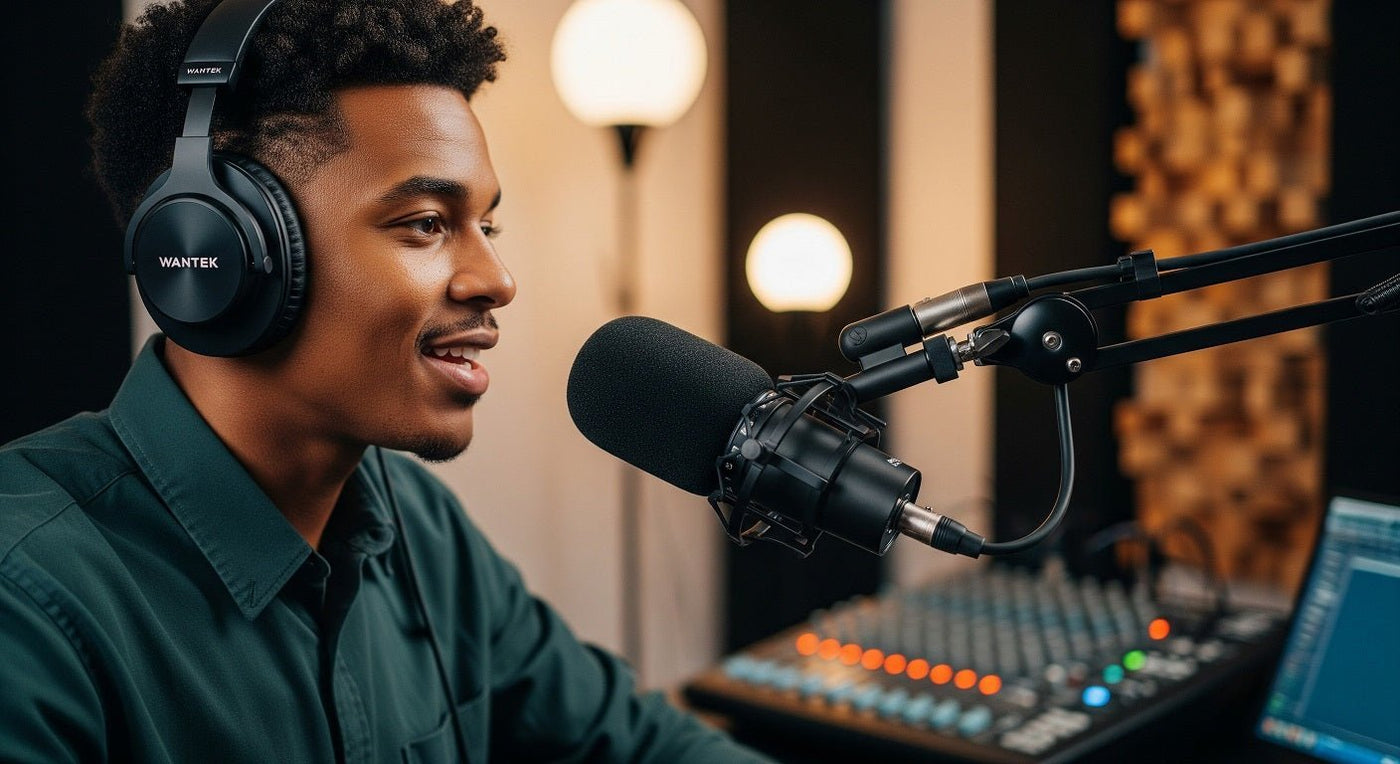
Podcasters wear headphones to monitor their audio and hear other participants without playing the conversation through room speakers. This helps reveal noise, clipping, changes in microphone position, and missing audio while there is still time to correct them. Headphones alone do not remove recording latency.
Hear the signal you are recording
Your voice sounds different through a microphone than it does while you speak. Monitoring lets you check the captured signal rather than relying only on what you hear in the room. Listen for clothing rub, desk bumps, plosives, and changes in distance.
Also watch the recording meters. Headphone volume and recording gain are different controls: a quiet headphone mix does not prove the recording level is low, and turning up the headphones does not repair a weak recorded signal.
| Symptom | Check | First action |
|---|---|---|
| Distorted loud words | Input meters and recorded test | Adjust input gain or microphone technique |
| Delayed own voice | Direct and software monitoring paths | Avoid monitoring the same voice twice |
| Guest hears an echo | Speakers and return-audio routing | Use headphones and check the return mix |
| Rustling or thumps | Clothing, cables, and desk contact | Reposition the source of the noise |

Headphones reduce speaker pickup
If a guest's voice plays through your speakers, your microphone may capture it and send it back. RØDE's guide to microphone and speaker bleed recommends headphones to avoid that acoustic path. You still need correct software routing; headphones cannot repair a duplicated return signal.
Closed-back headphones are a practical starting point for recording because leakage is a concern. They are not perfectly soundproof, so keep monitoring volume moderate and test the actual setup. Open-back headphones can be useful for other listening tasks but need particular care near a live microphone.
Direct monitoring and software monitoring
Direct monitoring, where supported, lets you hear the input through the microphone or audio interface without waiting for the full computer-processing path. Software monitoring sends audio through the application and can add delay.
RØDE's monitoring troubleshooting guidance explains why hearing both paths at once can produce an echo. Select the appropriate path for your equipment and confirm it with a short recording.
Choose a usable recording setup
Start with a compatible wired headphone connection, comfortable fit, and manageable cable routing. You do not need a premium headphone to begin monitoring. The music and studio headphone guide separates recording requirements from general listening preferences.
A headset with a built-in microphone can be a practical option. A separate microphone offers different placement and control choices, but its size alone does not guarantee a better recording. Compare the voice captured in your actual room.
Before each recording
- Select the intended input and headphone output.
- Check every speaker and remote guest individually.
- Set input gain using meters and normal speech.
- Record and play back a short test.
- Confirm the recording destination and that all required tracks are present.
Frequently asked questions
Do headphones eliminate latency?
No. Delay depends on the monitoring path and processing. Use supported direct monitoring or an appropriately configured software path, and avoid hearing both paths simultaneously.
Should remote guests wear headphones?
Usually, yes. They reduce the chance of speaker audio entering the guest's microphone. Test the call and recording routing as well, since headphones do not fix every echo source.

