
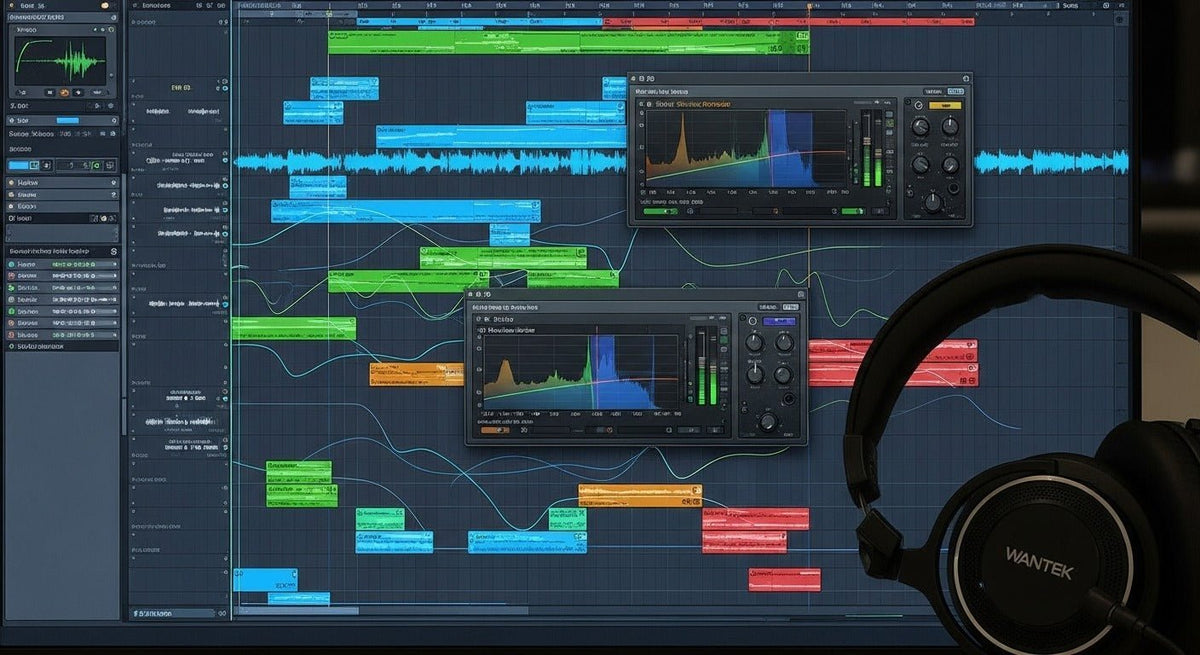
Static sound effects work best when you treat them as intentional texture, not as generic background noise. Start with the right source, confirm that you can legally use it, edit it cleanly, then shape its tone, movement, and level to fit the scene or mix.
Quick workflow: source or generate the sound, trim and fade it, create a clean loop when needed, shape it with EQ and effects, automate its movement, then check that it supports rather than masks dialogue, music, or gameplay cues.
What Counts as Static Audio in Sound Design?
In creative work, static is a practical description for noisy textures such as radio hiss, television noise, vinyl crackle, tape hiss, electrical interference, and digital glitch bursts. It is not one strict technical category, and it should not be treated as a synonym for every type of colored noise.
That distinction matters because different sources behave differently. Generated white noise is spectrally broad and consistent, while a recorded radio scan or worn-record crackle contains irregular events that can sound more specific and realistic.
If the noise is unwanted rather than creative, use a troubleshooting workflow instead. Our guide to static noise causes and fixes covers interference, connections, gain staging, ground loops, and hardware faults.

Choose the Right Noise Texture Before You Process It
A good static effect starts with the character you want. Generated noise is useful when you need a steady, controllable bed; recorded noise is often better when you want an identifiable object, era, or communication system.
- White noise: has a flat power spectrum and is usually perceived as a bright hiss. It is a flexible starting point for radio, air, transition, and synthetic interference effects.
- Pink noise: falls by roughly 3 dB per octave, so it carries relatively more low-frequency energy than white noise and usually sounds less bright.
- Brown noise: falls more steeply, roughly 6 dB per octave, which gives it a darker, low-frequency-heavy character.
- Recorded radio or TV static: may include tuning sweeps, crackle, bursts, modulation, and other irregular details that generated noise does not provide by itself.
- Vinyl or tape noise: adds medium-specific artifacts such as crackle, hiss, flutter, or mechanical texture rather than a perfectly uniform noise bed.
- Digital glitch noise: uses short bursts, dropouts, stutters, bit-reduction artifacts, or distorted fragments for an intentionally broken digital character.
Adobe Audition's documentation on generating colored noise is a useful reference for the spectral differences between white, pink, and brown noise.

How to Source Static Sound Effects
Generate Noise in Your DAW
For a clean and repeatable source, use a built-in noise generator or synthesizer. This gives you control over duration and level and avoids the obvious repetition that can appear when a short recorded sample is looped.
Record Your Own Texture
Recording your own equipment or environment can produce a more distinctive result. Capture the texture at a healthy level without clipping, and make sure the recording does not unintentionally include copyrighted programming, speech, or music that you do not have permission to reuse.
Use a Sound Library and Read the License for the Specific File
Do not assume that “free,” “royalty-free,” or “Creative Commons” means the same thing in every library. Freesound's licensing FAQ, for example, explains that individual uploads can use different Creative Commons licenses with different attribution and commercial-use conditions.
For YouTube projects, the YouTube Audio Library provides music and sound effects for use in videos, but some items require attribution. For third-party libraries, check the actual license covering the specific asset and intended distribution.
Licensing check: verify commercial-use rights, attribution requirements, redistribution restrictions, platform limits, and whether the license covers the final product you are making.
Prepare the Audio Before Creative Processing
Keep the source as clean and editable as practical. Match the project or delivery sample rate rather than converting files simply because a higher number looks better. For repeated editing and processing, a lossless source such as WAV or AIFF is generally easier to work with than a lossy source.
A 24-bit file can provide useful headroom when the source was recorded or generated that way, but converting an already compressed MP3 to 24-bit WAV does not restore information that was removed during compression.
- Trim silence and unwanted handling noise before you start designing the effect.
- Add short fades where edits create clicks.
- Keep an unprocessed copy so you can rebuild the effect without cumulative processing.
- Name versions by function, such as radio-static-bed, glitch-hit-short, or vinyl-crackle-loop.
Static Sound Effect Workflow: Step by Step
Define the job of the sound
Decide whether the static should establish a location, signal a malfunction, create a transition, add analog texture, or provide rhythmic movement. The purpose determines the source and processing.
Choose or generate the source
Use steady generated noise for controllable beds. Use recorded static, crackle, or tuning sounds when the identity of the device or medium matters.
Trim, fade, and loop cleanly
Remove unnecessary material, add short fades around edits, and use a crossfade when a loop point clicks or exposes an obvious seam.
Shape the spectrum with EQ
High-pass filtering can remove unnecessary rumble, low-pass filtering can make a source sound older or more distant, and band-pass filtering can create a narrower radio-like character.
Add movement
Automate level, filter cutoff, pan, distortion, or reverb send so the texture changes with the scene instead of remaining mechanically constant.
Layer only when each layer has a role
Combine complementary elements, such as a low rumble, a midrange crackle, and a light hiss. Remove layers that add level without adding a distinct function.
Mix it in context
Set the effect while dialogue, music, or gameplay is playing. Static that sounds impressive in solo can quickly mask speech or make a mix feel fatiguing.
Four Practical Static Sound Recipes
Old Radio or Distant Transmission
Start with white noise or a licensed radio-static recording. Narrow the frequency range with filtering, automate the level so the signal comes and goes, and add short bursts of crackle around transitions. The result usually feels more convincing when the static changes with the “signal” instead of playing at one fixed level.
Lo-Fi or Analog Texture
Use subtle tape hiss or vinyl-style crackle underneath the main audio. Roll off unnecessary extremes, keep the level low, and introduce slow modulation only if the production calls for an unstable analog feel. The texture should support the aesthetic without covering transients or vocal detail.
Digital Glitch or System Failure
Build the effect from short noise bursts rather than one continuous bed. Combine abrupt edits, stutters, bit reduction, distortion, or filtered fragments, then vary the timing so repeated events do not sound copied and pasted.
Game UI Error or Warning
Keep the effect short and readable. A compact burst of noise can be layered with a tonal beep or impact, but the transient should remain clear enough to communicate the event immediately. Create a few variations when the cue will repeat frequently.
How to Keep Static From Masking Dialogue and Music
The main risk with static is masking. Broadband noise can occupy a large part of the spectrum, so even a moderate level may reduce clarity when it overlaps speech, cymbals, synths, or ambience.
- Lower the level first. Many problems disappear before more processing is needed.
- Cut frequencies that do not contribute to the effect. A narrow or filtered static layer often communicates the idea with less competition.
- Automate around important moments. Reduce the static under dialogue or key musical details instead of forcing both elements to compete continuously.
- Use dynamics carefully. Sidechain ducking or a gate can create controlled movement, but aggressive settings can become more distracting than the original noise.
- Check more than one playback system. An effect that feels subtle on speakers can become much more obvious on headphones, and the reverse can also happen.
Where Static Sound Effects Work Well
- Film and video: radio tuning, damaged transmissions, scene transitions, technology failures, archival or analog cues.
- Music production: lo-fi texture, risers, fills, rhythmic noise layers, transitions, and controlled ambience.
- Games: UI feedback, damaged equipment, proximity effects, environmental ambience, and dynamic state changes.
- Podcasts and audio drama: recorded-message transitions, communications effects, scene changes, and narrative atmosphere.
The best use is usually specific: the sound should tell the listener something about the environment, technology, emotion, or state of the system rather than simply filling empty space.
Frequently Asked Questions
Is static the same thing as white noise?
No. White noise is a defined noise spectrum. “Static” is a broader descriptive term that can refer to white-noise-like hiss, radio interference, crackle, electrical noise, or designed glitch textures.
Can I loop a static sound effect?
Yes. Choose a stable section and use a short crossfade across the loop boundary if the seam clicks or becomes obvious. Irregular recorded static may need a longer loop.
Is MP3 good enough for static sound effects?
It can be fine for reference or some final deliveries, but a lossless source is preferable when you expect heavy EQ, stretching, pitch changes, or repeated processing.
Can adding static fix a bad recording?
Static can sometimes mask small ambience changes or support a deliberate lo-fi style, but it does not repair clipping, distortion, severe noise, poor microphone technique, or missing audio detail.
Does royalty-free mean I can use a sound anywhere?
No. Royalty-free describes a licensing model, not unlimited permission. Check the specific asset's license for commercial use, attribution, redistribution, platform, and project restrictions.
Build the Effect Around the Story, Not the Plugin
Effective static sound design starts with a clear purpose. Pick a source that matches the scene, keep the license record, edit the file cleanly, then use filtering, automation, layering, and dynamics only when they make the intended cue easier to understand.
A subtle noise bed can create age, distance, tension, or technological context. A short burst can communicate an error or transition. In both cases, the useful question is the same: what should the listener understand or feel when this sound appears?

