
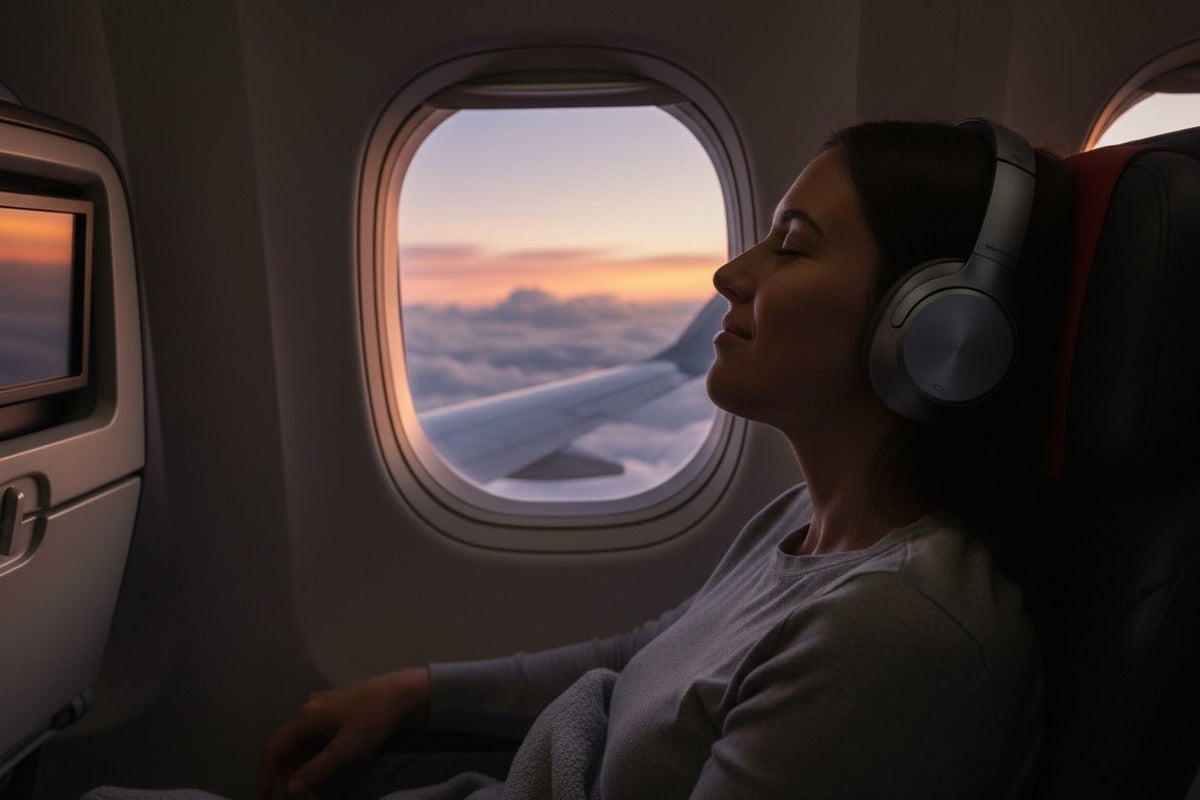
Yes, you can usually use Bluetooth headphones on a plane. For a phone or tablet, the practical setup is to turn on Airplane Mode, confirm the cellular radio is off, then enable Bluetooth if needed and pair your headphones. The airline and flight crew still decide when and how portable electronic devices may be used on that flight.
Quick answer: Bluetooth is not governed by a universal “cruise only” or “above 10,000 feet” rule. U.S. airlines may allow approved portable electronic devices during all phases of flight after evaluating their aircraft and procedures. Keep your device in Airplane Mode, follow the airline’s instructions, and pay attention during the safety briefing.
If you want audio from a seatback screen, the connection method depends on the aircraft: some systems support native Bluetooth, while others require a wired cable or a Bluetooth transmitter.

Can You Use Bluetooth Headphones on a Plane in 2026?
For U.S. flights, the Federal Aviation Administration says cell phones and portable electronic devices must be used in Airplane Mode or with the cellular connection disabled. Its active guidance for portable electronic devices also makes the aircraft operator responsible for deciding which devices and operating modes are approved, when they may be used, and when they must be secured or stowed.
That means the old blanket advice to wait until the aircraft is above 10,000 feet is no longer a reliable general rule. The FAA has allowed airlines to expand approved portable electronic device use across all phases of flight, but the exact policy still belongs to the airline and crew. For the policy side of the topic, see Wantek’s guide to Bluetooth rules on planes.
European rules follow the same operator-centered principle. The current EASA Air Operations rules require operators to ensure that portable electronic devices do not adversely affect aircraft systems and to define the conditions under which they may be used.
Practical rule: Airplane Mode first, Bluetooth second, airline instructions always. If a crew member asks you to disconnect, remove, secure, or switch off a device, follow that instruction even if Bluetooth is normally permitted.
How to Connect Bluetooth Headphones to Your Phone or Tablet
If you are listening to downloaded music, podcasts, movies, or other content stored on your own device, the setup is straightforward.
Turn on Airplane Mode
Enable Airplane Mode on your phone or tablet. Confirm that the cellular connection is disabled.
Check Bluetooth
Depending on your device and saved settings, Bluetooth may remain available or may need to be switched back on manually after Airplane Mode is enabled.
Pair Your Headphones
Open Bluetooth settings, put the headphones into pairing mode if necessary, and select them from the available-device list.
Test Audio Before You Settle In
Play a downloaded track or video, confirm the sound is going to the headphones, and set a comfortable volume before the cabin gets busy.
Follow Crew Instructions
Pause audio and pay attention during safety briefings and announcements. Airline-specific rules can also require headphones or larger devices to be removed or stowed at certain times.

How to Use Bluetooth Headphones with Seatback Entertainment
Your headphones can pair directly with your phone or tablet, but a seatback entertainment system is a separate audio source. The correct method depends on the aircraft and the specific seatback hardware.
| Seatback setup | Connection | What to do |
|---|---|---|
| Native Bluetooth | Wireless | Open the seatback audio or Bluetooth menu, put your headphones in pairing mode, and follow the screen prompts. |
| 3.5 mm audio jack | Wired | If your headphones support analog wired listening, connect a compatible 3.5 mm cable directly to the seat. |
| 3.5 mm jack without a usable cable | Bluetooth transmitter | Plug a compatible transmitter into the seat audio jack, pair the transmitter with your headphones, and follow airline instructions for device use. |
Native seatback Bluetooth is expanding, but it is not universal. United has documented Bluetooth connectivity on hundreds of new and retrofitted aircraft with its signature interior, while Delta is adding Bluetooth-capable seatback systems across new cabin programs. That is why checking the actual seatback menu is more reliable than assuming an aircraft type automatically supports wireless audio.
If your seat only provides an analog audio jack, a transmitter can bridge that wired output to Bluetooth headphones. Wantek’s Bluetooth transmitter setup guide covers the general pairing sequence and connection checks in more detail.
Takeoff, Landing, and Safety Briefings: What Actually Matters
There is no universal FAA rule that Bluetooth headphones must be switched off simply because the aircraft is below 10,000 feet. The FAA’s portable-device framework allows airlines to approve device use based on the aircraft, operating procedures, and safety assessment. The airline can still impose stricter limits, and crew instructions take priority.
Separate the radio question from the stowage question. A small phone may be allowed while a larger laptop or other loose item must be secured for takeoff or landing. Headphone-use rules can also vary because passengers must be able to receive safety information. If the crew asks you to remove your headphones for a briefing or announcement, do so.
The FAA’s active AC 91.21-1D guidance specifically calls for operator procedures covering approved devices, approved times of use, stowage, operating modes, and passenger communication.
What to Pack for a More Reliable Flight Setup
- Downloaded media: Save music, movies, podcasts, or audiobooks before departure so your entertainment does not depend on onboard internet.
- A wired backup: If your headphones support analog listening, a 3.5 mm cable can be the simplest fallback for older seatback systems.
- A compatible transmitter: Useful when the seatback has a wired audio output but your headphones are wireless-only or you prefer not to use a cable.
- Enough battery for the full trip: Charge the headphones, phone, tablet, and transmitter before boarding.
- Power-bank awareness: If you travel with a portable charger, the FAA requires spare lithium batteries and power banks to stay in carry-on baggage rather than checked baggage.
Want an ANC Option for Travel?
Wantek T3 is an over-ear Bluetooth 5.3 model with active noise cancellation, transparency mode, and up to 60 hours of listed battery life. Check the product page for current availability and specifications.

Common In-Flight Bluetooth Problems and Fixes
My headphones will not reconnect after I turn on Airplane Mode
Open Bluetooth settings, confirm Bluetooth is enabled, and reconnect manually. If the headphones are already paired to another nearby device, disconnect that device or temporarily disable its Bluetooth.
The seatback screen cannot find my headphones
First confirm that the screen actually offers Bluetooth audio. If it only has a headphone jack, direct Bluetooth pairing will not work; use a compatible cable or transmitter instead.
There is a noticeable delay between the video and audio
Bluetooth transmitters and headphones can introduce latency. Try any available low-latency mode, restart the connection, or switch to a wired connection if lip-sync matters more than wireless convenience.
My headphones connect, but the audio still plays from the phone
Check the phone or tablet’s audio-output selector and choose the Bluetooth headphones. Some devices reconnect for calls but do not automatically switch media audio.
I cannot hear announcements clearly
Pause playback and lower or remove the headphones when the crew is speaking. Transparency or ambient modes can help with awareness, but they do not replace paying attention to safety announcements.
Frequently Asked Questions
Can I use Bluetooth headphones during takeoff and landing?
Often yes if the airline permits approved small electronic devices during those phases, but there is no single rule for every flight. Follow the airline’s policy and any crew instruction to remove, disconnect, or stow devices.
Do Bluetooth headphones work when Airplane Mode is on?
Yes. Turn on Airplane Mode to disable cellular service, then confirm Bluetooth is enabled and pair your headphones. The exact Bluetooth toggle behavior can vary by device and saved settings.
Do I need Wi-Fi to use Bluetooth headphones on a plane?
No. Bluetooth can connect your headphones directly to a phone or tablet without Wi-Fi. Wi-Fi is only needed for online services or an airline’s onboard network when you choose to use it.
Can I connect Bluetooth headphones directly to the seatback screen?
Only if that specific seatback system supports Bluetooth audio. Otherwise, use a compatible wired connection or a Bluetooth transmitter connected to the seat’s audio jack.
Do I always need a Bluetooth transmitter for in-flight entertainment?
No. A transmitter is useful for wired-only seatback audio when you want wireless listening. You do not need one if the seatback supports native Bluetooth or your headphones can connect by cable.


1 comment
This information is completely outdated. I came across this looking for a way to pair my beats with United wifi on bluetooth enabled planes. I have no problem connected via bluetooth with cheap ear buds bought in Germany for €20. However, my beats won‘t connect. It cannot be the need for a separate transmitter.