
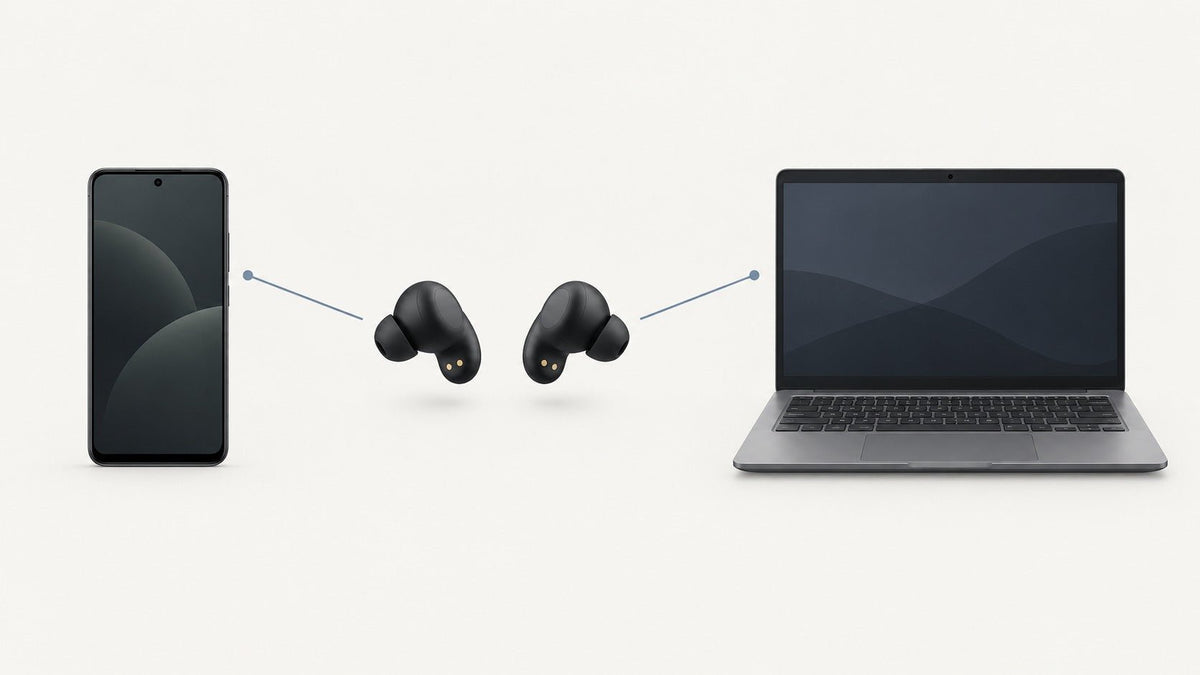
Choosing earbuds for an Android phone involves more than checking whether both devices use Bluetooth. The useful questions are whether your phone and earbuds support the same audio features, how they handle pairing and switching, and whether the physical design matches where you plan to listen.
Start with your phone, not the earbud marketing. Check the features your exact Android device supports, then compare the earbuds for codec compatibility, Fast Pair, multipoint behavior, noise control, fit, battery life, app support, and any manufacturer-documented low-latency mode.
What makes earbuds a good match for Android?
Most modern Bluetooth earbuds can handle basic audio on an Android phone. The differences appear when you want features beyond ordinary playback.
One phone may support LDAC while another emphasizes a manufacturer-specific ecosystem. Some earbuds support Google Fast Pair, some maintain simultaneous connections to two devices, and others depend heavily on a companion app for settings such as equalization or noise control.
That is why “works with Android” and “supports every Android feature” are very different claims. Compatibility has to be checked feature by feature.
Understand Bluetooth codecs without overvaluing them
A Bluetooth audio codec determines how audio is encoded for transmission and decoded by the receiving device. Common names you may encounter include SBC, AAC, LDAC, aptX variants, and LC3.
The important rule is simple: both sides of the connection must support the feature you want to use. Seeing a codec in an earbud specification does not establish that your phone will use it, and seeing it on a phone specification does not mean every pair of earbuds can use it.
| Feature | What it does | What to verify |
|---|---|---|
| Audio codec | Defines an audio encoding and transmission path. | Support on both the phone and earbuds, plus any required connection mode. |
| Fast Pair | Simplifies discovery and initial pairing for supported accessories. | The earbuds actually support Google's Fast Pair implementation. |
| Multipoint | Can keep more than one source device connected when implemented by the earbuds. | The number of simultaneous connections and how switching behaves. |
| Low-latency mode | Changes the connection or processing behavior to prioritize lower delay. | The exact phone, codec or mode, app requirements, and manufacturer compatibility conditions. |
| ANC | Uses microphones and signal processing to reduce some ambient sound for the listener. | Whether the earbuds actually include ANC and how its controls are exposed. |
Avoid choosing solely by the longest codec list. Fit, tuning, connection reliability, source material, phone implementation, and the earbuds themselves all affect the final experience.
Google Fast Pair, multipoint, and device switching are not the same thing
Fast Pair simplifies setup
Google's Fast Pair guidance describes a nearby-device pairing experience for supported accessories. It can make initial setup more convenient, but Fast Pair is not evidence of lower audio latency or better sound quality.
Multipoint is about simultaneous connections
Multipoint is useful when you regularly move between devices such as an Android phone and a laptop. A model that supports it can maintain multiple active source connections according to the manufacturer's implementation.
This should not be confused with simply remembering several previously paired devices. It also does not guarantee that every pair of earbuds will switch audio in exactly the same way.
Ecosystem switching can add another layer
Google, Samsung, and individual manufacturers may provide additional switching behavior tied to their accounts, software, or devices. Check the requirements rather than assuming that similar feature names are interchangeable.
If you want to compare those features on current models instead of studying the technology itself, use our current wireless earbuds for Android buying guide.

Do not treat Bluetooth version as a performance score
A newer Bluetooth version can support newer capabilities, but the version number alone does not prove low gaming latency, multipoint, Fast Pair, stronger microphones, better sound, or a particular operating range.
Those capabilities require separate support from the phone, earbuds, firmware, software stack, or manufacturer implementation.
Buying rule: If a feature matters enough to influence the purchase, verify that feature directly. Do not infer it from Bluetooth 5.3, 5.4, a chipset name, or another unrelated specification.
Choose the physical design before chasing specifications
The largest practical difference may have nothing to do with codecs. Decide whether you want a sealed in-ear design or an open-ear design before comparing smaller technical differences.
Sealed in-ear earbuds
Conventional in-ear earbuds use ear tips to create a seal. That seal contributes to passive isolation and can support the operation of an ANC system when ANC is built into the product.
Open-ear earbuds
Open-ear designs intentionally avoid sealing the ear canal. They can be useful when you prefer an open fit or want to retain more awareness of surrounding sound, but they solve a different wearing problem from sealed ANC earbuds.
If that format interests you, Wantek's open-ear headphone guide compares clip-on, ear-hook, and wraparound approaches rather than treating them as one design.
ANC, transparency, and call microphones solve different problems
Active noise cancellation is intended to reduce some environmental sound for the person wearing the earbuds. Transparency or ambient modes intentionally pass more outside sound through the earbud system.
Microphone processing for calls addresses another task: how clearly the person on the other end hears your voice. An ANC label therefore does not establish microphone performance, and a large microphone count does not by itself prove call quality.
If calls are the main job, microphone position may matter more than compact size. A boom-microphone work headset and a pair of true wireless earbuds should be treated as different form factors rather than direct substitutes in every situation.
Check battery claims on the same basis
Earbud battery specifications are easy to misread because manufacturers may publish both the runtime of the earbuds themselves and a larger total that includes recharging from the case.
Also check whether ANC, transparency features, codecs, call use, volume, or other conditions affect the published figure. Comparing one product's earbud-only runtime with another product's case-supported total produces a misleading comparison.
Companion apps and firmware can determine what you can actually use
Many wireless earbuds rely on a manufacturer app for firmware updates, EQ settings, control customization, noise modes, connection options, and other features.
Before buying, check whether the app supports your Android phone and whether the function you care about requires a particular software version, account, phone family, or firmware release.

A practical Android earbud buying checklist
Identify your exact phone
Record the phone model and Android or manufacturer software version instead of assuming all Android devices expose the same audio features.
Choose the wearing style
Decide whether you need a sealed in-ear fit, open-ear design, or another form factor before comparing secondary specifications.
List the connection features you actually need
Examples include Fast Pair, multipoint, a particular codec, ecosystem switching, or a documented low-latency mode.
Verify both sides of each feature
Check the phone requirements and the earbud specifications. Do not infer compatibility from the Bluetooth version alone.
Compare real-use requirements
Evaluate fit, battery conditions, controls, noise handling, app support, water-resistance claims, and device switching according to how you will actually use the earbuds.
What about the Wantek OBT030?
The Wantek OBT030 open-ear clip-on earbuds are relevant when your priority is an open-ear format rather than a sealed ANC-style earbud.
Wantek currently lists Bluetooth 5.4, a built-in microphone, an 8-hour earbud battery figure, and up to 50 hours of total use with case recharging. Those specifications do not establish Fast Pair, multipoint, LDAC, aptX Adaptive, or a measured gaming-latency figure, so those features should not be assumed.
Prefer an open-ear fit?
Review the OBT030's documented design, Bluetooth version, battery details, microphone, and current configuration before deciding whether it fits your Android setup.
Frequently asked questions
Do all Bluetooth earbuds work with Android?
Most modern Bluetooth earbuds can provide basic audio on compatible Android phones, but advanced features such as Fast Pair, codecs, multipoint, app controls, and ecosystem switching vary by product and phone.
Do I need LDAC or aptX for good Android audio?
No single codec guarantees better overall earbuds. Codec support is one part of the system; the earbuds, phone, fit, tuning, source audio, connection conditions, and listening priorities also matter.
Does Google Fast Pair improve sound quality?
No. Fast Pair primarily simplifies discovery and pairing of supported accessories. It should not be treated as evidence of better sound quality or lower gaming latency.
Is multipoint the same as Fast Pair?
No. Fast Pair helps establish a connection, while multipoint concerns maintaining connections with multiple source devices. A pair of earbuds may support one feature without supporting the other.
Does Bluetooth 5.4 mean earbuds have low latency?
No. The Bluetooth version alone does not establish gaming latency. Check for a manufacturer-documented low-latency mode and verify its requirements for your exact phone and connection path.
Should Android users choose sealed or open-ear earbuds?
Choose according to the listening environment. Sealed earbuds favor isolation and may offer ANC, while open-ear designs deliberately avoid sealing the ear canal and retain more environmental awareness.

