
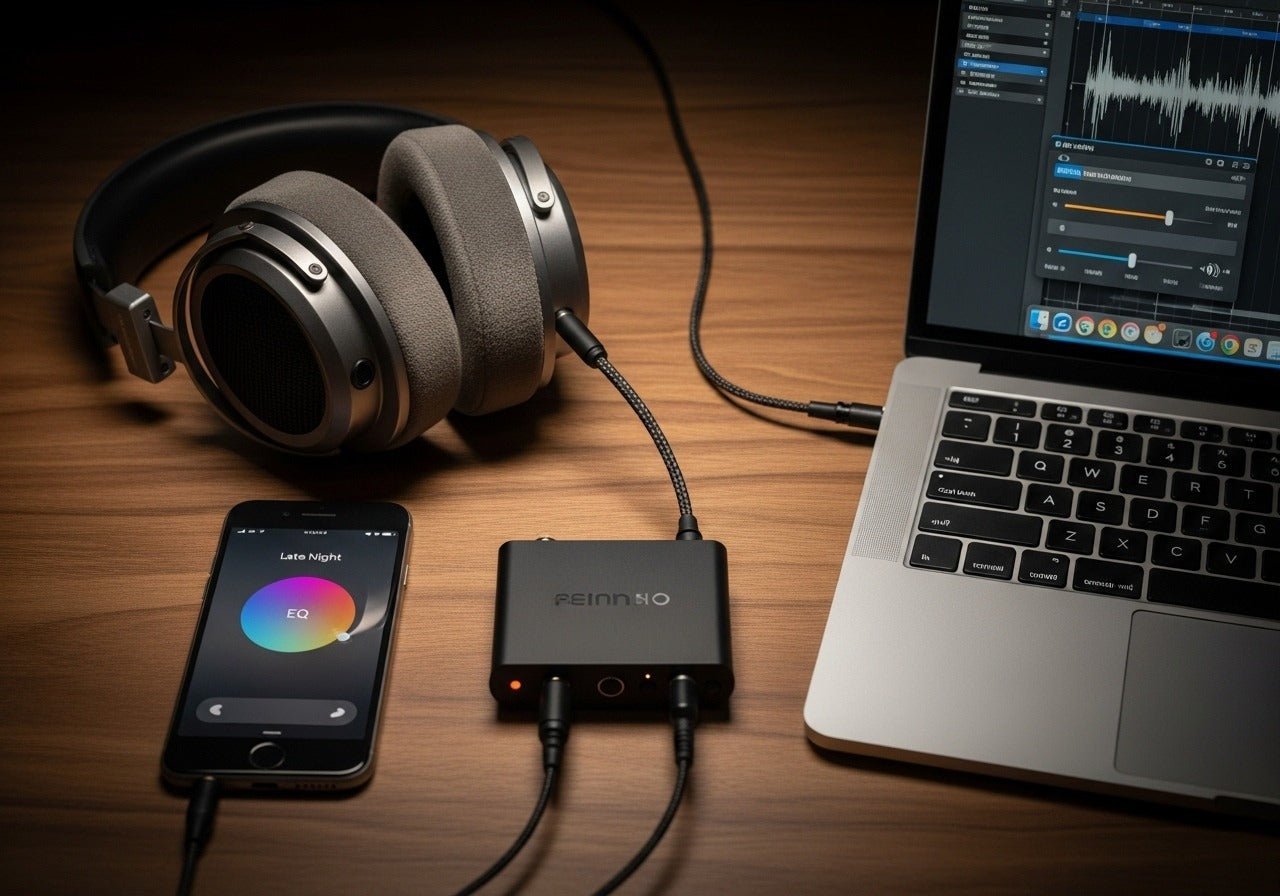
If headphones suddenly seem too quiet, fix the signal path before trying to override safety limits. Check media volume, app volume, Bluetooth connection, device output, headphone fit and any volume-limiting settings. Do not use “volume booster” tricks to exceed safe listening levels.
Start safe: louder is not automatically better. Apple and WHO safe-listening guidance both warn that high headphone levels over time can damage hearing. If normal listening requires unusually high volume, troubleshoot the hardware or fit instead of compensating indefinitely.

iPhone: Check Media Volume and Headphone Safety
Use the volume buttons or Control Center while media is playing. Apple also provides Headphone Safety settings, including Reduce Loud Audio and headphone-level monitoring. If a limit is intentionally enabled, understand why before changing it.
Android: Check the Active Output and Bluetooth Volume
Android menus vary by manufacturer. Confirm that the headphones are the active media output, raise media—not ringtone—volume, and check whether the headphone app has its own limiter or EQ. Re-pair Bluetooth headphones if volume behavior is abnormal.
Windows: Check App and Device Mixers
Windows can have separate output-device and per-app volume controls. Confirm the intended headset is selected, then inspect the volume mixer for an app-specific low setting. For USB headsets, reconnect to another supported port if the device enumerates incorrectly.
Clean and Reseat Earbuds
Earwax or debris on an earbud mesh can reduce output. Clean only using the manufacturer's instructions. With in-ear models, a poor seal can also make bass disappear and encourage users to raise volume unnecessarily.
Check for Channel Balance Problems
If one side is quieter, inspect accessibility balance settings, the cable/connector and the headphone itself. A one-sided hardware problem should not be “fixed” by raising overall volume.
Avoid third-party volume boosters that intentionally exceed normal system limits. They can increase distortion and hearing exposure without repairing the underlying problem.
Frequently Asked Questions
Why are my headphones quieter than before?
Common causes include app volume, output-device changes, safety limits, poor earbud seal, debris, cable faults or Bluetooth reconnect issues.
Can I turn off iPhone Reduce Loud Audio?
Where regional settings allow, Apple provides controls under Headphone Safety. Consider your hearing exposure before raising the limit.
Why is only one headphone quiet?
Check balance settings, debris, the cable/connector and a second source. A channel-specific problem is often hardware or fit related.
Are volume booster apps safe?
They can increase output and distortion beyond normal levels. Troubleshooting the cause is safer than bypassing limits.

