
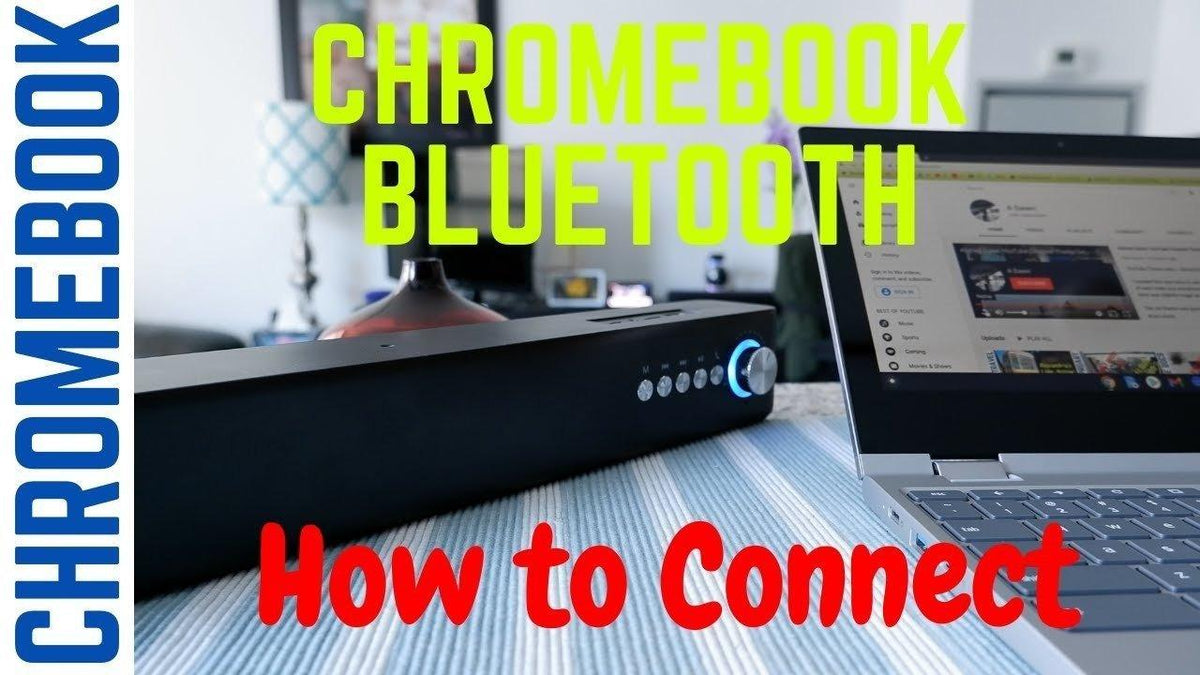
If the normal pairing flow fails, continue with the AirPods-to-Chromebook troubleshooting checklist instead of repeating the same pairing steps.
AirPods can connect to a Bluetooth-capable Chromebook as a standard Bluetooth headset. Apple-specific features are reduced, but listening and microphone use can work through the normal Bluetooth path.
1. Turn On Chromebook Bluetooth
Google's current Chromebook instructions say to select the time, open Bluetooth and choose Pair new device.
2. Put AirPods in Pairing Mode
Apple's current non-Apple pairing guide notes that the method depends on generation. Older AirPods/AirPods Pro cases use the setup button; newer cases use the front-case pairing gesture. AirPods Max uses its listening-mode control.
3. Select AirPods on the Chromebook
Choose the AirPods when they appear in the Bluetooth device list and follow any on-screen prompts.
4. Confirm Audio Output
Open the Chromebook audio controls and ensure AirPods are selected if sound remains on the speakers.
FAQ
Do AirPods work with Chromebooks?
Yes, as Bluetooth audio devices. Apple-specific ecosystem features are more limited.
Why do my AirPods not appear?
Make sure they are in pairing mode and not reconnecting to a nearby previously paired device.
Original Article Media


