
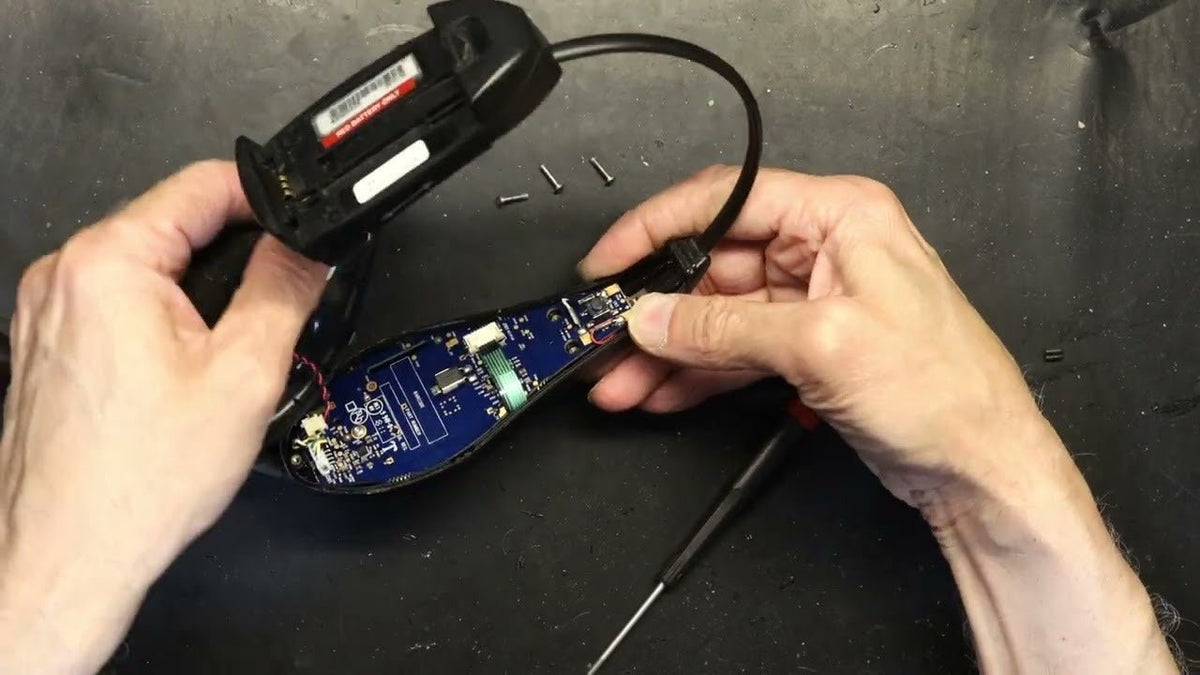
HME drive-thru headsets are part of a larger communication system, so a headset symptom does not always mean the headset itself has failed. Start by identifying the HME platform and headset model, then use the matching HME manual or troubleshooting guide before replacing parts or opening the device.
Quick answer: Check power and battery condition, confirm the headset is registered to the correct base, inspect only user-serviceable accessories, and follow the model-specific manual. If the fault persists or requires internal repair, use HME technical support or its repair program rather than improvising a component-level fix.

Identify the HME System First
HME publishes separate documentation for systems such as NEXEO|HDX, EOS|HD, ION|IQ, Wireless IQ, older System 400/900/6000 families, and individual communicators. Controls, batteries, registration procedures, and compatible accessories can differ.
HME maintains a drive-thru user-manual library and a separate troubleshooting section. Record the base-system name, headset model, battery part number, and the symptom before changing anything.
Use This Troubleshooting Order
Check the battery and charging path
Confirm the correct battery is installed, contacts are clean and dry, and the charger indicates the expected state. HME notes that headset batteries are wear items and recommends periodic replacement.
Confirm registration and system status
If the headset powers on but does not communicate, follow the exact system's registration or pairing procedure. Do not reuse instructions from a different HME generation.
Separate headset faults from lane-system faults
Vehicle detection, the outside speaker or microphone, base-station settings, network services, or another system component can create symptoms that appear to be a headset problem.
Escalate internal faults
Cracked housings, liquid damage, failed internal wiring, persistent audio faults, or charging failures may require service. Use the manufacturer's repair or advance-exchange route when available.
Do Not Turn a Troubleshooting Guide Into a Disassembly Manual
Opening a commercial drive-thru headset without the correct service procedure can damage seals, wiring, microphones, or battery connections. This page therefore focuses on user-level checks. HME publishes official repair services and describes current NEXEO|HDX hardware as repairable through its repair and advance-exchange programs.
Battery Compatibility Is Model-Specific
HME's accessory catalog shows why part numbers matter. The BAT50 battery is listed for EOS|HD, ION|IQ and Chrome headsets and is specifically noted as incompatible with red HS6000 headsets. NEXEO|HDX uses a different BAT70 battery. Never select a replacement battery only by shape.
Check the Full Drive-Thru Signal Path
If multiple headsets show the same problem, look beyond the headset. Wantek's drive-thru headset technology guide explains how the headset, base station, lane speaker/microphone, detection hardware and management system interact.
When to Use HME Repair Support
Use HME support when the model-specific troubleshooting steps do not resolve the fault, the headset has physical or liquid damage, an internal part appears failed, or the system needs diagnostics beyond user controls. HME provides drive-thru equipment repair services for supported hardware.
HME Headset Troubleshooting FAQ
Should I open an HME headset to fix intermittent audio?
Not as a first step. Confirm battery, registration, accessories and system status using the exact model manual. Internal faults are better handled through documented service procedures.
Can I use any HME battery that fits?
No. HME lists batteries by compatible system and headset. Match the official part number; similar size does not prove electrical or charging compatibility.
What if every headset has the same audio problem?
That pattern can point to the base station, lane hardware, settings, network, or another shared component. Troubleshoot the complete system rather than replacing every headset.

