
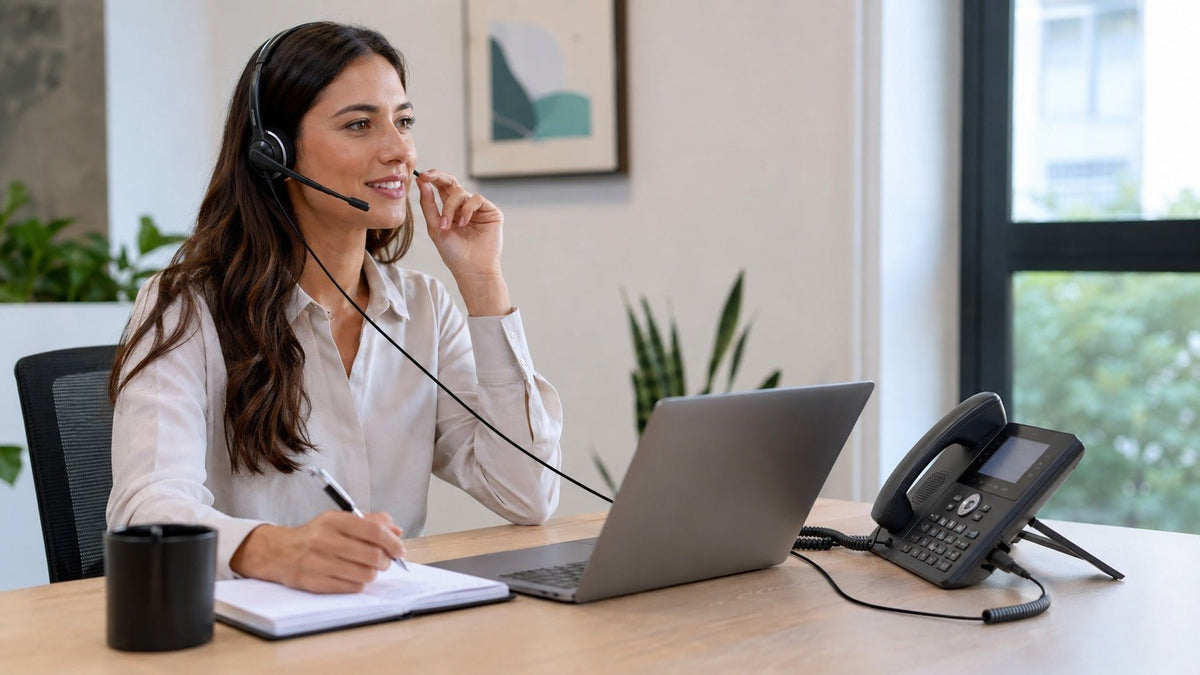
Choosing a Polycom wireless headset starts with the phone, not the headset. Depending on the exact Poly or legacy Polycom model, a supported wireless setup may use native Bluetooth, documented USB headset support, or a professional wireless base connected to the desk phone. Remote answer and end-call controls can require a compatible Electronic Hook Switch (EHS) cable or another supported accessory.
The safest buying sequence is: identify the complete phone model, confirm its supported wireless connection path, decide which call controls you need, and then verify the exact headset or wireless system. Wantek’s desk-phone headset compatibility guide is the best starting point for model-level checking.
What is the best wireless headset for a Polycom phone?
There is no universal “best” wireless headset for every Polycom or Poly phone. The right option is the one whose connection method and required call controls are documented for your exact phone model. Bluetooth, USB, and wireless-base systems are separate compatibility paths.
| Connection | Typical use | What to verify |
|---|---|---|
| Modular desk-phone headset port | Wired call-center and office headsets. | Exact phone model, headset port and wiring configuration. Similar-looking plugs are not proof of compatibility. |
| 2.5 mm headset jack | Selected legacy Polycom IP and SoundPoint phones. | Exact phone model and documented 2.5 mm headset support before choosing the headset. |
| USB | Supported USB wired headsets or selected wireless headset bases/adapters. | Phone support, firmware or configuration requirements, headset model and call-control functions. |
| Bluetooth | Selected Poly phones with documented Bluetooth headset support. | Whether the exact phone provides Bluetooth and which headset functions are supported. |
| Wireless base / EHS | DECT or other professional wireless systems requiring remote call control. | Phone, headset base, EHS cable or adapter, firmware and answer/end-call support. |

Check the exact Poly or Polycom phone model first
“Polycom phone” covers multiple generations, including older SoundPoint models, VVX business phones and newer Poly devices. Their wireless headset options are not interchangeable.
For example, HP’s current VVX 450 specifications list two USB 2.0 Type-A ports for accessories including headsets. Poly’s UC Software 6.X documentation separately lists selected Poly USB headsets and configuration requirements for supported VVX phones. That is useful evidence for USB headset support, but it is not a promise that every USB receiver or wireless headset will work.
Bluetooth varies by model as well. HP’s VVX end-of-support comparison identifies native Bluetooth on specific phones, including Bluetooth for headsets on the VVX 600, while other VVX models follow different connection paths. Treat Bluetooth as a model-level feature, not a Polycom-wide feature.
Three wireless connection paths to check
1. Native Bluetooth on the phone
Direct Bluetooth is an option only when the exact phone documents Bluetooth headset support. If the phone does not provide the required Bluetooth path, a generic computer Bluetooth dongle should not be assumed to add desk-phone headset compatibility.
Even when the phone can pair with a Bluetooth headset, verify the functions you need. Speaker and microphone audio, answer/end control, mute behavior and volume synchronization are separate capabilities.
2. USB headset support
Some Poly VVX phones support USB headsets. The VVX 450 is one documented example, but USB support remains phone-, headset- and configuration-specific.
A USB port can serve more than one accessory purpose. Confirm that the phone explicitly supports headset audio and that the exact headset or wireless USB system is supported. A receiver that works on a Windows or Mac computer is not automatically a desk-phone receiver.
3. Wireless base with a desk-phone connection
Many professional wireless desk-phone headsets communicate with their own base instead of pairing directly with the telephone. The base then connects to the phone through the supported telephone interface or headset port.
If remote answer and end-call control matter, check whether the phone and base require EHS or another supported control method. HP’s Poly Savi desk-phone troubleshooting guidance treats the EHS cable or adapter as a separate setup step and instructs users to verify the phone-specific configuration. Audio can work even when remote call controls are not configured.
DECT is not Bluetooth
DECT and Bluetooth are different wireless systems. A DECT headset normally talks to its own base; the base provides the desk-phone connection. Calling every wireless office headset “Bluetooth” can lead to the wrong compatibility check.
Poly VVX 450 wireless headset compatibility
The VVX 450 has documented USB headset support, but that fact alone does not identify a compatible wireless headset. Verify the exact wireless system, its USB or desk-phone connection, phone software requirements and the call controls you expect to use.
Do not assume the VVX 450 has the same native Bluetooth path as another VVX model. If a wireless headset uses a base station, verify the base-to-phone connection and any EHS requirement separately.
If wireless is not required: wired Polycom headset options
Many traditional Polycom phones use a dedicated modular headset connection. These are commonly described as RJ9-style connections, but the physical connector does not establish the internal wiring. If your phone uses this path, review Wantek’s RJ9 headsets for compatible desk phones only after confirming the required wiring.
Wantek uses RJ1, RJ2 and RJ4 labels for different desk-phone wiring configurations. They should not be treated as interchangeable simply because the modular plugs look similar.
Legacy Polycom phones with 2.5 mm headset jacks
Some older Polycom phones use a 2.5 mm headset path. Wantek’s current 2.5 mm headset compatibility list includes Polycom IP320, IP321, IP330, IP331, SoundPoint Pro SE-220 and SE-225 models.
Treat that list as model-specific compatibility information, not as a rule for all Polycom phones.
Why impedance does not determine Polycom headset compatibility
A speaker-impedance figure by itself does not tell you whether a headset can connect correctly to a Poly phone. Start with the supported physical or digital connection, wiring or adapter requirements, and call-control path.
What Poly HD Voice does—and does not—tell you
Poly HD Voice describes audio capabilities on supported Poly systems. It does not replace a headset compatibility check. A headset can support wideband audio and still use the wrong connection, wiring, USB implementation or call-control interface for a particular phone.
How to choose a Polycom wireless headset step by step
Find the complete phone model.
Check the phone label, settings menu or administration interface.
Identify where calls happen.
Determine whether the user speaks through the physical desk phone, a computer application or both.
Identify the supported wireless path.
Check native Bluetooth, documented USB headset support, or a wireless-base connection to the phone.
Confirm accessory requirements.
Verify the base cable, adapter, EHS connection or other phone-specific accessory before ordering.
Decide which call controls are required.
Answer/end, mute and volume functions can have different support requirements from basic audio.
Check the exact headset model or SKU.
Product families can contain different USB, Bluetooth, UC or connector versions.
Test before a larger deployment.
Verify incoming and outgoing calls, microphone routing, speaker audio, mute, volume and any remote call controls you plan to use.
Wantek RJ9 headsets for confirmed wired Poly and Polycom setups
Wantek offers mono and dual-ear RJ9-style desk-phone headsets in different wiring configurations. Current families include H600, H602, H681 and H682 variants.
Do not select one of these products simply because your Poly phone has a modular headset socket. Confirm the exact phone and wiring first, then compare the appropriate Wantek RJ9 headset options.
| Decision | What it changes |
|---|---|
| RJ1 / RJ2 / RJ4 | The wiring configuration. Choose only after compatibility is confirmed. |
| Mono | Keeps one ear open to coworkers and the surrounding workspace. |
| Dual-ear | Places call audio in both ears for users who prefer greater acoustic focus. |
| Quick Disconnect | Available on selected models for workflows that benefit from disconnecting the headset from its cable path. |
Common Polycom wireless headset problems
The phone does not offer Bluetooth pairing
Do not assume Bluetooth is hidden or disabled. First verify whether the exact phone model supports native Bluetooth headsets. If it does not, use a documented USB or wireless-base path instead.
The wireless USB receiver works on a computer but not on the phone
Computer compatibility does not prove desk-phone compatibility. Verify that the phone supports the exact headset or wireless USB system and check any required software or configuration.
Audio works, but the headset button will not answer calls
Basic audio and remote call control are different layers of compatibility. Check the headset base, EHS or other required control integration for the exact phone.
The wireless base has no desk-phone audio
Recheck the phone port, base connection, configuration switch or adapter instructions for that phone-and-base combination before assuming the headset is defective.
Frequently asked questions
Can I use any Bluetooth headset with a Polycom phone?
No. The exact phone must support the required Bluetooth headset connection, and the headset functions you need must also be supported.
Does the Poly VVX 450 support wireless headsets?
The VVX 450 supports USB headset use, but the exact wireless system still needs verification. Do not assume every Bluetooth or USB receiver will work.
Do I need an EHS cable for a wireless Polycom headset?
It depends on the phone and wireless system. EHS may be required for remote answer and end-call control on a supported desk-phone setup.
Is a DECT headset the same as a Bluetooth headset?
No. A DECT office headset normally connects wirelessly to its own base, while Bluetooth can provide a direct device-to-headset path on supported phones.
Can any RJ9 headset work with a Polycom phone?
No. Similar modular connectors can use different wiring configurations. Confirm the exact phone model and required wiring before choosing an RJ9-style headset.

