
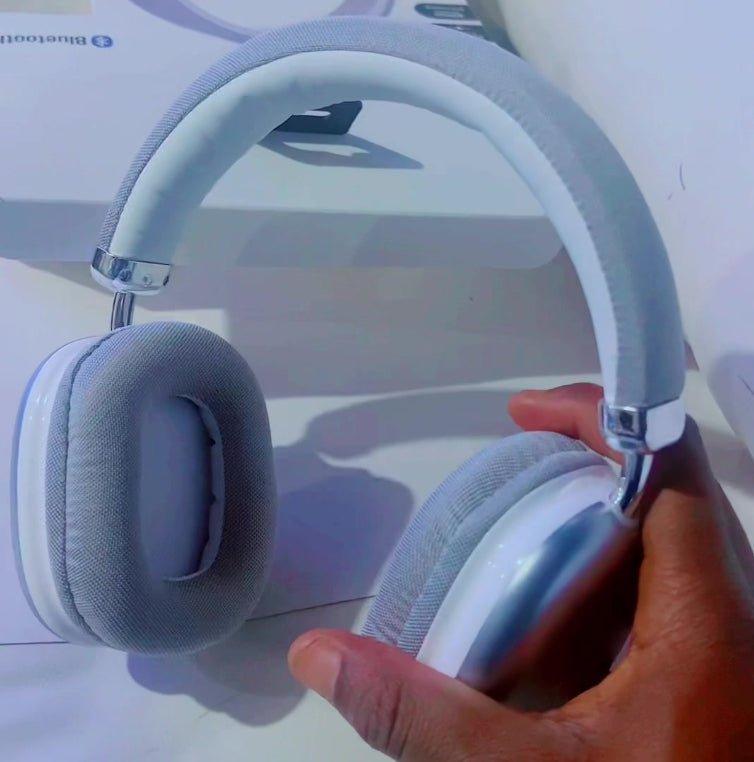
iHome has sold many Bluetooth headphones under different model numbers, so a generic “iHome headphones” guide can easily mix controls, charging ports, water ratings, reset steps, and battery figures from unrelated products. Identify the model before troubleshooting or buying accessories.
Quick answer: Find the iHome model number on the product or manual, open the matching iHome support page, and follow that model's pairing, charging, reset, auxiliary-input, and control instructions. Do not reuse steps from another iHome model just because the headphones look similar.

The Model Number Is the Starting Point
iHome support pages are organized by model. For example, the current iHome iB88 support page provides its own FAQ and manual. That manual documents Bluetooth 4.0, an auxiliary input, Micro-USB charging and model-specific button behavior.
| Decision area | What to verify | Why it matters |
|---|---|---|
| Bluetooth and pairing | Bluetooth version, pairing name, pairing button sequence and remembered-device behavior | Instructions from another model can leave the headset in the wrong mode or make the user look for the wrong device name. |
| Charging | Micro-USB, USB-C or another connector; charging indication and use while charging | A visually similar headset may use a different charging port or charging behavior. |
| Controls and protection | Button mapping, reset method, microphone support, water or dust rating | These are model-specific facts and should come from the matching manual. |
Pairing Steps Should Come From the Exact Manual
The iB88 manual, for example, tells the user to start with the headphone powered off and hold the multi-function button until the pairing prompt and alternating indicator appear. Another iHome model can use a different sequence, so the brand name alone is not enough.
Auxiliary Input Can Change Bluetooth Behavior
Some iHome headphones include a 3.5 mm auxiliary input. On the iB88, inserting the auxiliary cable switches the headphone into a powered-off passive mode. That is a model-specific behavior and a good example of why a generic Bluetooth troubleshooting checklist can misdiagnose the problem.
Use a Model-Specific Guide When One Is Available
Wantek's iHome iB82 manual guide is intentionally limited to that model rather than pretending all iHome Bluetooth products share the same controls.
For Older Products, Documentation Matters More Than a Current “Best” List
When a model is no longer prominent at retail, the support manual can still answer pairing, charging and control questions more reliably than a current shopping roundup. Check accessory compatibility and battery condition separately when considering used or old-stock headphones.
Frequently Asked Questions
How do I pair iHome Bluetooth headphones?
Use the manual for the exact model. iHome pairing button sequences and device names vary, so a generic brand-level sequence can be wrong.
Why did Bluetooth stop when I plugged in a cable?
Some models change mode when an auxiliary cable is inserted. The iB88, for example, switches to a passive wired state. Check your model manual.
Where can I find an iHome headphone manual?
Search iHome's support site by the exact model number printed on the product, packaging, or existing documentation.


3 comments
I recently bought me a pair of ihome blue tooth headphones active noise cancellation headphones and they really sound great and how many different colors do they come in
I just bought me the ihome TX-72 wireless headphones so I am charging my headphones then see what they sound like and I only paid $20.00 for them so we shall see
I just bought me the ihome TX-72 wireless headphones so I am charging my headphones then see what they sound like and I only paid $20.00 for them so we shall see