
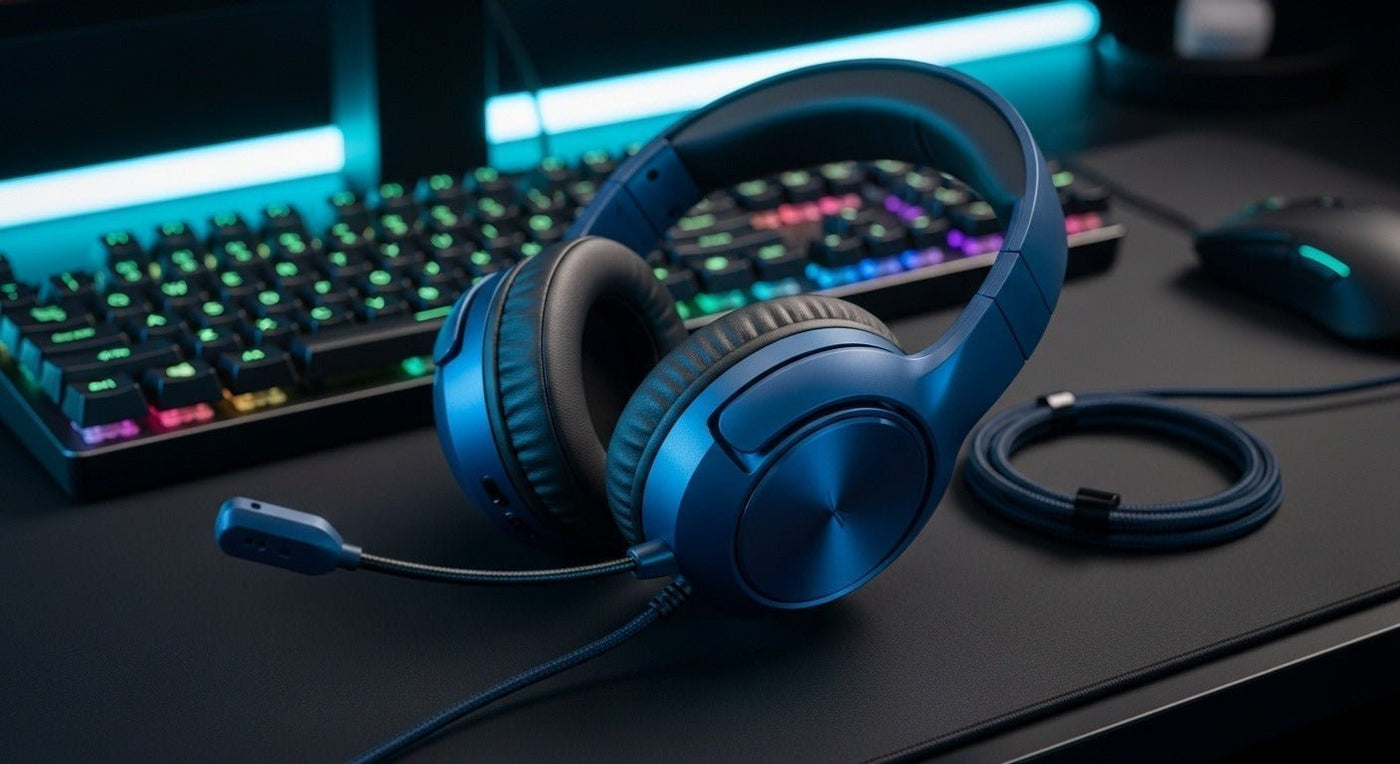
A blue gaming headset can match a desk setup without changing the technical buying rules. Platform compatibility, microphone design, comfort, connection, and controls matter first; color comes after the headset can actually do the job.
Start with the console or PC: 3.5 mm, USB, Bluetooth, and dedicated wireless links are not interchangeable. Confirm the exact platform before choosing the shade of blue.
Style choices that also affect function
| Choice | Functional effect | Check |
|---|---|---|
| Wired 3.5 mm | Simple direct connection on compatible controllers and devices. | Mic wiring and platform support. |
| USB | Can add digital audio, controls, or lighting. | Console/OS support. |
| Wireless dongle | Often used for low-latency gaming links. | Platform and USB-port compatibility. |
| Bluetooth | Convenient for phones and PCs. | Latency and console limitations. |

Color does not establish console compatibility
A blue headset sold for Xbox may have a different connection from a visually similar PC or PlayStation model. Check the exact SKU.

Microphone and comfort
For multiplayer chat, a boom microphone offers consistent mouth positioning. For long sessions, headband pressure, ear-cup depth, cushion heat, and total weight matter as much as aesthetics.

For platform-specific buying, compare Wantek’s gaming headset collection.
Want a blue wired gaming option?
Wantek V10 is offered in Blue, Pink, and Black with a 3.5 mm wired audio connection, boom microphone, mute/volume controls, removable cat ears, and USB-powered lighting.
Style Comes After Platform Compatibility
A blue finish can narrow the shortlist, but a gaming headset still needs the right connection for the PC or console. Confirm 3.5 mm, USB, proprietary wireless, or another supported path before comparing lighting, color, or cosmetic details.
Check chat as well as game audio
Microphone input, mute controls, sidetone, and chat/game balance can depend on the platform and connection method. A headset that produces game audio is not automatically providing the full chat workflow.
Gaming Fit Checklist
- Platform and connector
- Microphone placement
- Clamp and pad heat
- Cable or wireless latency
- Replaceable cushions where available

