
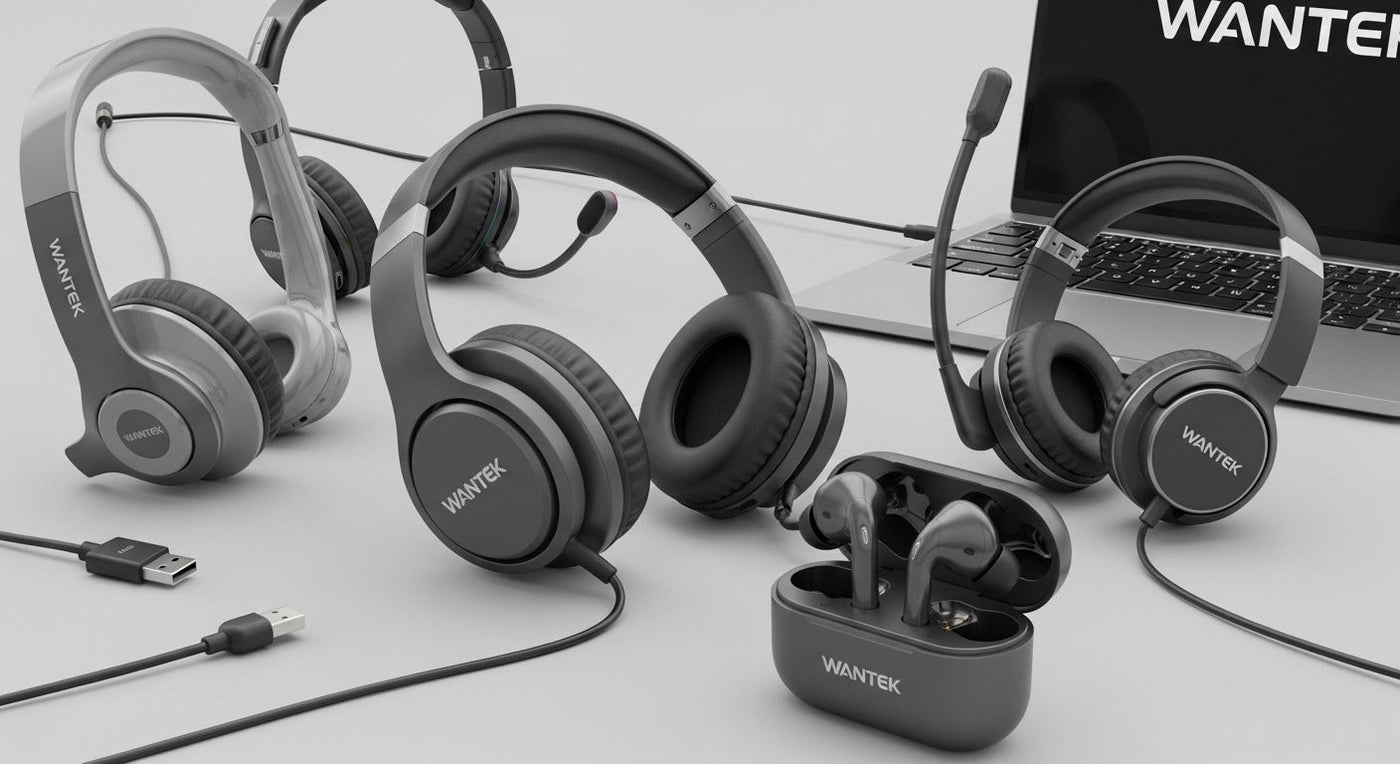
“USB headphones” can mean two different things: a wired headset that carries audio through USB-A or USB-C, or a wireless headset whose USB dongle provides the radio connection. Those paths should be compared separately before looking at microphones, controls or noise features.
For work calls: wired USB headsets are simple, battery-free and predictable. Wantek H600 and H602 are current wired USB examples with boom microphones and inline controls. If you need one headset to cover USB-C, USB-A and 3.5 mm, compare the current H602 3-in-1 variant instead.

Wired USB vs. Wireless USB-Dongle Headsets
| Type | How USB is used | Main trade-off |
|---|---|---|
| Wired USB headset | The cable carries digital audio and microphone data directly | No battery, but the user remains tethered to the device |
| Wireless headset + USB dongle | USB connects the wireless transmitter/receiver to the computer or console | More mobility, but battery and platform compatibility matter |
| 3-in-1 wired headset | Switches among USB-C, USB-A and 3.5 mm paths | Broader connector coverage, but each destination still needs a compatible audio input |
Wantek H600: Single-Ear USB for Calls
The current Wantek H600 is a single-ear wired USB headset weighing 3 oz / 85 g, with a boom microphone, inline volume control and one-key mute. The single-ear format keeps the other ear uncovered for users who need room awareness during calls.
Wantek H602: Dual-Ear USB
The current Wantek H602 USB is a dual-ear wired headset, also listed at 3 oz / 85 g, with an adjustable boom microphone and inline controls. It is the more direct comparison when you want call audio in both ears.
H602 3-in-1: USB-C, USB-A and 3.5 mm
The current H602 3-in-1 provides USB-C, USB-A and 3.5 mm connection options in one wired headset. That is useful when a user moves among laptops, computers and compatible 3.5 mm headset jacks.
USB-C Does Not Automatically Mean “Better Audio”
USB-C describes the connector. Final sound and microphone behavior depend on the headset electronics, drivers, microphone, digital conversion and host-device support. A USB-A headset and USB-C headset can use the same underlying digital audio principles.
What to Check for Calls
- Mic placement: a boom should position consistently near the mouth without rubbing against the face.
- Mute behavior: check whether the headset has a physical mute control and whether software shows the same state.
- Single vs. dual ear: choose based on awareness and distraction, not a claim that one is universally more professional.
- Port availability: a laptop with only USB-C may need a native USB-C headset or supported adapter.
What to Check for Gaming
For console gaming, confirm that the USB device or dongle is explicitly supported by the target console. A USB headset that works on Windows does not automatically work on Xbox or PlayStation.
Frequently Asked Questions
Are USB headphones plug and play?
Many USB headsets use standard USB audio support, but exact compatibility, call controls and software features still depend on the headset and host device.
Is USB-C better than USB-A for a headset?
Not automatically. The connector differs, while sound quality depends on the headset's audio design and the digital signal path.
Do USB headsets need batteries?
Wired USB headsets such as H600 and H602 draw power through USB and do not need a wireless battery. USB-dongle wireless headsets do.
Can a USB headset work on a phone?
Only when the phone supports the required USB audio connection and connector or adapter. Check the phone and headset compatibility before assuming support.
Compare Wantek USB Headsets
Choose single-ear, dual-ear or multi-connector wired options for calls and computer use.

