
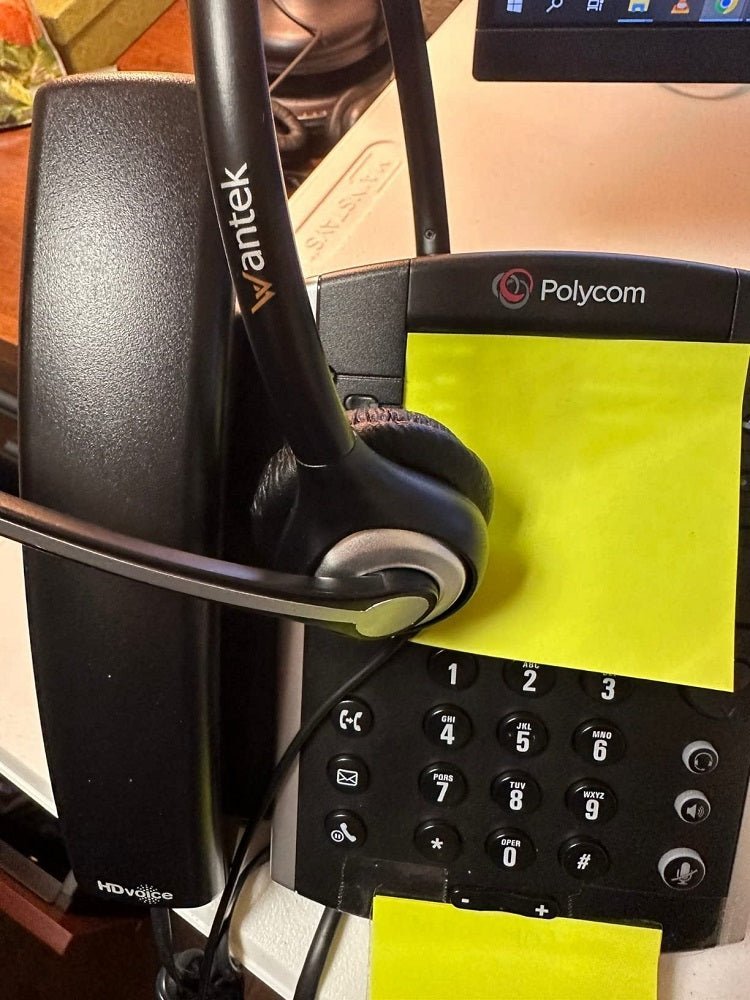
The best landline headset for a home office is the one that works with the exact phone and calling workflow. A headset can have the right-looking plug and still use the wrong wiring, controls or wireless path.
Quick answer: Write down the full phone model, identify where calls happen, then verify the supported headset connection. Only after compatibility is confirmed should you compare wired versus wireless, mono versus stereo, microphone style and remote answer/end features.

Start With the Exact Phone Model
Landline and desk-phone compatibility varies by model. Some phones use a modular headset port, some support USB audio, some support Bluetooth directly, and some wireless setups require a base, electronic hook switch or handset lifter.
Wantek's desk-phone compatibility checker starts with the phone model and call path instead of assuming that a connector shape proves compatibility.
| Path | Good fit when | Verify first |
|---|---|---|
| Wired modular / RJ | You stay at the desk and want a simple, charge-free setup | Exact phone model, headset port and wiring |
| Direct USB | The phone explicitly supports USB headsets or calls happen on a computer | Phone or computer USB-audio support and calling app |
| Wireless base | You need mobility away from the desk | Base connection, phone support, EHS/lifter and remote controls |
| Built-in Bluetooth | The phone documents third-party Bluetooth-headset support | Audio, microphone and call-control compatibility |
Wired vs Wireless Is a Workflow Choice
Wired headsets avoid charging and pairing and are practical for fixed desks. Wireless headsets add movement, but compatibility can involve more components. If answering calls from another room matters, verify remote answer/end separately from basic audio.
Mono vs Stereo Changes Awareness
A mono headset leaves one ear open to the room. A dual-ear design can reduce distractions and may be more comfortable for focused calls in a noisy household. Neither layout changes phone compatibility, so choose the connection path first.
Phone + Computer Calls Need Two Compatibility Checks
If the same desk handles landline calls and Teams, Zoom or another computer softphone, treat the phone and computer as separate devices. A headset working on one does not prove it can switch to or control the other.
For the wireless side of this decision, see Wantek's wireless landline headset compatibility guide.
Check Your Desk Phone Before Buying
Use the full phone model and visible connection path to narrow down a compatible starting point.
Landline Headset FAQ
Will any RJ9 headset work with my landline phone?
No. Similar modular plugs can use different wiring. Verify the exact phone model and required headset wiring before choosing a variant.
Do I need Bluetooth for a wireless landline headset?
Not necessarily. Many business-phone wireless systems use a dedicated base. The correct method depends on the phone and required call controls.
Can one headset work with my desk phone and laptop?
Some multi-device systems can, but both connection paths must be verified. Computer compatibility does not establish desk-phone compatibility.

