
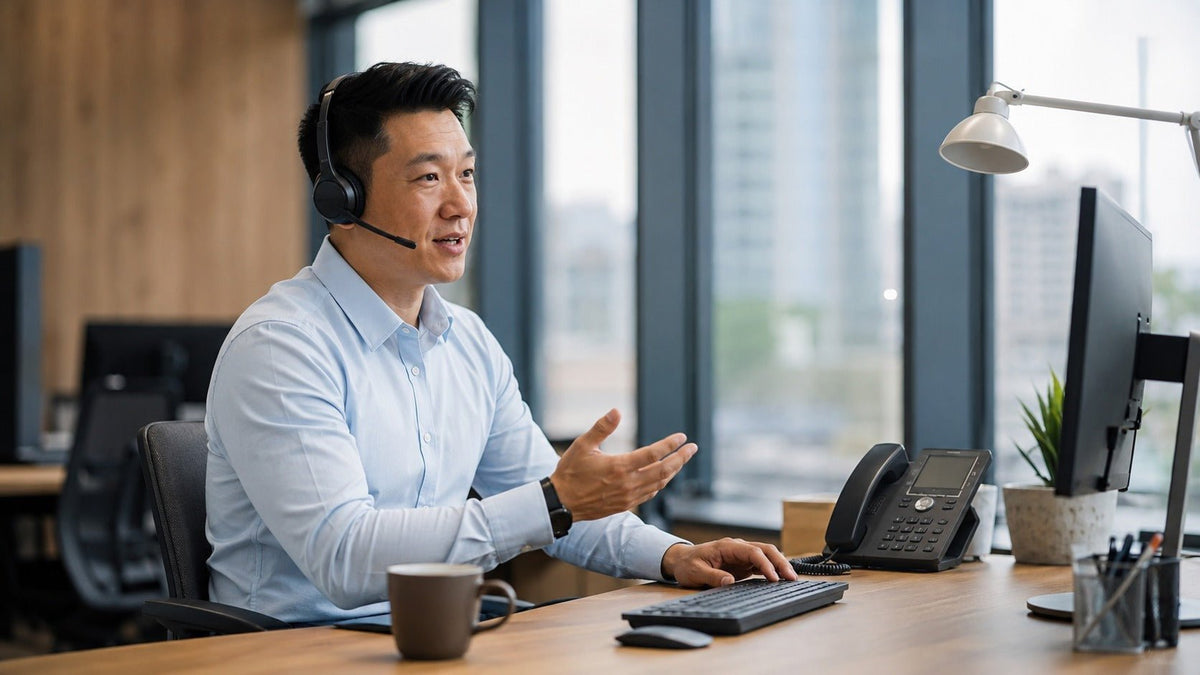
An Avaya-compatible wireless headset must be matched to the exact phone model and connection path. Avaya's J100 documentation shows that support varies: J159 and J189 support USB headsets when the feature is enabled, while J159, J179 and J189 can use Bluetooth headsets when the optional wireless module is installed. Avaya also states that IP Office does not support the USB headset feature in CCMS mode.
Older or different Avaya phones may require a wired headset socket, adapter or electronic hook-switch path instead.
Quick answer: Do not buy a wireless headset from the Avaya brand name alone. Identify the complete phone model, then verify the Bluetooth module, USB headset support, deployment mode, headset profile, base-station or EHS requirements against Avaya's documentation.

First Check What Your Avaya Phone Actually Supports
| Avaya path | Current J100 documentation | What to verify |
|---|---|---|
| Bluetooth headset | J159, J179 and J189 support Bluetooth with the optional wireless module. | Wireless module installed, phone software and headset pairing. |
| USB headset | J159 and J189 support USB-headset operation; Avaya states that IP Office does not support this feature in CCMS mode. | Exact headset, phone software, USB behavior and deployment mode. |
| Wired headset path | J139, J159, J169, J179 and J189 list wired-headset support; J129 does not. | Exact phone model, headset profile and correct cable or adapter. |
| EHS / base-station system | Several Avaya-tested wireless families use specific headset adapters. | Exact headset model and adapter combination. |
See Avaya's J100 Series Overview and Specifications for model-level Bluetooth, wired-headset and USB hardware support, and its J100 Series USB Headset documentation for USB-headset guidance.
Software matters too. Avaya's April 2026 administration guide lists Bluetooth support from software version 4.0.0 and later for J179, 4.0.8 and later for J159, and 4.0.6.1 and later for J189. These models also require the optional J100 wireless module for Bluetooth. Verify the software and deployment documentation for the phone you actually use.
Important IP Office condition: Avaya's August 28, 2026 administration documentation states that the USB headset feature is available on the J159 and J189, but IP Office does not support this feature in CCMS mode. For IP Office deployments, verify the operating mode as well as the phone model and headset connection.
Five Wireless Headset Families Avaya Lists as Tested or Supported
Avaya's January 2025 J100 guide lists tested or supported headset families and the matching headset profile or adapter. These are useful compatibility references, not a claim that every current SKU or every Avaya deployment is identical.
| Headset family | Avaya-listed connection component | Compatibility note |
|---|---|---|
| Jabra PRO 9470 | 14201-33 | Listed by Avaya under headset profile 6. |
| Plantronics CS500 series | APV-63 | CS510 / 520 / 530 / 540 listed under profile 7. |
| Plantronics Savi 700 series | APV-63 | W710 / 720 / 730 / 740 / 745 listed under profile 7. |
| Sennheiser DW series | CEHS-AV03 / AV04 | DW Pro1 / Pro2 / Office listed under profile 8. |
| Sennheiser SD series | CEHS-AV03 / AV04 | SD Pro1 / Pro2 / Office listed under profile 8. |
Availability and product generations change. Use Avaya's January 2025 IP Office J100 Series Phone User Guide to understand the documented connection path, then confirm that the exact headset and adapter you can buy today remain supported for your phone and deployment.
What About a Generic Bluetooth Work Headset?
A Bluetooth headset is not automatically compatible with every Avaya desk phone. On supported J100 models, Bluetooth depends on the phone model, compatible software and optional wireless module. A headset's Bluetooth version alone therefore cannot establish desk-phone compatibility or remote call-control behavior.
Wantek's current wireless work models can be compared for computers and Bluetooth-capable devices, but this article does not label them Avaya-compatible unless the exact Avaya connection path is independently confirmed. For a model-first check, review Wantek's desk-phone headset compatibility guide before choosing a connection path.
Start With the Phone Model, Not the Headset Brand
Use Wantek's device-first finder to identify whether your setup needs a desk-phone compatibility check, a computer headset or another wireless work category.
How to Verify an Avaya Wireless Headset Before Ordering
Record the full Avaya phone model
“Avaya phone” is not enough. J159, J179, J189 and older 96xx/16xx families can expose different headset paths.
Identify the intended connection
Check whether the deployment will use Bluetooth, USB headset support, a wired headset path, a base station or an EHS adapter. For J159/J189 USB deployments on IP Office, also verify whether the system is operating in CCMS mode.
Match the exact adapter and profile
Avaya's guide maps several supported headsets to specific profiles and adapters. Do not substitute a look-alike cable.
Test the actual call-control path
Verify answer/end, mute, volume and audio routing on the deployed phone. Do not assume Bluetooth pairing, headset audio and EHS/DECT remote call control use the same signaling path. Avaya states that its Headset Signaling setting is used for DECT headsets and does not apply to Bluetooth headsets.
Need a Wired Avaya-Compatible Wantek Option Instead?
Wantek lists selected Avaya phone models on a specific RJ-style H600 variant. Verify the exact phone model and wiring before ordering.
Frequently Asked Questions
Can Avaya J179 use a Bluetooth headset?
Avaya's J100 documentation states that J179 supports Bluetooth headsets when the optional wireless module is installed and compatible phone software is in use. Verify the phone configuration before buying the headset.
Can Avaya J159 use a USB headset?
Yes. Avaya documents USB-headset support for the J159 and J189, but IP Office does not support this feature in CCMS mode. Verify the deployed phone, software and operating mode before standardizing a headset.
Will any Bluetooth headset work with an Avaya phone?
No. Bluetooth support depends on the exact Avaya phone, hardware and software configuration, and full call control may require a supported headset or adapter path.
Why does Avaya use headset profiles?
Avaya notes that the headset profile may need adjustment to match supported headsets for optimal sound and performance. The correct profile depends on the connected headset family.

