
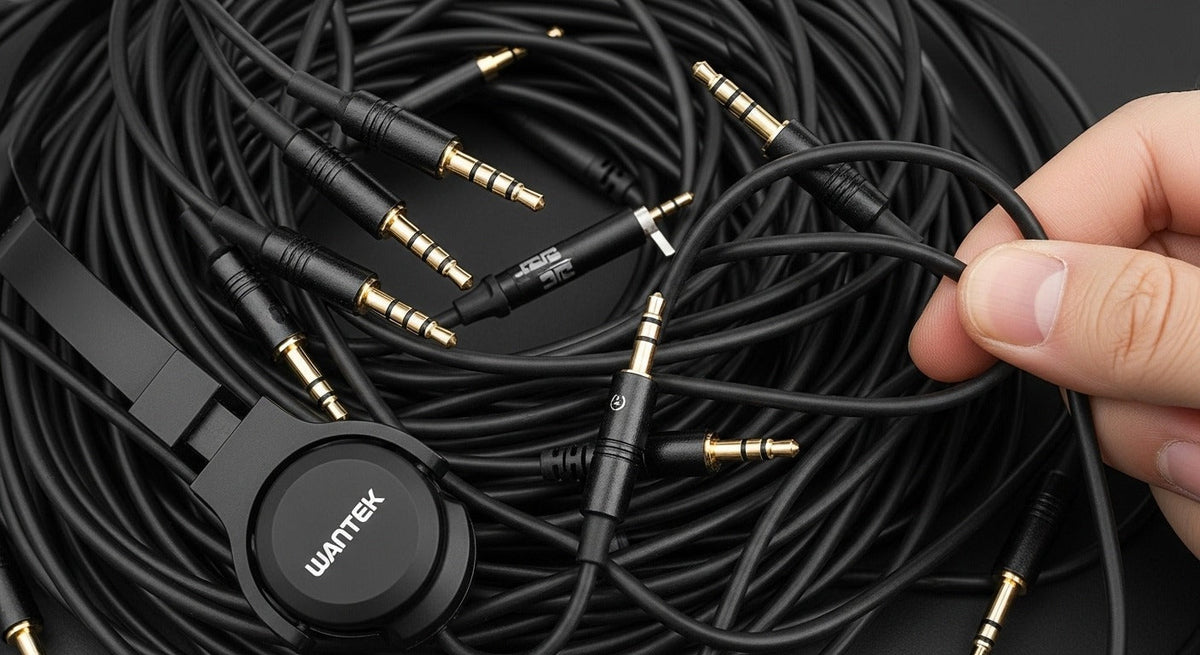
To identify the plug on wired headphones, check two separate things: its diameter and its contact layout. The metal connector on the cable is the plug; the matching port on the device is the jack or socket. A 3.5 mm plug can still be TS, TRS, or TRRS, so size alone does not tell you whether it carries stereo audio, a microphone, or controls.
Quick answer: Most consumer wired headphones and headsets use a 3.5 mm plug, while 6.35 mm is common on studio and instrument gear and 2.5 mm appears mainly on older or specialized devices. After size, check TS/TRS/TRRS contacts and whether the source device expects headphones only or a headset with a microphone.
Headphone plug vs. jack: size and contact layout are different
The plug is the male connector attached to a cable; the jack or socket is the receiving port. Diameter describes physical size, while TS, TRS, and TRRS describe the conductive contacts. Two 3.5 mm plugs can therefore fit the same-size port but support different functions.

Common headphone plug sizes
| Size | Common name | Typical use |
|---|---|---|
| 2.5 mm | Sub-mini | Older mobile devices, some radios, headsets, and specialized equipment. |
| 3.5 mm | Mini / 1/8-inch | Wired headphones and headsets, laptops, controllers, portable audio gear, and other consumer devices that still provide an analog jack. |
| 6.35 mm | 1/4-inch | Audio interfaces, headphone amplifiers, mixers, musical instruments, and other studio or stage equipment. |
3.5 mm
A 3.5 mm plug is compact and widely used for analog headphone and headset connections, but support varies by device. Some ports carry stereo output only; combo headset ports can also accept a microphone when the wiring matches.
6.35 mm
A 6.35 mm connector is physically larger and is common on professional and musical-audio equipment. The larger diameter does not by itself guarantee better sound; the connected equipment, wiring, headphone design, and signal path matter more.
2.5 mm
A 2.5 mm connector is less common in current consumer headphones. It still appears on some radios, legacy devices, and specialized equipment, so confirm the exact port before buying an adapter.

TS, TRS, and TRRS describe the contacts
The letters describe the conductive sections of the plug: tip, ring, and sleeve. This is separate from plug diameter. If microphone support is the reason you are checking the connector, Wantek’s TRS vs. TRRS guide explains the contact layouts and headset-combo-jack differences in more detail.

| Layout | Contacts | Common use and limitation |
|---|---|---|
| TS | Tip + sleeve | Often used for mono or instrument signals. It is not a standard stereo-headset connection. |
| TRS | Tip + ring + sleeve | Common for stereo headphones, but TRS can also carry balanced mono signals in other audio equipment. |
| TRRS | Tip + two rings + sleeve | Common for stereo headset audio plus microphone. Wiring standards and device support still need to match. |
Why a plug can fit but still not work correctly
- Headphone vs. headset: a stereo headphone plug may not provide a microphone connection.
- Combo vs. separate PC jacks: some computers use one TRRS headset port; others separate headphone and microphone inputs.
- TRRS wiring: microphone and ground can occupy different contacts under CTIA and OMTP conventions. The Android Open Source Project 3.5 mm headset specification documents CTIA LRGM as the required accessory pinout for Android-compatible headsets, with OMTP LRMG as an alternative.
- Adapter function: changing physical size does not automatically add microphone, remote-control, or digital-audio support.
- USB-C adapters: connector shape alone is not enough. The Android Open Source Project USB-C-to-analog audio adapter specification requires digital-to-analog conversion for supported adapters, so the adapter electronics and source-device support matter.
After you identify the plug and port, use Wantek’s 3.5 mm headphone jack and adapter guide to choose an adapter by signal path rather than connector shape alone.
How to choose the right connection
- Identify the source port. Check whether the device has a 2.5 mm, 3.5 mm, 6.35 mm, USB-C, USB-A, Lightning, or another audio connection.
- Decide whether you need a microphone. Listening-only headphones and headsets with a microphone can use different contact layouts even when the plug diameter matches.
- Match diameter and contacts. Confirm both the physical size and the TS/TRS/TRRS arrangement expected by the device.
- Check the adapter’s function. A size adapter, headset splitter, and digital USB-C audio adapter solve different problems and are not interchangeable.
Frequently asked questions
What is the plug on wired headphones called?
The metal connector attached to the cable is the headphone plug. The matching receptacle on the source device is the headphone jack or socket. Everyday usage sometimes calls both parts a “jack.”
What are the most common headphone plug sizes?
3.5 mm and 6.35 mm are common for headphones and audio equipment. The smaller 2.5 mm size is less common today but still appears on some legacy and specialized devices.
Is every 3.5 mm headphone jack the same?
No. A 3.5 mm connection can use different contact layouts, including TRS and TRRS. The device also determines whether the port supports headphones only or a headset microphone.
Can I use an adapter between 3.5 mm and 6.35 mm?
Yes, when the adapter matches the required signal and contact layout. A physical size adapter does not guarantee microphone, controls, balanced wiring, or every device-specific function.
Does a larger headphone jack sound better?
Not by itself. Plug diameter does not determine sound quality. Headphone design, source output, connection quality, wiring, and the rest of the signal path are more important.
Compare 3.5 mm Wantek headsets
If your device supports a compatible 3.5 mm headset connection, compare current Wantek options by wearing style, microphone, and controls.

