
USB-C headphones use the same connector shape across phones, tablets, computers and consoles, but that does not make every USB-C audio device universally compatible. The host device, digital-audio implementation, microphone path, controls, power and software all matter.
Start with compatibility, not “digital is better.” Apple EarPods (USB-C) are a simple direct-wired option for supported USB-C Apple devices; JBL Tune 310C USB-C adds a sealed in-ear fit, microphone, three-button controls and manufacturer-stated Hi-Res certification. A USB-C-to-3.5 mm adapter lets you reuse analog headphones when the adapter and host support the required audio path.

Three USB-C Audio Paths to Understand
| Path | Example | What to verify |
|---|---|---|
| Direct USB-C earphones | Apple EarPods (USB-C) | Host-device compatibility, microphone/controls, OS requirements, and whether the fit suits you. |
| USB-C in-ear with onboard controls | JBL Tune 310C USB-C | JBL lists a built-in mic, three-button remote and device-compatibility guidance; check your exact phone, computer or console. |
| USB-C to 3.5 mm adapter | Apple USB-C to 3.5 mm adapter | DAC/ADC behavior, headset microphone support, remote controls, output level and host compatibility. |
USB-C Does Not Guarantee Better Sound
USB-C is a connector and data/power interface, not a sound-quality rating. A USB-C headphone may include its own DAC, amplifier and DSP, while an analog 3.5 mm headphone relies on the source or adapter for conversion.
The final result depends on the transducer, tuning, fit, seal, DAC, amplifier, DSP and recording. A direct digital connection can be convenient without automatically outperforming a good analog path.
USB-C Headphones Can Contain Their Own Electronics
Digital USB-C headphones commonly contain conversion electronics because the headphones need an analog signal to drive the transducer. That can also enable inline controls, EQ presets or other processing.
JBL Tune 310C, for example, documents USB-C connectivity, a three-button remote with microphone and EQ preset control. Those features are product-specific; they are not properties of every USB-C headphone.
Compatibility: Same Plug Does Not Mean Same Audio Support
Some USB-C ports support charging and data but behave differently with audio accessories. Operating systems can also handle microphone input, button controls and device enumeration differently.
JBL publishes a compatibility guide for the Tune 310C because this is a real issue. Apple similarly lists explicit OS requirements for its USB-C EarPods: USB-C iPhones require iOS 17 or later.
Microphone and Remote Controls Need Separate Verification
A headphone can play audio while some inline buttons or microphone functions fail on another device. Check answer/end-call, volume, play/pause and microphone input on the exact phone, computer, tablet or console.
This matters especially when using USB-C adapters with legacy 3.5 mm headsets. Some adapters are designed primarily for stereo output, while others include microphone input support.
USB-C Adapters Are Small Audio Interfaces
A USB-C-to-3.5 mm dongle can contain a DAC for headphone output and an ADC for headset microphone input. Treat it as an audio interface rather than a passive shape changer.
If you already own good 3.5 mm headphones, a compatible adapter can be more economical than replacing them. Apple currently sells a USB-C-to-3.5 mm adapter for its USB-C devices, but microphone/control behavior should still be checked for the headset you use.
USB-C vs. Bluetooth
USB-C avoids wireless pairing and can provide a predictable direct connection, while Bluetooth adds mobility and device switching. Neither format guarantees better sound, lower total latency in every app, or better microphones.
For gaming or live monitoring, measure the complete delay. For commuting, cable management may matter more than a small technical advantage.
Charging While Listening
A phone with one USB-C port cannot simultaneously accept a simple USB-C headphone plug and charging cable. Split adapters and hubs exist, but power delivery and audio support vary, so verify both functions before relying on one for travel or long calls.
How to Choose USB-C Headphones
- Confirm the exact host device and OS.
- Decide earbuds, in-ear, headset or over-ear form factor.
- Verify microphone and inline controls separately from playback.
- Check whether you need direct USB-C or can reuse 3.5 mm headphones through an adapter.
- Check cable length and connector strain for your device position.
- Test calls, games or monitoring in the actual application you use.
For current model examples rather than compatibility fundamentals, see USB-C Wired Headphones in 2026: What to Compare Before You Buy.
Need a USB-C Headset for Work Calls?
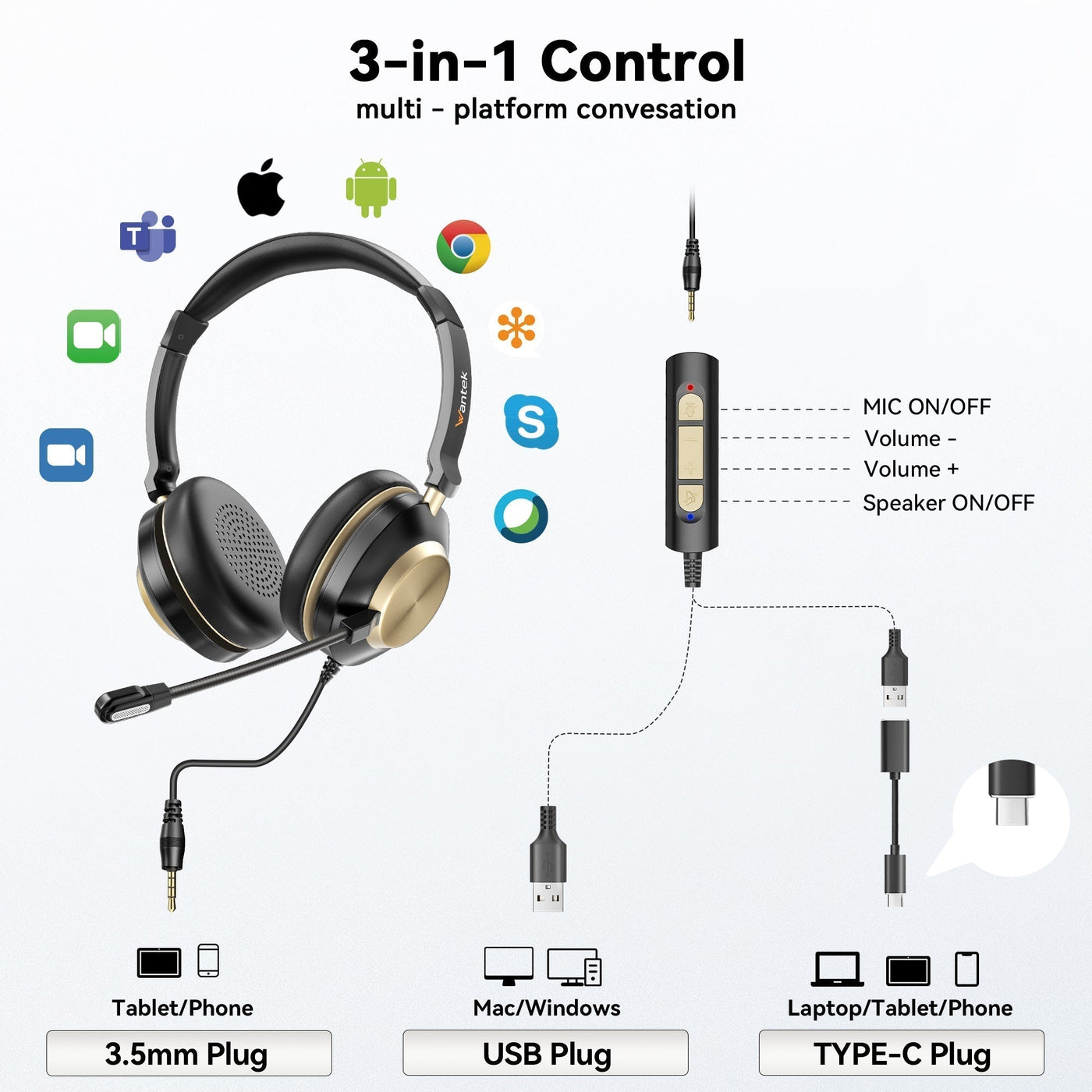
For office use, compare boom microphone placement, mono or dual-ear fit, mute controls and USB-C/USB-A compatibility rather than music features alone.
Frequently Asked Questions
Do USB-C headphones work with every USB-C phone?
No. The connector may fit, but host audio support, OS behavior, microphone routing and controls can differ. Check the manufacturer's compatibility list for the exact device.
Are USB-C headphones better than 3.5 mm headphones?
Not automatically. USB-C changes the signal path and places conversion electronics in the headphone or adapter. Driver design, tuning, fit and electronics determine performance.
Can USB-C headphones use a microphone?
Many can, including Apple USB-C EarPods and JBL Tune 310C, but microphone support is product- and host-specific. Verify it separately from playback.
Can I use old 3.5 mm headphones on a USB-C phone?
Yes, with a compatible USB-C-to-3.5 mm audio adapter. If the headset has a microphone or controls, verify that the adapter supports those functions too.

