
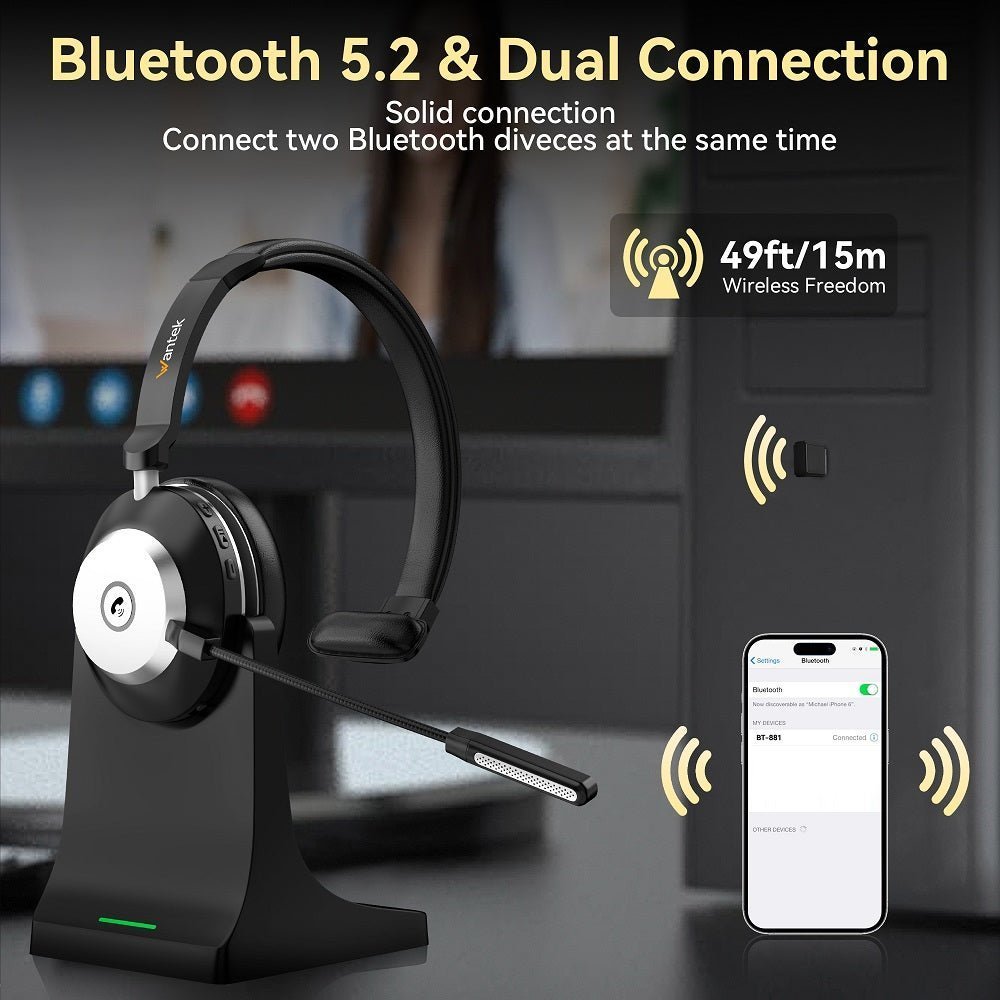
The best Bluetooth headset for a computer is the one that matches your call workflow, not the one with the newest Bluetooth version. For Windows or Mac, compare microphone placement, direct Bluetooth versus USB-dongle connection, multipoint behavior, mute controls and comfort before comparing battery numbers.
Start with the connection: direct Bluetooth is convenient; a vendor USB adapter can make device selection and call controls more predictable; a dedicated 2.4 GHz or DECT USB headset is a different wireless category and should not be mislabeled as ordinary Bluetooth.

Three Computer Headset Connection Paths
| Connection | Useful when | Check before buying |
|---|---|---|
| Direct Bluetooth | You switch between a laptop and phone without carrying a USB receiver | Computer Bluetooth support, multipoint behavior, app controls and microphone mode |
| Bluetooth + USB adapter | You want a vendor-controlled PC connection and easier deployment | Exact adapter/SKU, USB-A or USB-C port, call controls and platform certification |
| Dedicated USB wireless | You want a purpose-built PC link rather than relying on the computer's Bluetooth radio | Whether the radio is 2.4 GHz, DECT or Bluetooth-based; range and mobile fallback vary |
Microphone Design Matters More Than Bluetooth Version
A boom microphone places the mic closer to the mouth and is common on work headsets. A newer Bluetooth version does not, by itself, prove better voice pickup or background-noise rejection. Evaluate the microphone design and the exact headset's call behavior.
Multipoint Is Model-Specific
Do not infer multipoint from “Bluetooth 5.x” on a spec sheet. A headset must explicitly support the device-switching behavior you need. If you move between a laptop and phone all day, verify whether both can remain connected and how incoming calls are handled.
Example: Wantek BT-186
Wantek’s current BT-186 wireless PC headset provides a dedicated 2.4 GHz USB dongle plus Bluetooth mode, a boom microphone and listed playback of up to 40 hours. It is a useful example of why “wireless USB headset” and “Bluetooth headset” can overlap without being the same connection path.
Windows and Mac Setup Checks
- Select the headset as both output and microphone input in the operating system and meeting app.
- If the headset includes a USB adapter, compare its behavior with direct Bluetooth before deciding which path to use.
- Check mute behavior in the headset, operating system and call app; these controls do not always mirror each other.
- Test the exact apps you use for calls rather than assuming music playback proves microphone compatibility.
For Windows pairing steps, Microsoft’s Bluetooth device setup guidance covers the operating-system side of the connection.
Frequently Asked Questions
Is a USB dongle better than direct Bluetooth for computer calls?
Not universally. A vendor adapter can simplify compatibility and call controls, while direct Bluetooth avoids occupying a USB port. Compare the exact headset and application.
Do all Bluetooth headsets work with Windows and Mac?
Basic Bluetooth audio may work broadly, but microphone routing, buttons, apps and certification vary. Verify the exact operating system and headset documentation.
Does Bluetooth 6.0 mean the microphone sounds better?
No. Bluetooth version is not a microphone-quality score. Mic placement, processing, negotiated profile and the rest of the call path matter.
Should I choose mono or stereo for work?
Mono leaves one ear open to the room; stereo provides more isolation and focus. The better choice depends on your workspace and call style.

