
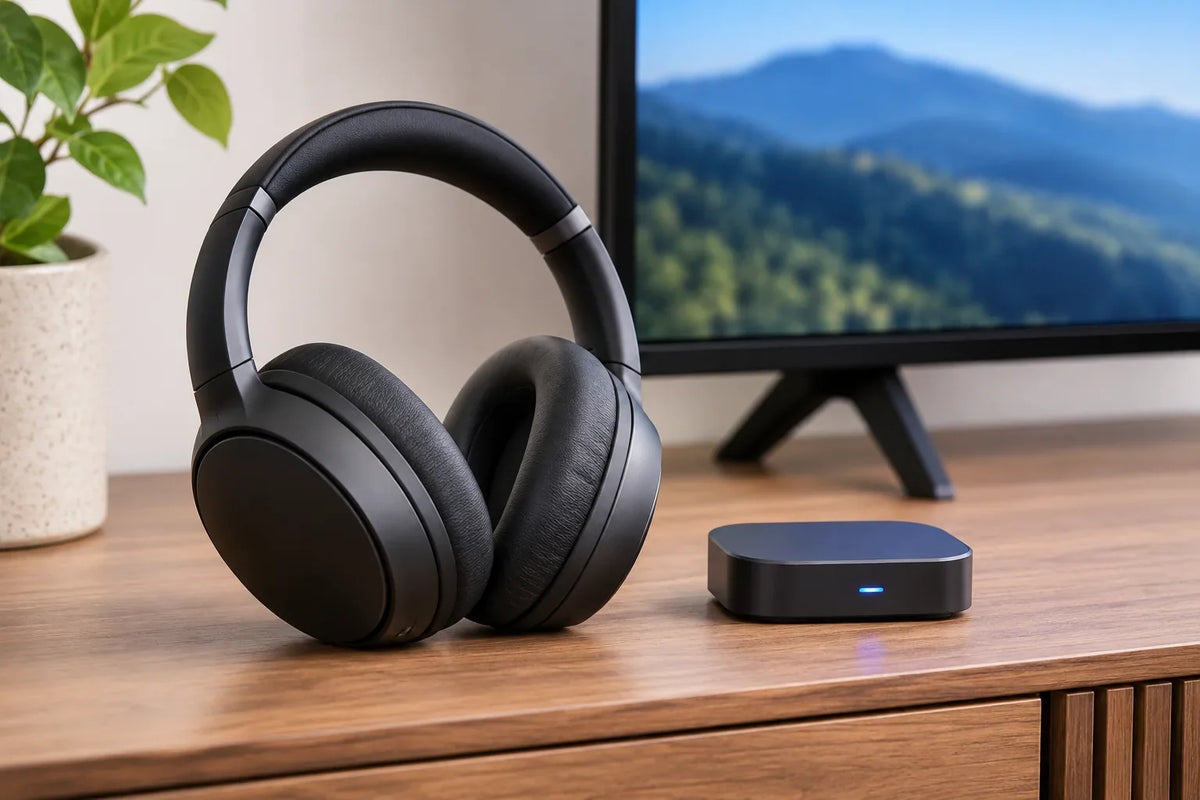
aptX LL headphones are Bluetooth headphones that explicitly support Qualcomm aptX Low Latency. They need a transmitter that supports the same codec to use that low-delay connection. A general “aptX” label, a newer Bluetooth version, or a gaming-mode claim is not enough.
Before buying: Check the exact headphone model, the TV/PC/adapter's aptX LL transmission support, and how you will confirm the active codec. If either end lacks aptX LL, do not assume you will get an aptX LL connection.
What Does aptX Low Latency Mean for Headphones?
aptX LL (aptX Low Latency) is a Bluetooth audio codec designed to reduce the delay between sound and picture. Qualcomm cites approximately 40 milliseconds under a specified audio-adapter setup. That figure is not a measured end-to-end result for every headphone, television, computer, or game.
The complete path includes your source, software, any transmitter or processing, and the headphones. Video apps may compensate for delay while interactive games or live microphone monitoring cannot always do the same. Compare the actual setup, not just a codec's advertised number.
aptX LL vs. aptX Adaptive: Check the Exact Name
These labels identify different features in the aptX family. Qualcomm describes aptX Adaptive as having its own dynamic low-latency mode. That does not establish compatibility with a transmitter that requires the distinct aptX Low Latency codec.
- aptX LL: Look for the words “aptX Low Latency” or “aptX LL” in both device specifications.
- Standard aptX or aptX HD: These names do not, by themselves, verify aptX LL support.
- aptX Adaptive: It has low-latency features on supported devices, but do not assume an aptX LL-only transmitter can use them.
- Bluetooth version: A number such as Bluetooth 5.4 does not identify which optional audio codecs a product supports.
Examples of Headphones With Documented aptX LL Support
The following are evidence-backed examples, not a ranking of current products or a claim that each is available to buy. Check the exact generation, seller listing, and transmitter requirements before purchasing.
| Headphone model | What the source confirms |
|---|---|
| Avantree Audition Pro | Qualcomm lists aptX Low Latency and describes the delay claim as dependent on a compatible LL transmitter. |
| Sennheiser MOMENTUM Wireless (Qualcomm-listed model) | Qualcomm lists aptX Low Latency. Match the exact generation; do not transfer this claim to newer MOMENTUM models. |
| Avantree Alto Clair 2 | Avantree lists aptX-LL in the model's codec specifications, but says the supplied PC system is not compatible with TVs. |
As a counterexample, beyerdynamic lists aptX Adaptive and aptX Lossless for AVENTHO 200, not aptX LL in the model's published codec list. Do not treat “low latency” or “Snapdragon Sound” as proof of this exact codec.
How to Choose an aptX LL Headphone and Transmitter Pair

- Start with the source. Identify whether audio comes from a TV, streaming box, PC, console, or another device. Check which audio output and Bluetooth transmission options are actually supported.
- Verify both codec lists. Find explicit aptX LL support in the headphone manual and the transmitting device or external adapter. Ordinary Bluetooth pairing is not sufficient evidence.
- Check how the connection is confirmed. Some transmitters display an LL indicator or an active-codec status. Avantree's troubleshooting instructions explain that the actual connection mode matters.
- Account for the job. For TV, test dialogue lip sync. For gaming, test actions and voice chat separately. A playback codec listing does not guarantee the same behavior with a microphone active.
- Keep a fallback. If LL compatibility cannot be verified, compare a compatible wired connection or a dedicated low-latency wireless system. See our low latency headphone connection guide for those alternatives.
Why Do aptX LL Headphones Still Have Audio Delay?
First check whether the transmitter reports an LL connection rather than standard aptX or SBC. If it does not, check both model specifications, remove competing device connections, and pair the intended transmitter with the headphones again. Next, test any processing or lip-sync settings on the TV or source.
A TV setting that shifts audio or picture timing may help movies without lowering the time between a game action and its sound. If voice chat or live monitoring is the priority, use a wired baseline and compare the complete audio path before relying on Bluetooth.
Prefer a Matched TV Headphone System?
Choosing a complete headphone-and-transmitter kit can be simpler than matching separate devices. Wantek offers a TV listening system with its own transmitter and charging stand. Check your TV audio outputs before choosing it. Its product listing does not establish aptX LL support.
aptX LL Headphones FAQ
Do both my headphones and transmitter need aptX LL?
Yes. The headphones must support receiving aptX Low Latency, and the source or separate Bluetooth transmitter must support sending it. Otherwise the devices may connect using another codec.
Is aptX Adaptive the same as aptX Low Latency?
No. aptX Adaptive includes a low-latency mode, but it is not the same codec label as aptX LL. Check explicit support for the mode your transmitter requires.
Will any USB Bluetooth dongle give me aptX LL?
No. A dongle needs documented aptX LL transmitting support and must work as an audio source on your platform. The headphones must also support the codec.
Are aptX LL headphones the best option for gaming?
Not automatically. Compare total delay, platform support, microphone routing, and reliability. A compatible wired headset or dedicated wireless receiver may be a better match for interactive gaming.

